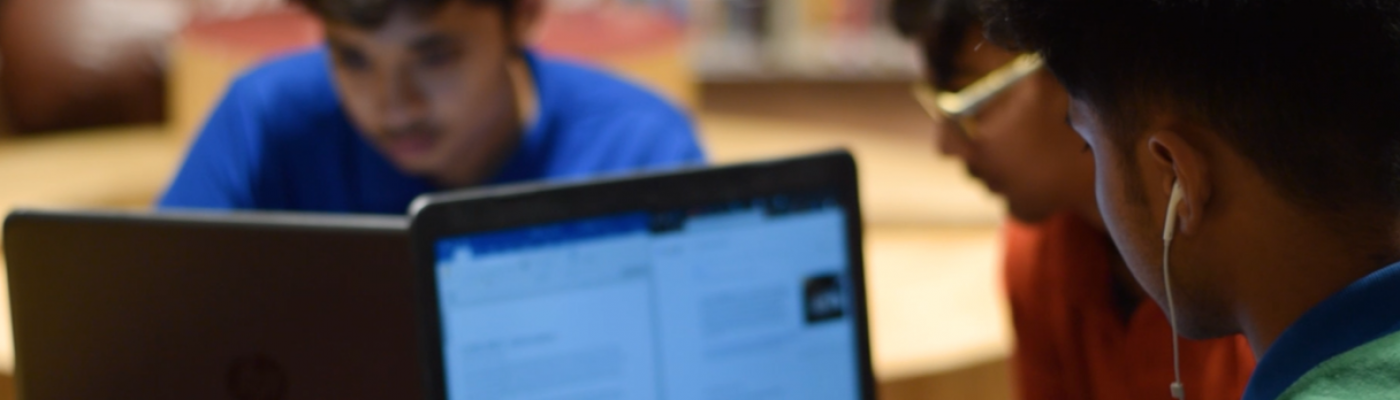
ReIMAGINING Technology with an eye to the FUTURE
From the desk of Ms Rima Singh, Head of School
Demands on technology often emerge and change rapidly. The pandemic brought a surge in the use of certain tools that may continue to be used over a long time or may be forgotten. While schools that adapted their teaching and learning styles and backed it with technology did well, there were others that suffered the lack of infrastructure despite the best interest of students at heart.
While remote work mindset will continue in the post pandemic era, not every office will function online.The much needed awareness about security risks of doing everything online was amplified for us to pay heed. Digital self service solutions and E -commerce buying patterns have created a new baseline in consumer behaviour. With social distancing as the new norm, people are now more comfortable with contactless and voice-enabled interactions. We have survived with video conferencing over the past year.Tech trends surely have moulded our lives and we seem to be spending more on-screen time despite its shortfall.
It is time we reimagine the use of technology within our classrooms too so that students are not merely surviving but rather thriving in these times that ask each one of us to become future focussed.
Fawn
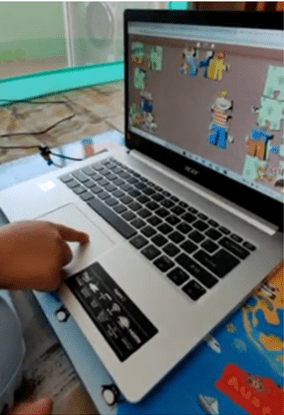
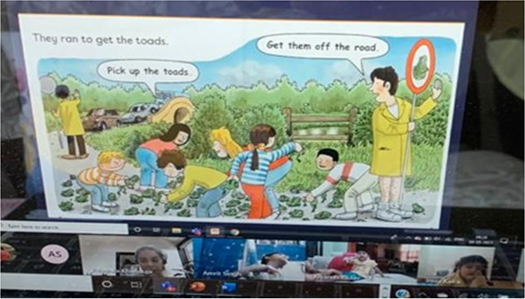
Customized jigsaw pieces of characters like Biff, Chip, Kipper and Floppy were shared with students on the virtual platform. Students assembled the pieces to complete pictures thereby enhancing their logical thinking skills.
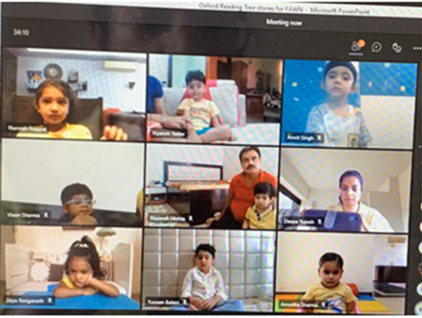
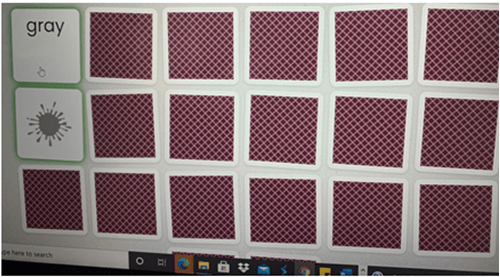
Flippity is a series of web apps that can easily turn a google spreadsheet into a set of online Flashcards or Quiz Show. Students were introduced to the app Flippity.net and they played a memory game using the app where they remembered the colours hidden under each card and matched them to clues.This activity aimed to help them improve thinking skills, concentration, attention and persistence capabilities.
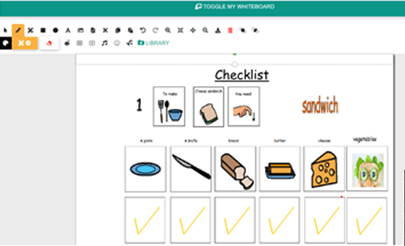
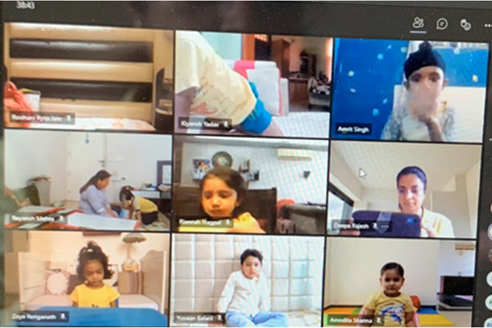
The collaborative digital canvas Microsoft Whiteboard was used to share a checklist with students. They used the checklist during a flameless cooking activity to ensure that they had collected all the required materials.
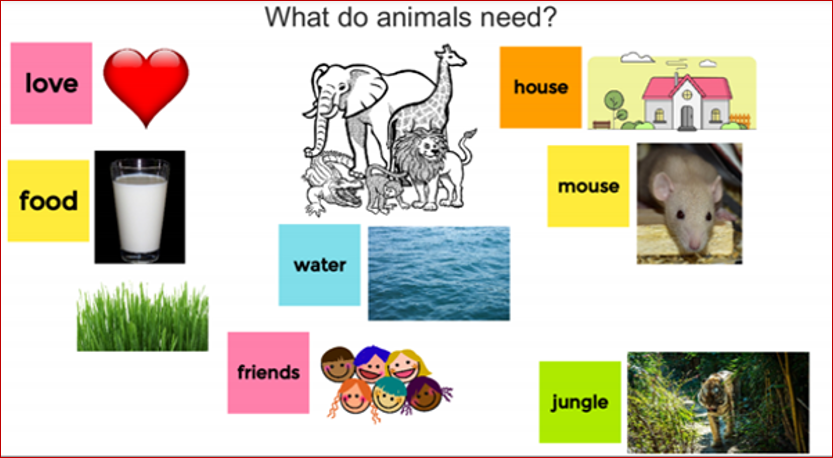
Jamboard and a VTR ‘Think-Pair-Share’ were used for an activity where students individually pondered and then discussed what animals need, with their partners. This routine encouraged students to think about the topic and then articulate their thoughts.
Joey

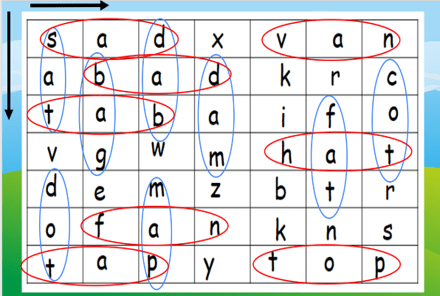
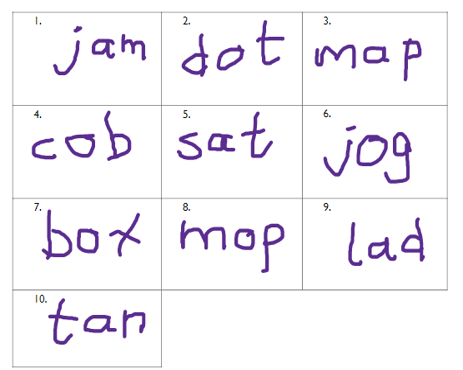
CVC word families have been introduced in class using Google Slides. A formative assessment was conducted on short vowel ‘a’, ‘op’ and ‘ot’ families with a word-search activity using the google slides. Students identified CVC words and circled them horizontally or vertically from a mixed pool of letters.
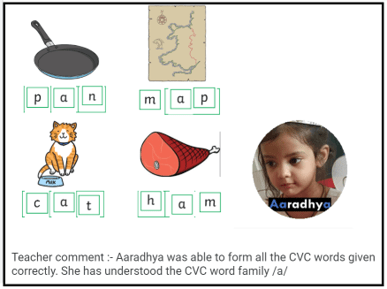
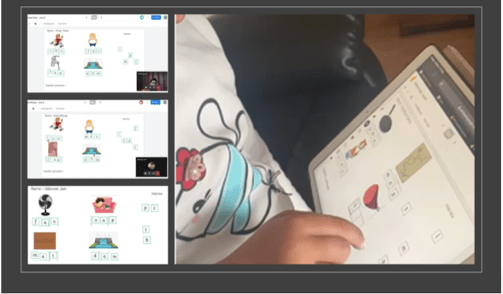
To strengthen the concept of CVC/a/family words Google Jamboard was used wherein students identified pictures and then spelt them.
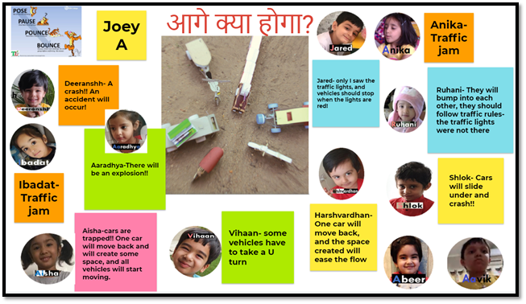
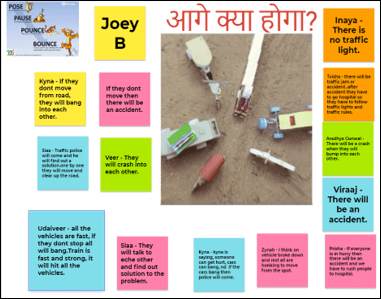
A VTR ‘Pose-Pause-Pounce-Bounce’ was used during Hindi class to foster expression and improved listening skills amongst students. The activity led them to reflect, respond and work on their thinking and social skills to understand diverse perspectives.
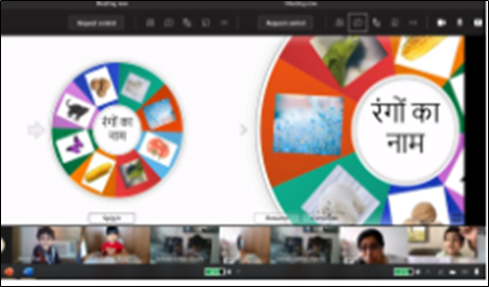
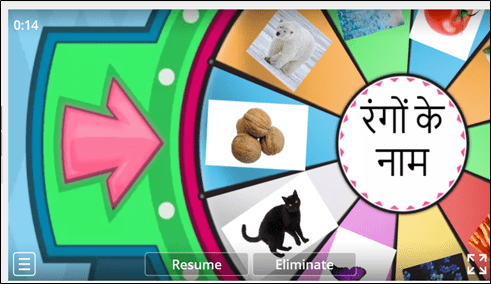
Students participated in an online word-wall game to enhance their thinking skills and to recapitulate names of colours in Hindi.
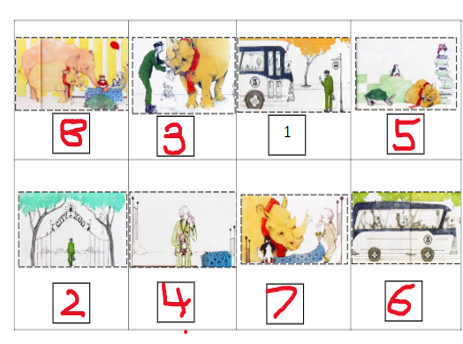
Students were assessed virtually on sequencing events of a story. Students efficiently used drawing tools to complete the task.
Kindergarten
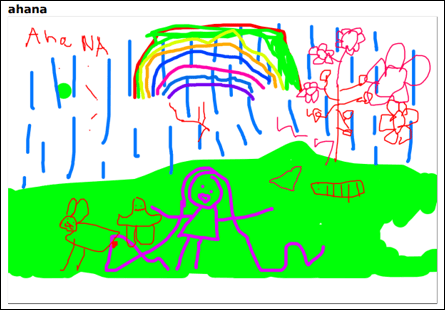

Students inquired about spring season and used whiteboard.fi to illustrate their take on spring .
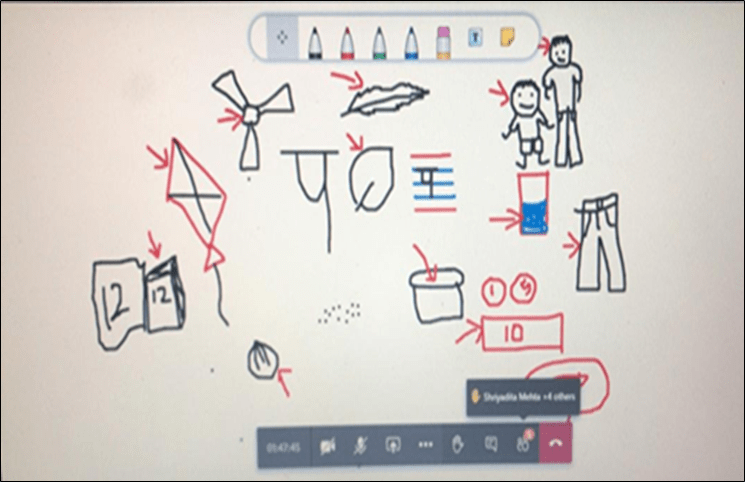
Students used Microsoft whiteboard to illustrate objects beginning with vyanjan ‘प’.
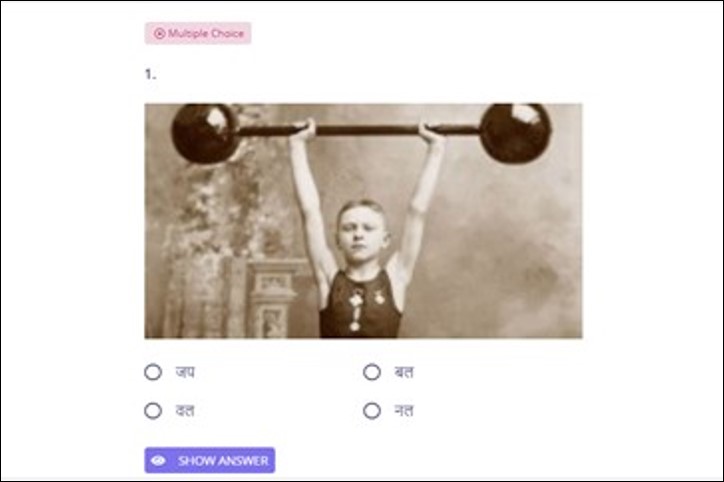
Reinforcement of two letter words was done with an online quiz on quizizz.com.
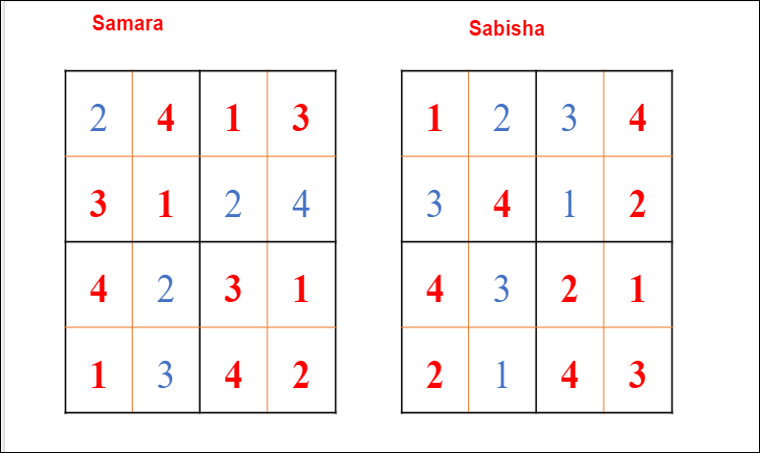
Google slides was used by students to practice sudoku.
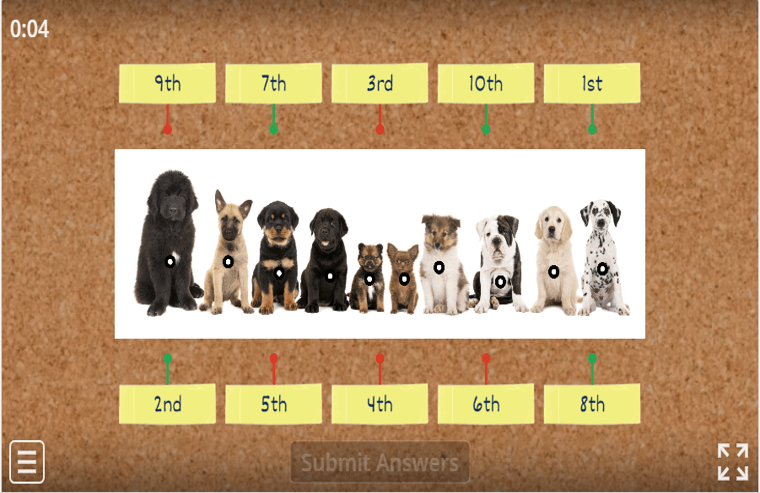
Wordwall.net was used to assess students’ understanding of ordinal numbers.
Grade 1

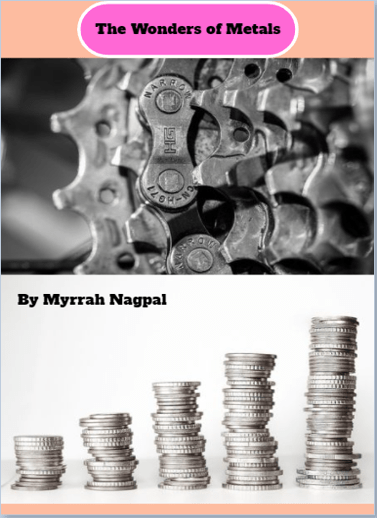
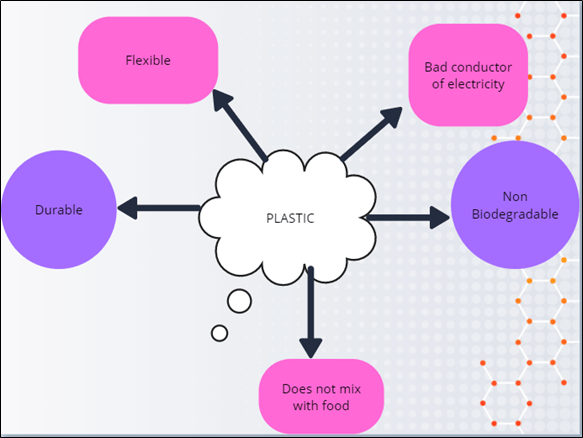
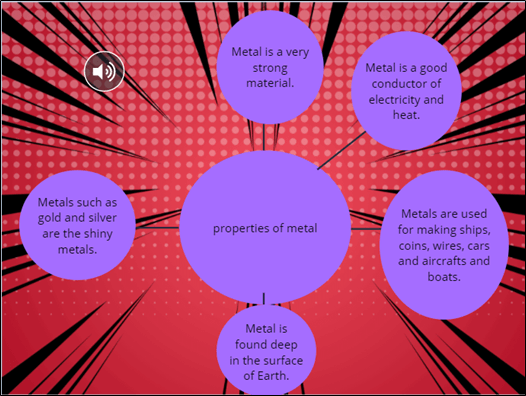
Students enhanced their communication and visualization skills by expressing their creativity using a digital storytelling application- Book Creator. They designed nice book covers and demonstrated the properties of material by creating a mind map.


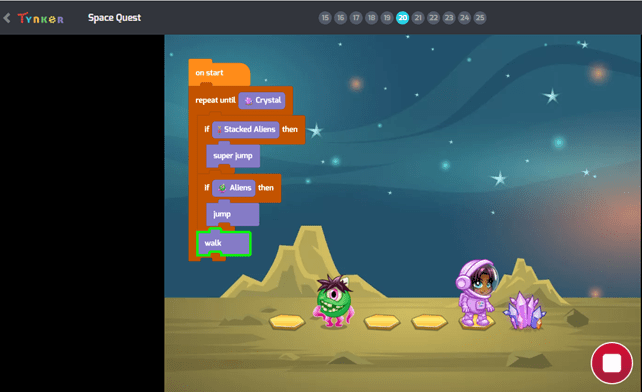
Acquiring coding skills is a necessity for the future. Keeping this thought, a coding curriculum was designed to promote computer science as a fun activity. Also to help students take strides in the world of coding from an early age, they learned programming concepts like loops, conditionals and basic debugging during their lessons. Students enhanced their computational thinking skills using the programme.
Grade 2

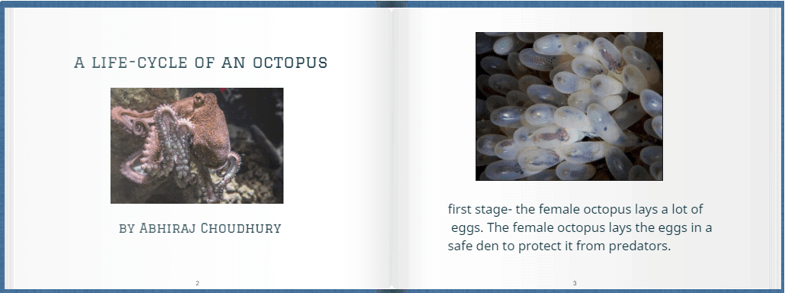
Students showcased their understanding of various life cycles and expressed their creativity using a digital storytelling application StoryJumper. They illustrated their book using photos and handmade artwork, inserted voice, background music with sound effects.
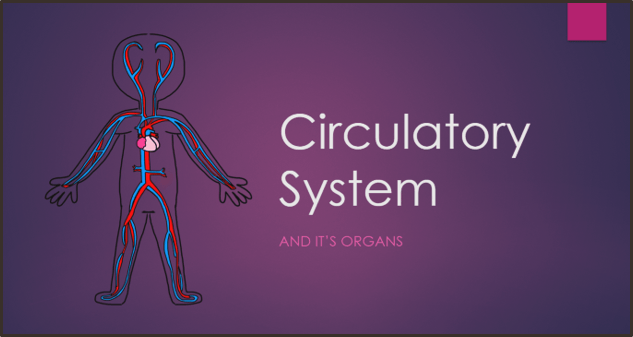
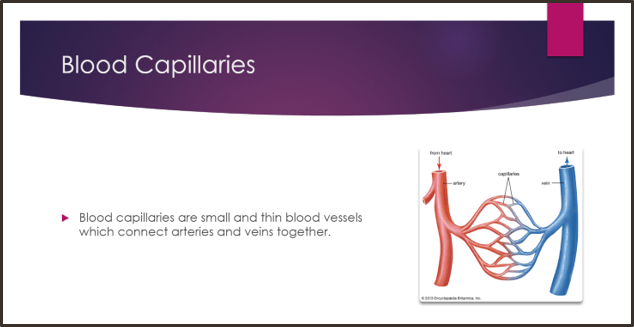
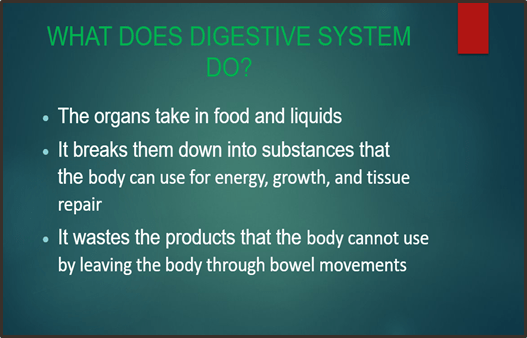
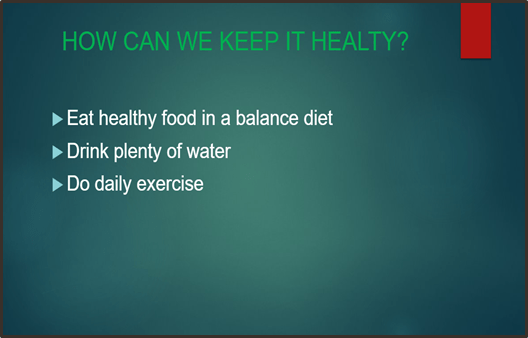
Students were encouraged to use multiple media and enrich their presentation skills with the use of PowerPoint. They expressed their understanding about ‘Body Systems’ by creating an appealing PowerPoint presentation.
Grade 3

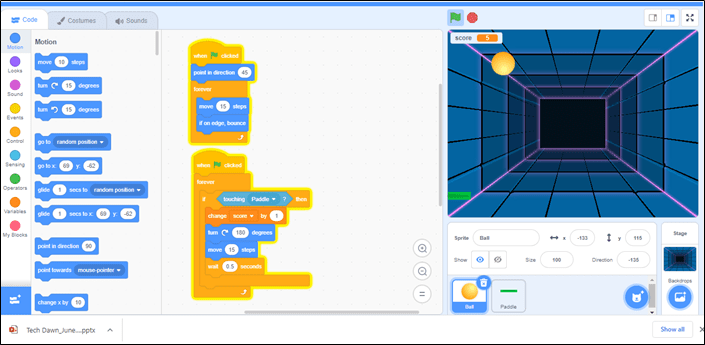
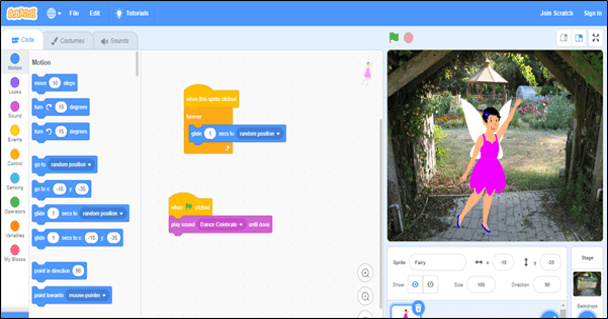
Coding is a basic literacy skill in the digital age. It is important for students to understand and hone their thinking, creativity and problem-solving skills. Scratch is a block-based program which encourages students to build their own stories and games.Students learned programming concepts like loops, conditionals and basic debugging during their lessons.

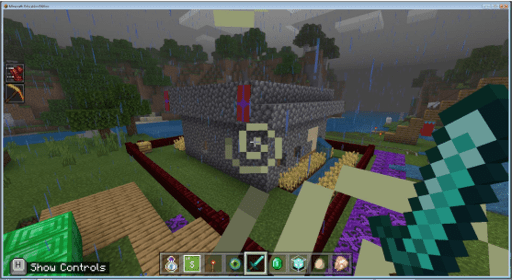
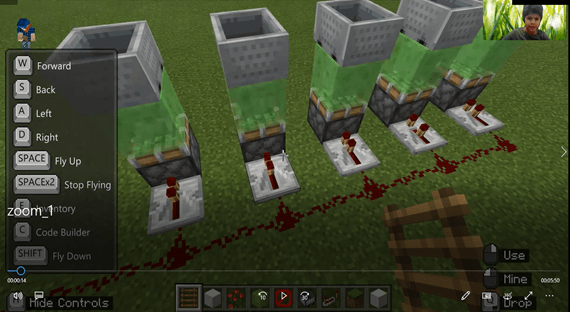

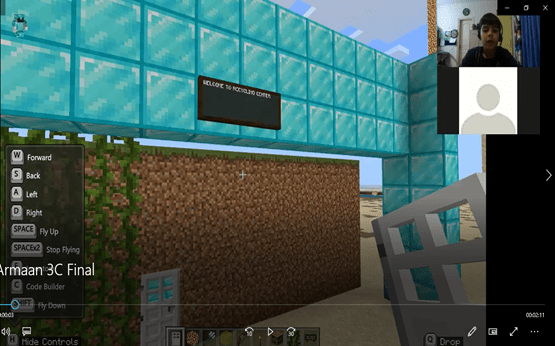
Minecraft gives students the freedom to create while pushing their imaginations to the limit and allowing them to be creative in ways not possible in the traditional classroom environment. Students used their 21st century skills of real life problem solving and designed an effective waste disposal/treatment system using Minecraft Education Edition.
Grade 4

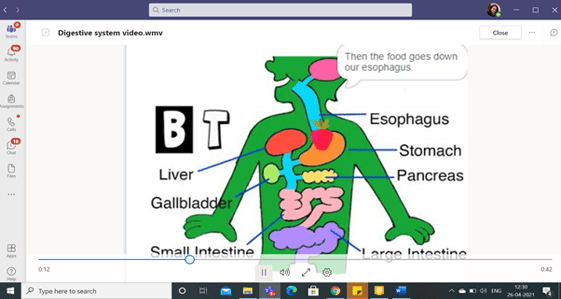
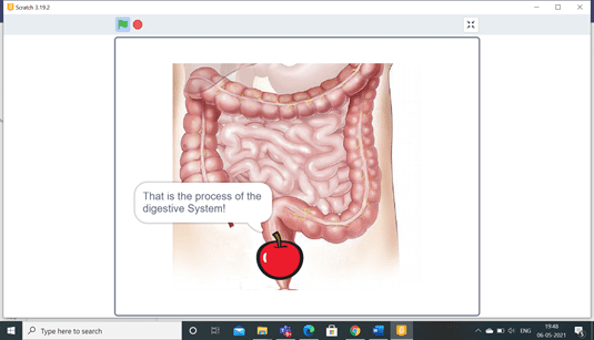
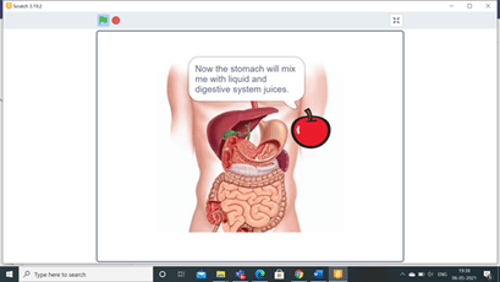
Fourth graders were introduced to an upgraded level of the visual programming language Scratch. Students were able to develop their capacity to be more structured and organized in the management of resources and the use of tools that led them to create a scratch project that demonstrated the working of the digestive system.
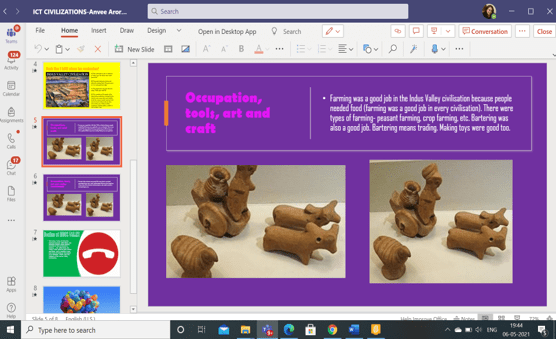

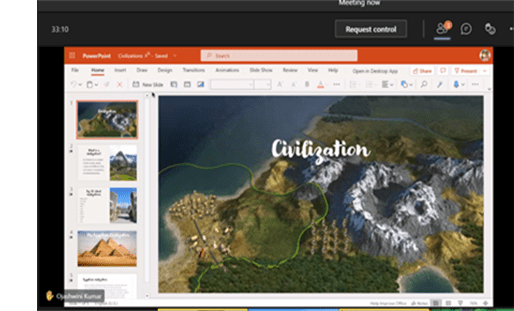
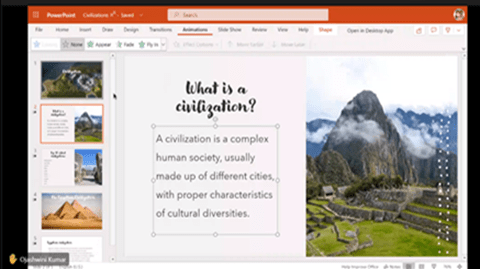
PowerPoint software was used by students for integration with unit on ‘Civilizations’. This helped fourth graders to research and create an appealing presentation on the topic.
Grade 5


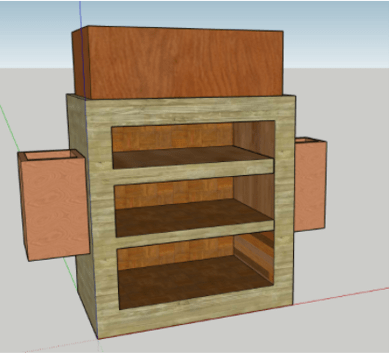

Fifth graders designed simple machine models as part of ICT integration with the unit on ‘Simple Machine’. Students applied their creative and critical thinking skills while using ‘Tinker Cad’, a tool for designing models. They learned to apply the knowledge of simple and complex machine in designing solutions to real-life problems.
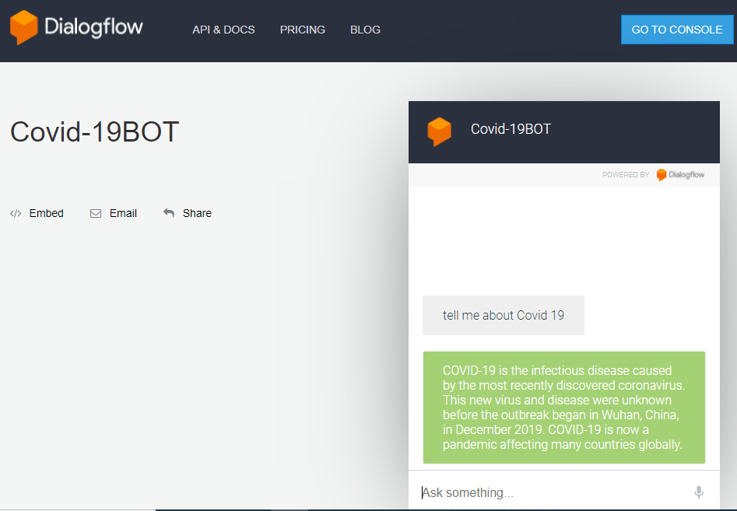
Artificial Intelligence is the new buzz word being used in every field. Fifth graders learned to create an online chatbot using DialogFlow, an online tool. Students used their presentation and designing skills and built an online chatbot that can provide information using artificial intelligence.
Safer Internet Day 2021
Safer Internet Day is celebrated globally each year to promote the safe and positive use of digital technology. The theme for Safer Internet Day is “Together for a Better Internet”.
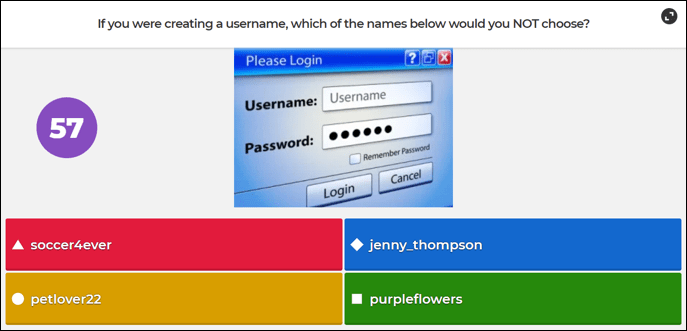
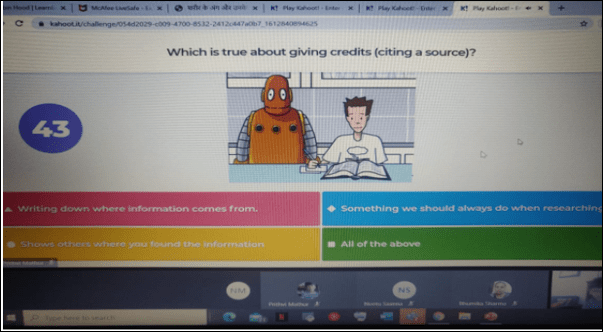
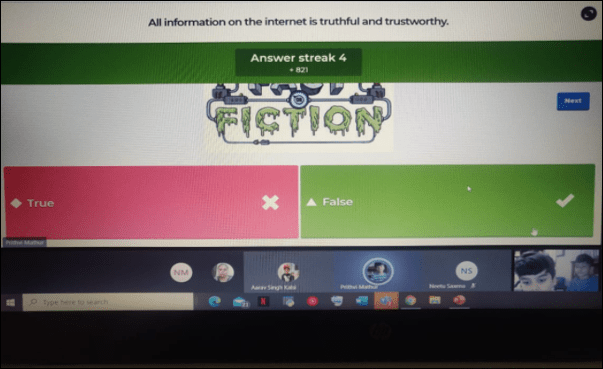
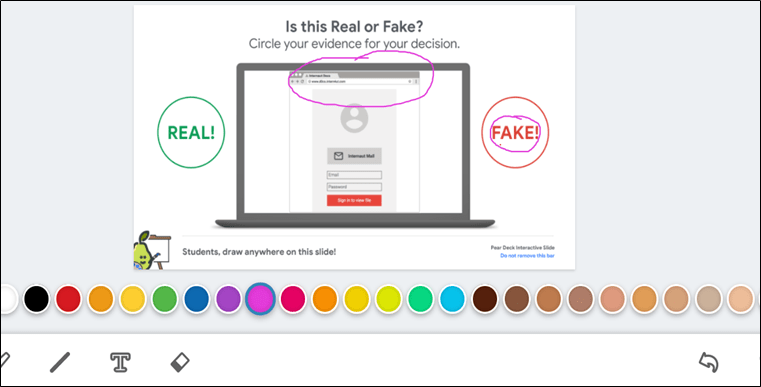
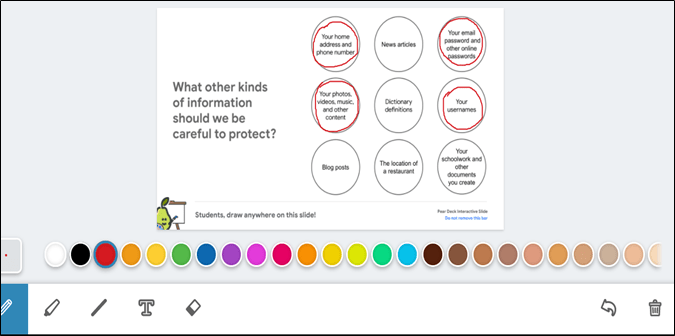
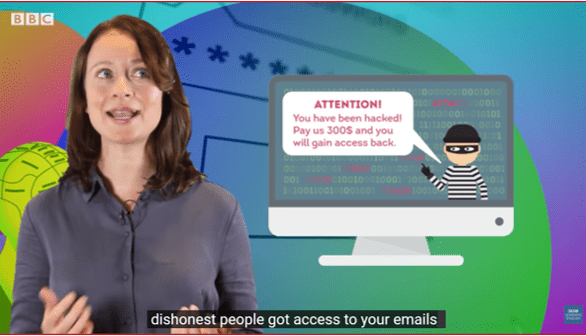
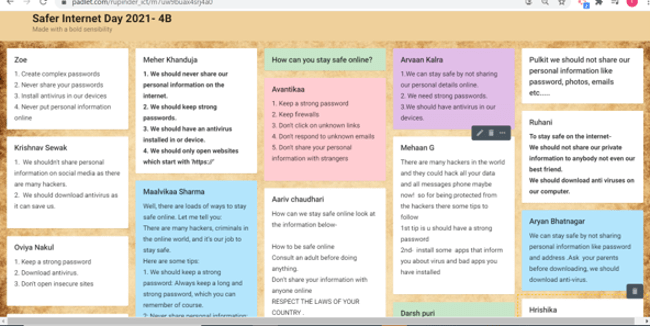
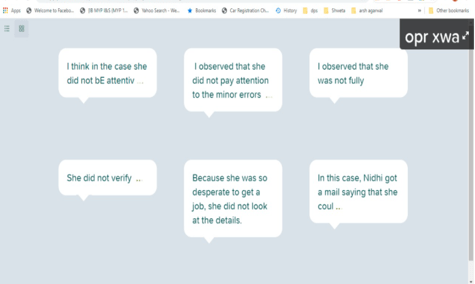
Using the internet safely and for positive purposes was the key message promoted at DPSI. Safer Internet Day celebration (from February 03 to February 09, 2021) was a great opportunity for educators to re-emphasize the need for online safety with messages which they deliver throughout the year. The activities were designed to inculcate a sense of responsibility in students so that they know how to critically assess the source and content of what they access.
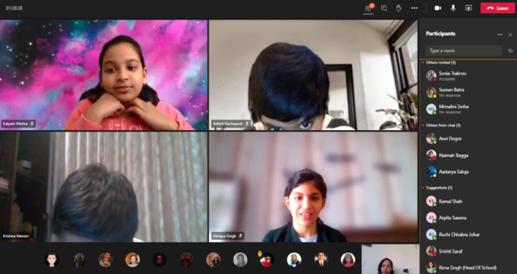
Students from Grade 1-5 enthusiastically and meaningfully contributed during the class discussion and activities to mark the day. The need to reimagine the future with safety in mind was the key to understanding online processes.



 Tech-Dawn
It’s so heartening to see the continued focus on the ever changing tech landscape which will ensure that the students remain agile and aligned to the latest developments and are able to assimilate application of tech in various aspects of learning and everyday life.
Kudos to the faculty and all students for developing such interesting engagements , we look fwd to hear more about new initiatives in the coming months.
LikeLike