Embracing diversity, equity and inclusion: Empowering students for a bright future
In the ever-evolving world of technology, we wholeheartedly believe that by creating a safe and welcoming environment, we empower our students to thrive and prepare them for a future that is rich in opportunities.
We at DPS International, recognize the power of diversity, understanding that it fuels innovation and creativity. By embracing diverse perspectives, experiences and cultures, we foster an enriching and inclusive learning environment where students can collaborate and grow together. Moreover, we firmly believe in equity, ensuring that all students have equal access to technology resources and opportunities.
We aim to bridge any digital divide and provide necessary support to set up every student for succeed in this digital age.
We recognize that diversity, equity and inclusion are not just buzzwords but powerful values that shape student lives. By nurturing an inclusive environment, celebrating diversity and promoting equity, we provide students with the tools they need to become compassionate, empathetic, and socially responsible individuals.
Joey

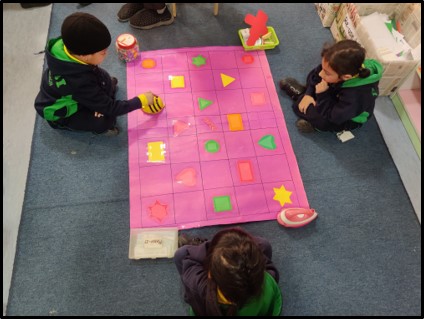
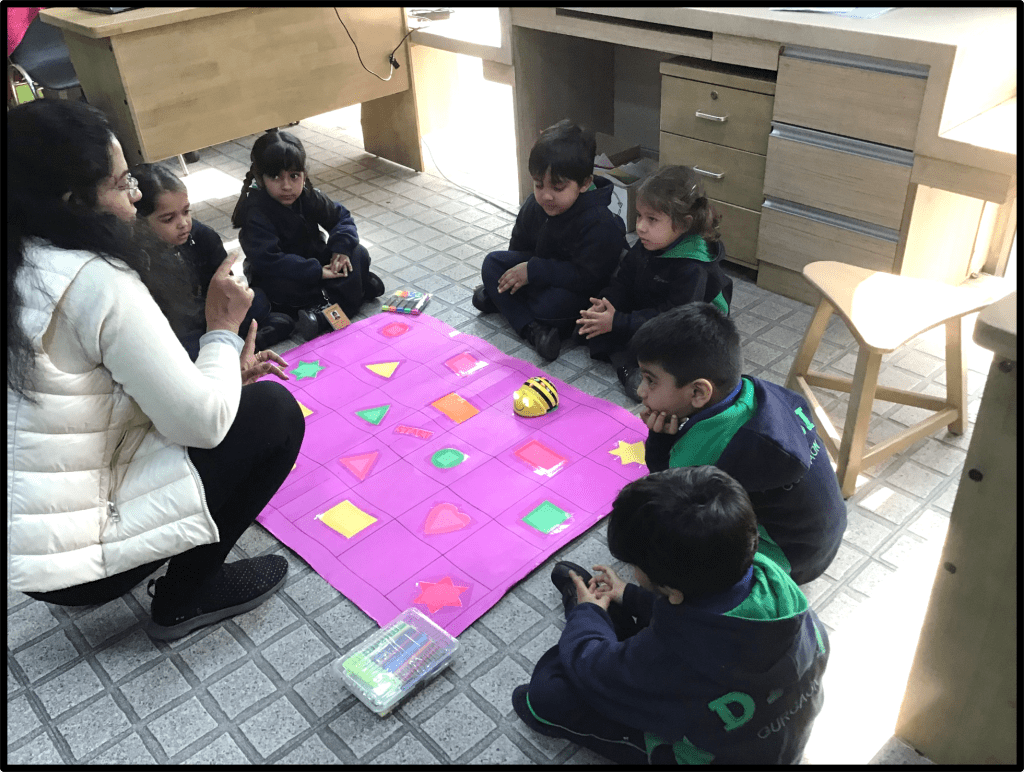
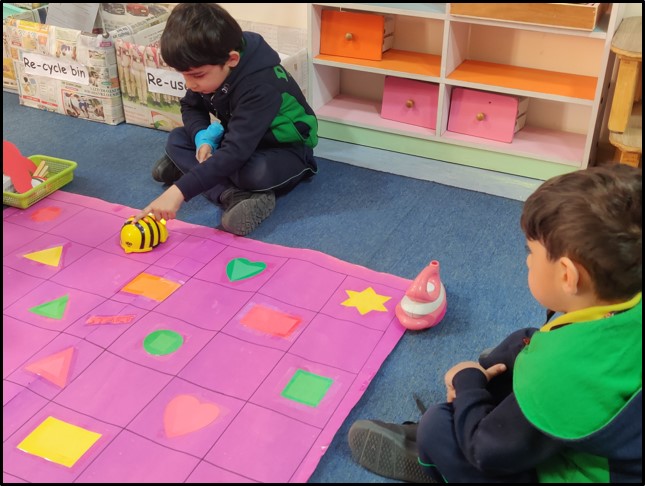
Students were taught coding through an educational robot called ‘Bee-Bot‘. They learned how to control it by using the directional keys, enabling it to move forward, backward, and turn at 90-degree angles to the left and right. As they progressed, students were presented with increasingly complex problems that encouraged the development of their computational and critical thinking abilities. Through this playful approach, they developed skills of sequencing, estimation, and problem-solving.
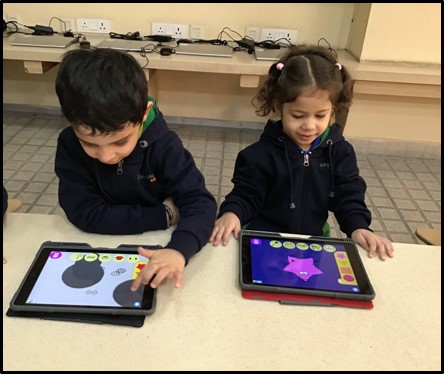
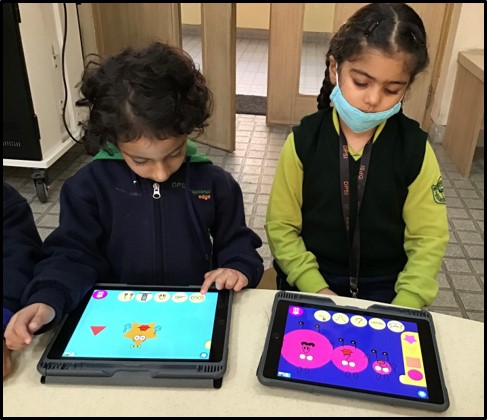

Students got the opportunity to create beautiful patterns using various shapes in the iPad app ‘Tiggly Draw’. They skillfully crafted imaginary creatures depicting a range of emotions using various tools available within the app. Students thoroughly enjoyed their exploration of the app, engaging in a delightful and enriching experience.
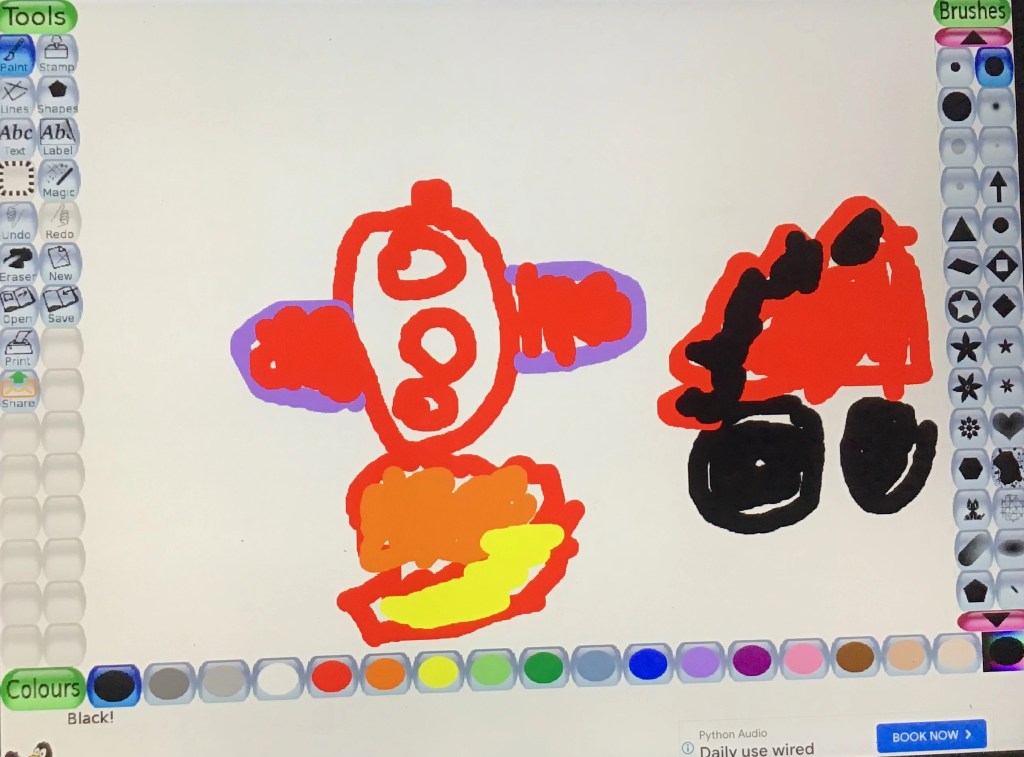
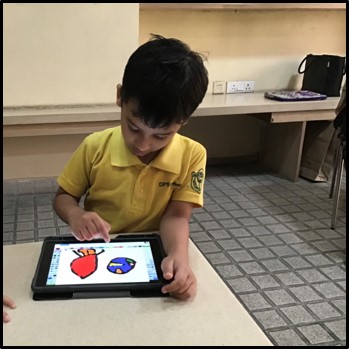
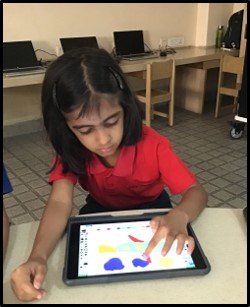
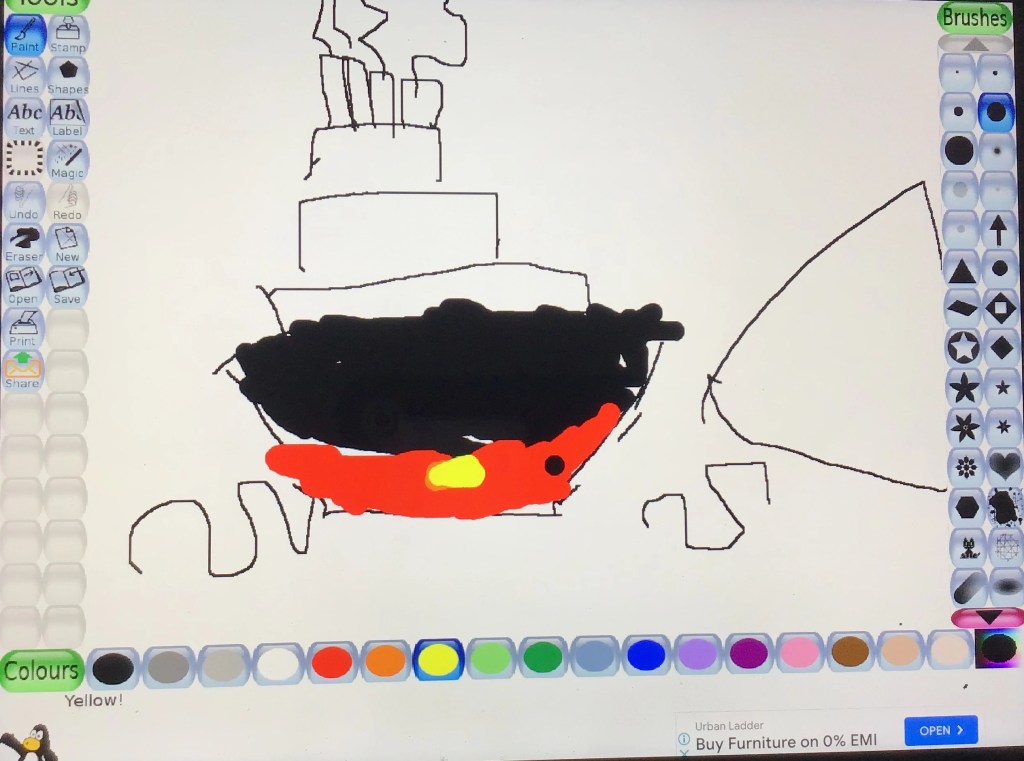
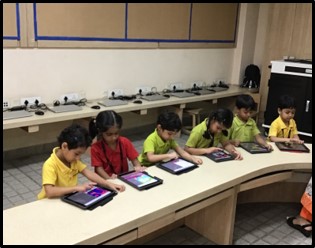
Students made significant strides in their learning journey while working on the iPad app ‘Tux Paint’ to create impressive drawings. In addition to their artistic endeavors, they also acquired ICT skills for saving their creations and using diverse art tools.
Kindergarten

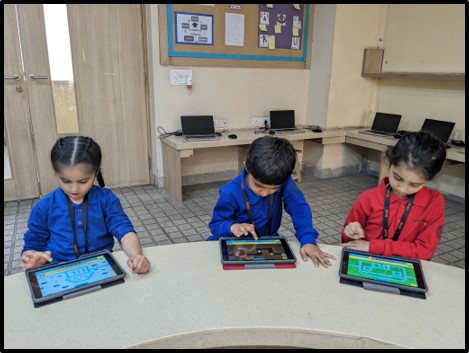

Kindergarteners were introduced to ‘Kodable‘- a coding app, where they learned how to arrange blocks of code to successfully accomplish assigned tasks. This helped them gain proficiency in directional language, sequencing, and problem-solving, thereby nurturing and enhancing their computational thinking skills.

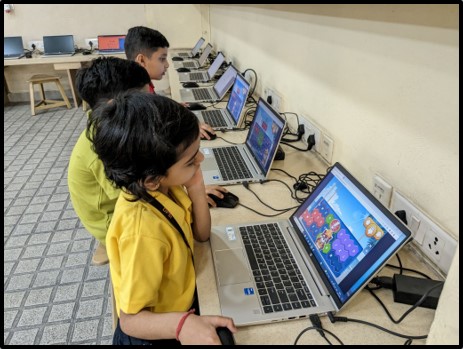

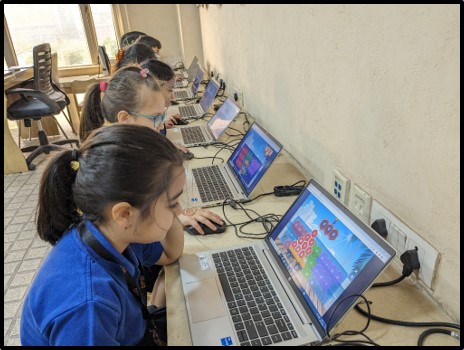

Students actively learned and practiced essential functions of the mouse, including left and right-click, double-click, scrolling, and drag-and-drop techniques. In addition to mouse skills, students were introduced to the keyboard, expanding their understanding of digital literacy. Engaging in a keyboard builder game, they understood the keyboard’s layout and the functions of different keys. Through these interactive activities, students enhanced their ability to navigate and interact with technology thereby strengthening their ICT skills.
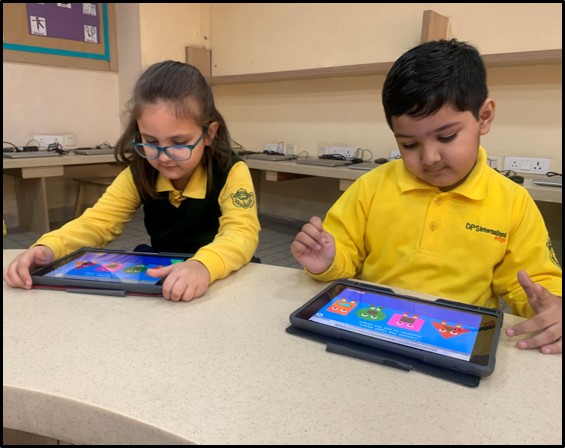

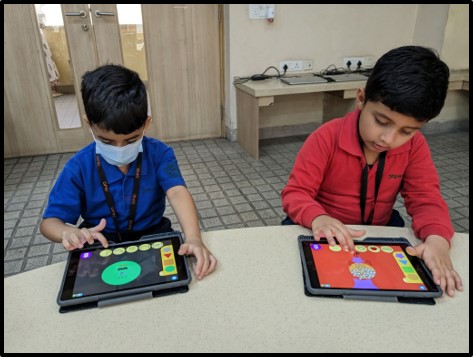
Students enjoyed their exploration of the app ‘Tiggly Draw’ and familiarized themselves with its fundamental elements, such as selecting items and colors for both shapes and backgrounds. Leveraging their new found knowledge, they seamlessly employed an array of shapes and backgrounds to craft beautiful drawings on a visually appealing digital canvas. This artistic experience allowed them to showcase their creativity while honing their skills in digital design.
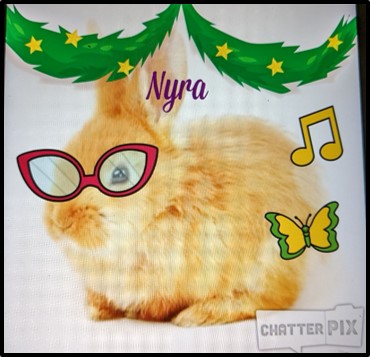


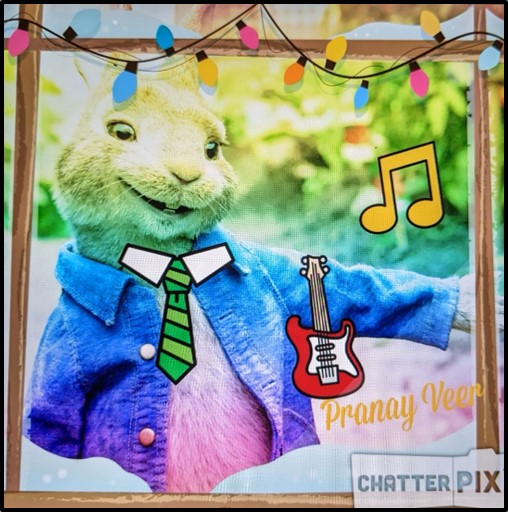
Students were introduced to the iPad app ‘ChatterPix Kids’, a versatile tool that brings inanimate objects to life through animation. By taking pictures and recording their own voices, students acquired the skills to personalize their creations. Furthermore, they decorated images with nice frames, filters, text, and stickers available within the app. Exploring the app’s extensive library, students added accessories to their pictures. Finally, using the recording feature of the ChatterPix app, students expressed their emotions and thoughts through a few heartfelt sentences, effectively enhancing their communication skills in a dynamic and engaging manner.
Grade 1

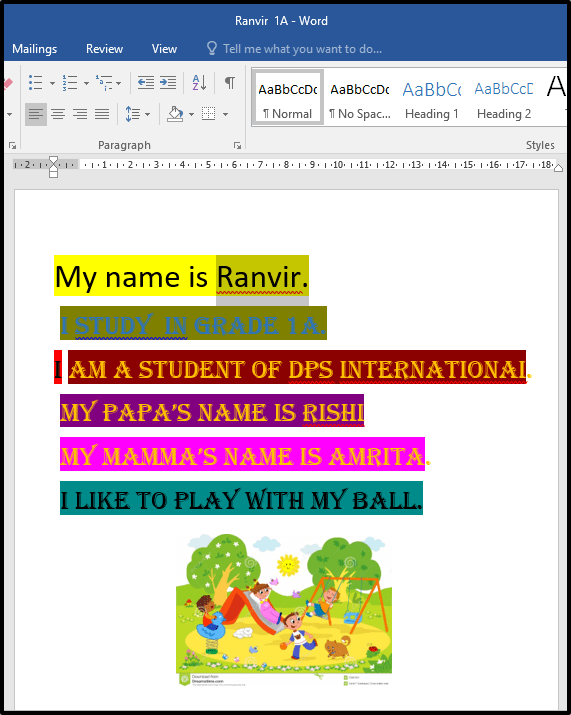
Students acquired the essential ICT skills of creating documents using Microsoft Word. They were introduced to the fundamental elements of application, such as text formatting. They learned how to modify the font style, adjust the font size, apply different text colors, and emphasize text by making it bold, italicized, or underlined. Additionally, they gained proficiency in incorporating bullets and numbers for organized lists and discovered how to insert images seamlessly into their documents.
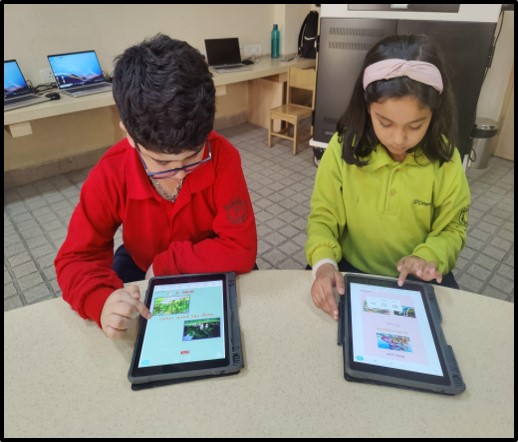
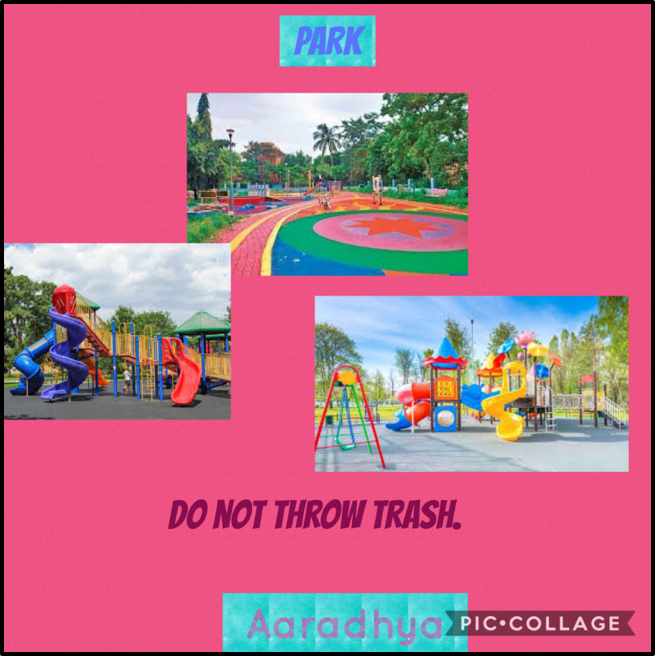

Students learned to use the graphic designer tool ‘Pic Collage‘ to design infographics. With the application’s features, including text, background options, and images, they skillfully constructed infographics to showcase a public place of their choice. Through this hands-on activity, students enhanced their design skills, effectively communicating information about their selected public places in a visually appealing manner.
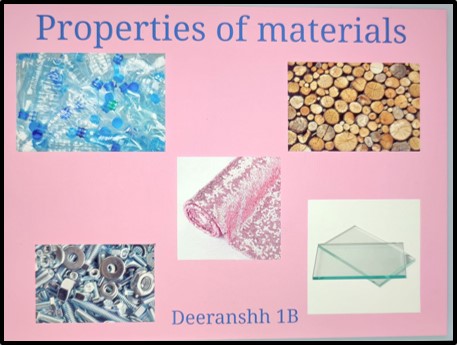
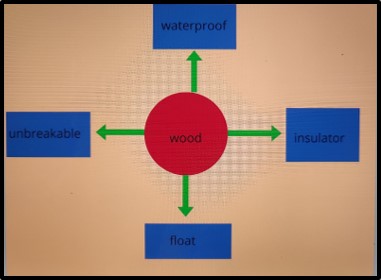
The students utilized the ‘Book Creator’ app to create digital books. With their creative thinking skills at the forefront, they developed an e-book that effectively showcased their comprehensive understanding of the properties of various materials. Through their engaging work, they demonstrated their proficiency in utilizing the features of the Book Creator app,thereby presenting their knowledge in an interactive and visually appealing format.
Grade 2

Through integrating various elements of Adobe Spark video – images, text, and audio, students effectively articulated their understanding of the Communication unit. Collaborating in groups, they not only enhanced their creative thinking skills but also sharpened their communication abilities. By producing a video comparing modes of communication in the past and present, they skillfully demonstrated their grasp of the topic.

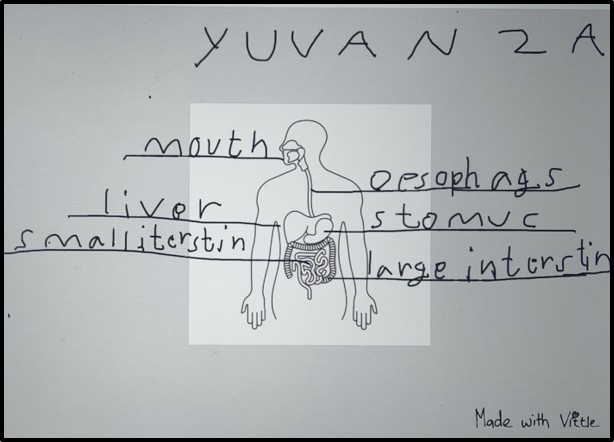
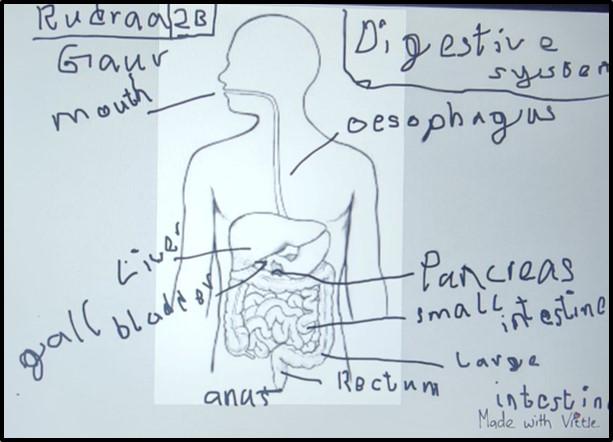
Using the iPad app Vittle, students honed their communication skills and nurtured their creativity by creating engaging videos. They showcased their comprehension of a body system of their choosing by applying various elements offered by the application.
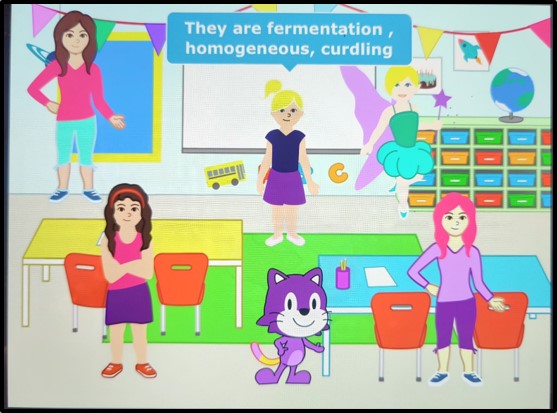
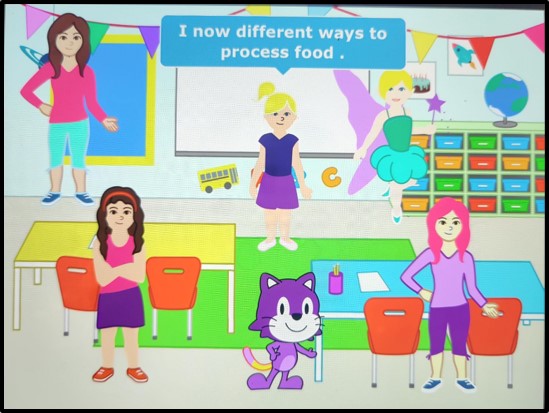
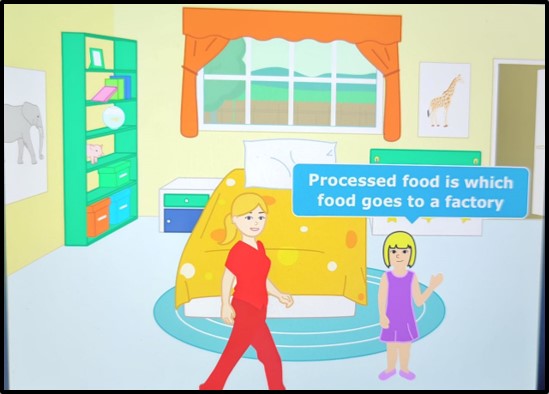
Through the process of building stories using a visual programming language- ‘ScratchJr’, students had the opportunity to refine their logical thinking, unveil their creativity, and sharpen their problem-solving skills. By using various blocks of code, they effectively conveyed their comprehension of the distinctions between processed and unprocessed food. This coding activity empowered them to think critically and express their understanding of the concept in a visually engaging and interactive manner.
Grade 3
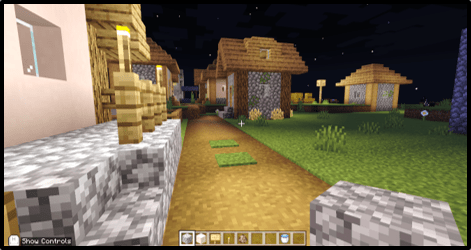
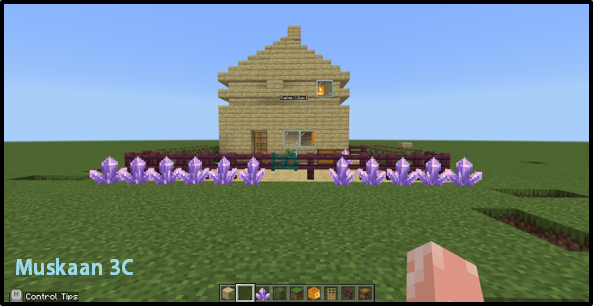

Using Minecraft, students embarked on the creative endeavor of constructing a sustainable home structure while also designing its interior. To accomplish this, they skillfully used a range of tools and features within the game. Through their exploration and application of these resources, students demonstrated their imaginative abilities.
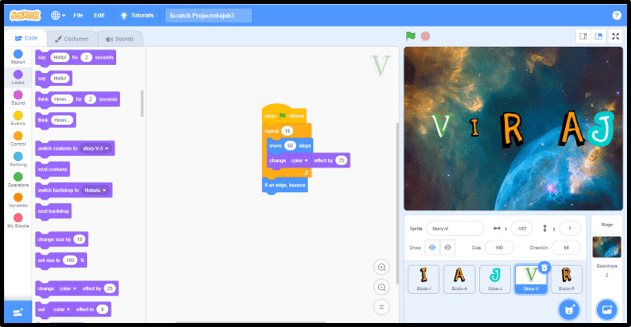

‘Scratch’, – a block-based programming platform, that fosters students’ creativity in crafting their own narratives and games. Throughout their lessons, they acquired programming concepts such as loops, conditionals, and fundamental debugging techniques. As a result, they successfully completed a project involving name animation.
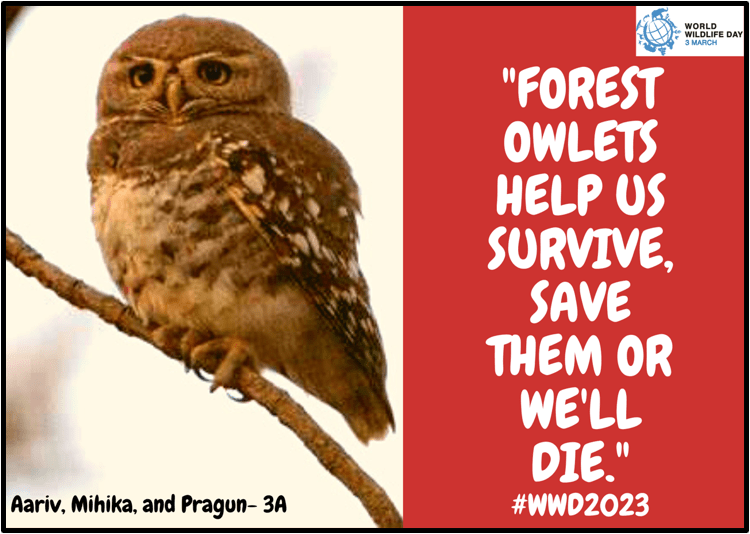
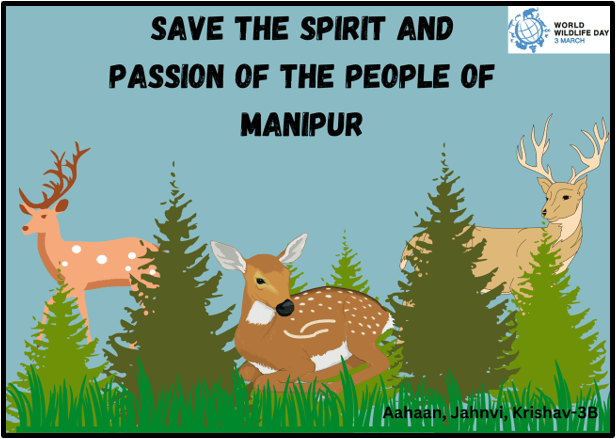

Students sharpened their creative thinking skills by crafting World Wildlife Day posters using the user-friendly online graphic design tool called Canva. With access to a variety of elements such as text, background options, and images, students artfully composed visually appealing posters that conveyed their support for the cause.
Grade 4

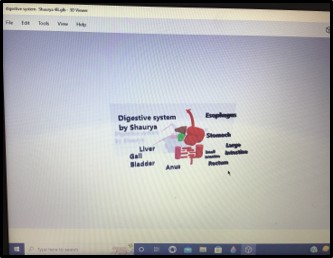
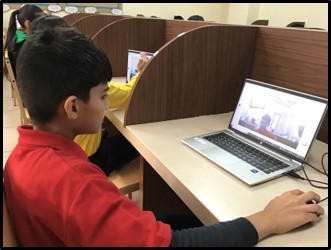
Students explored and used different tools and features of Paint 3D app. By using the magic select and 3D doodle tools, students built 3D models of the digestive system. They also explored various perspectives of the 3D models in 3D space, generated fast animations and even experimented with the mixed reality capability.
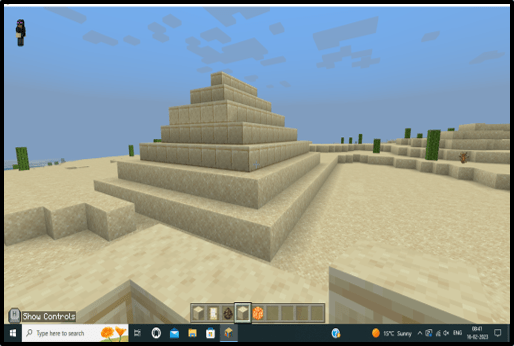
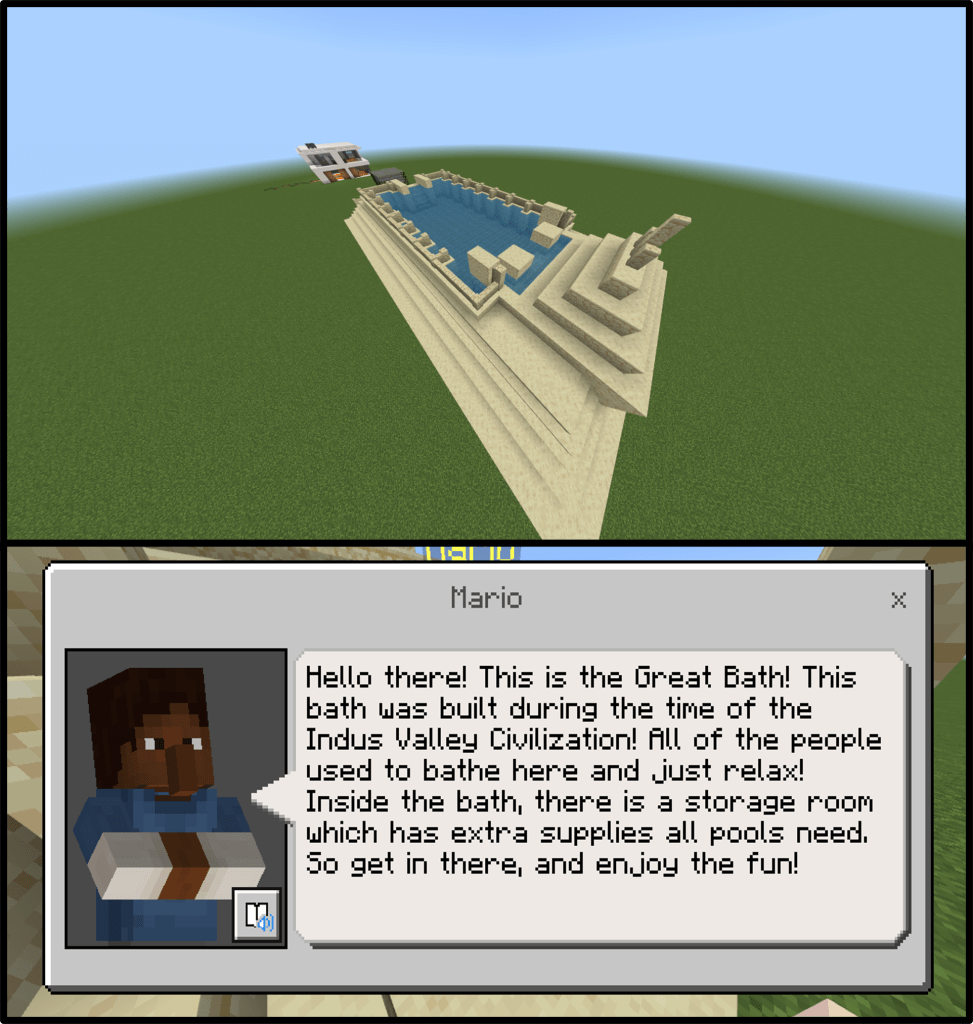
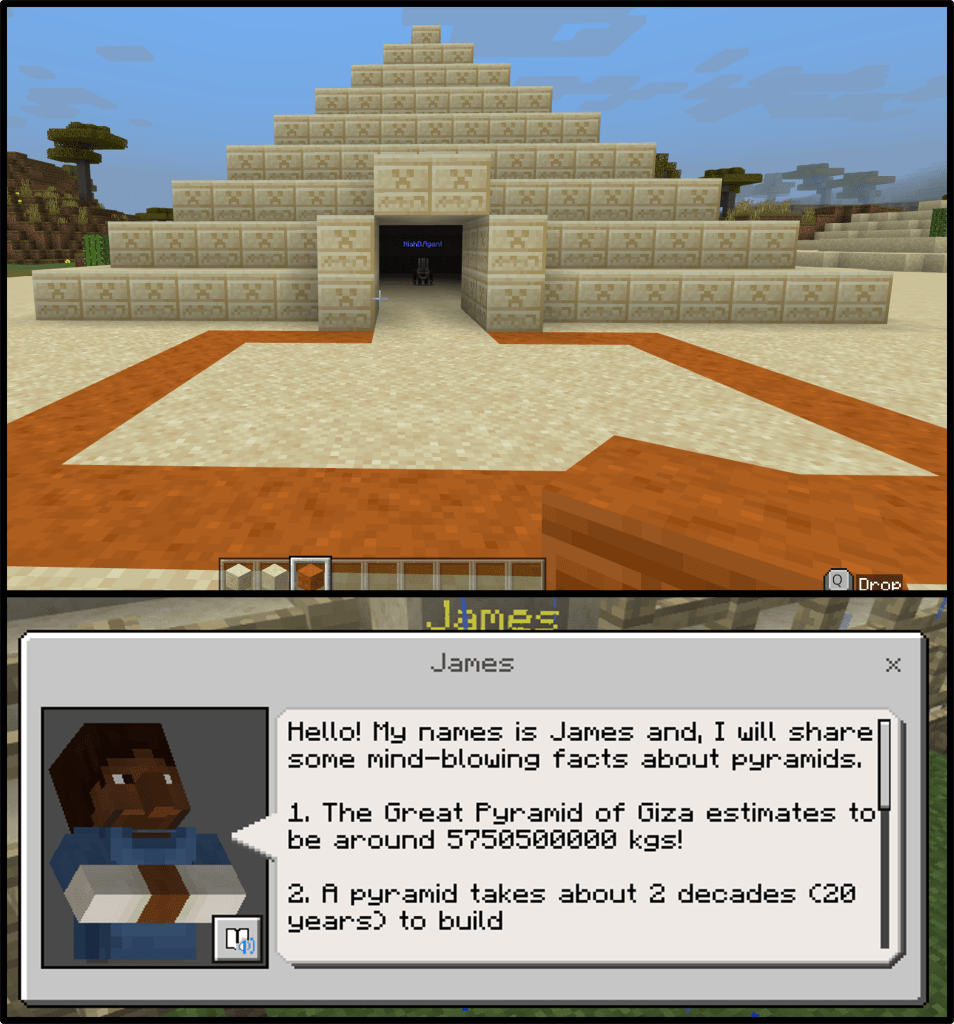


Minecraft provides students with freedom to unveil their creativity while driving their imaginations. Within this virtual world, students are empowered to explore, design, and construct in ways that nurtures innovative thinking and fosters their artistic expression. With this powerful educational tool, they undertook the task of designing a civilization of their choice. Students applied their critical thinking, analytical skills, and creativity to address real-world challenges within a virtual environment, thereby preparing them for practical problem-solving scenarios they may encounter in their lives.
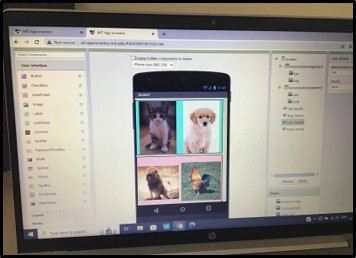
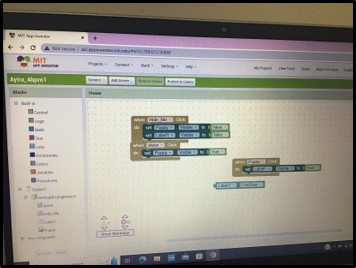
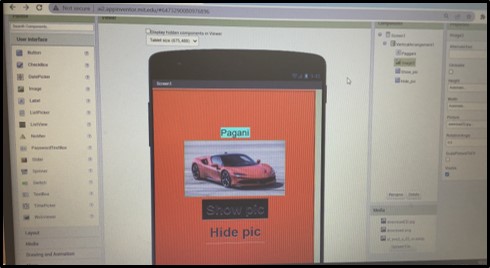

During their learning journey, students were introduced to MIT App Inventor, a powerful tool that equipped them with the ability to create Android apps. Through this intuitive drag-and-drop method, students gained proficiency in designing user interfaces and grasped the concept of event-driven programming. The block coding aspect of MIT App Inventor not only facilitated app development but also nurtured students’ logical reasoning and problem-solving skills. By engaging in this hands-on experience, they honed their ability to think critically, analyze problems, and implement effective solutions.
Grade 5

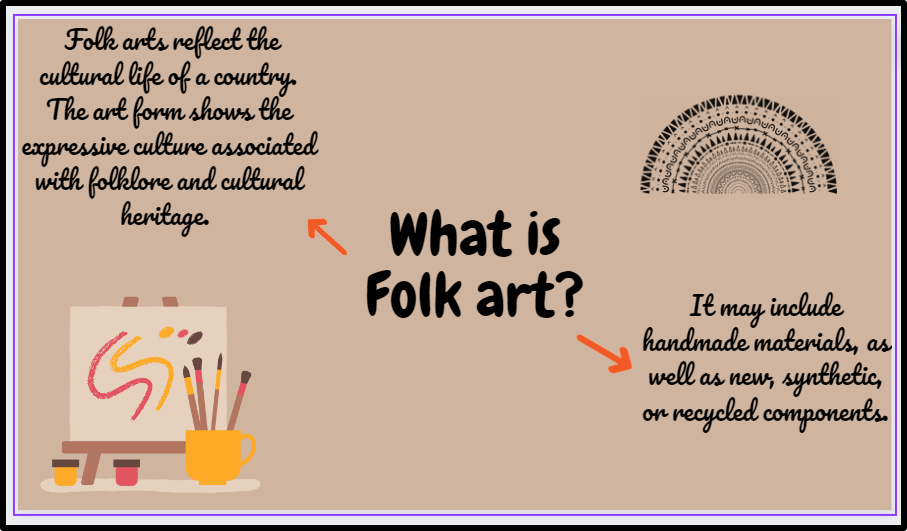
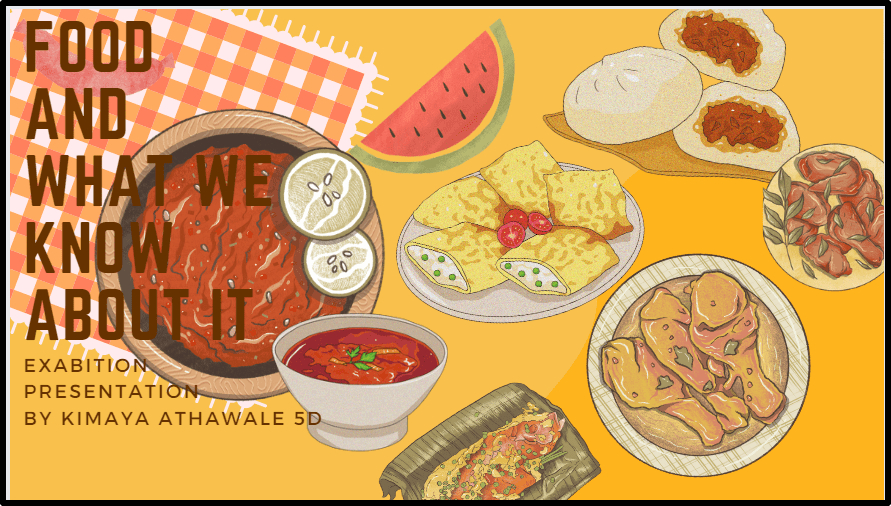
Students were introduced to an online graphic design tool – Canva, for creating presentations and posters. Through hands-on activities, students acquired the skills to design eye-catching posters and engaging presentations using Canva’s intuitive interface and diverse range of features. With their newfound knowledge, they embarked on creating a presentation centered around their exhibition topic. This empowered them to express their creativity while developing essential design skills in the process.
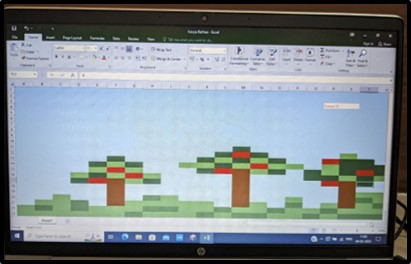
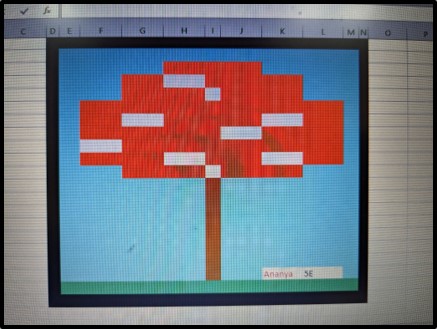

Students were introduced to Microsoft Excel app, which serves as a powerful tool for storing, organizing, and analyzing data. Through comprehensive instruction, they learned essential skills such as entering text and numbers, adjusting cell positioning, aligning and formatting text, and incorporating formulas within workbooks. This newfound knowledge equipped them with the ability to manipulate data effectively and derive meaningful insights from it. Furthermore, they explored pixel art, a fascinating form of digital art that involves intentionally placing individual pixels to construct images. Using the concept of conditional formatting students created pixel art by assigning different colors to cells according to predefined rules.
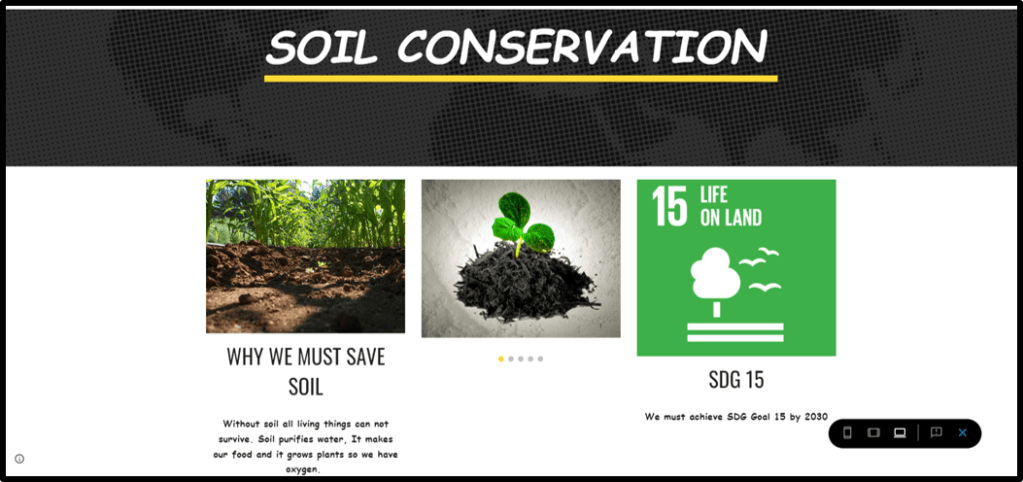

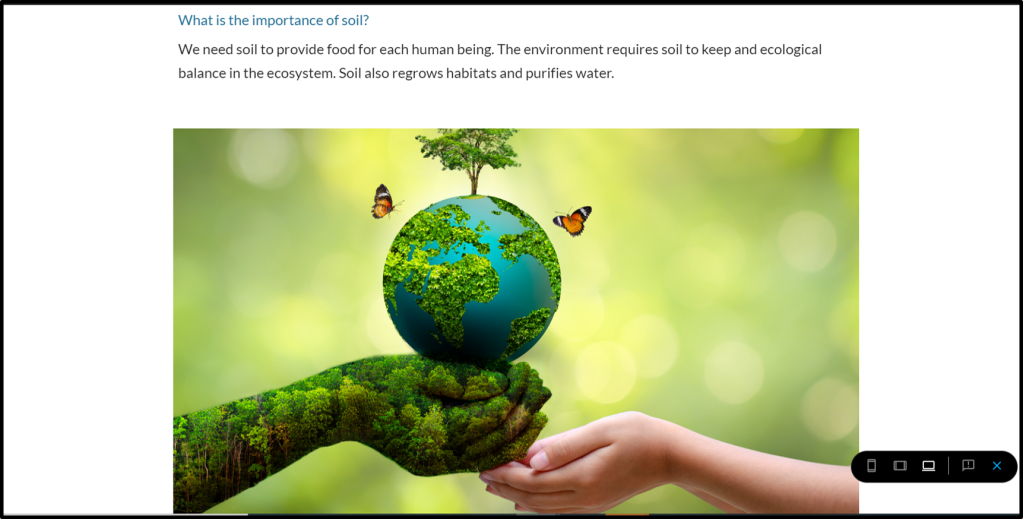

Students learned a website builder tool – Google Sites to create websites both independently and in collaboration with others by granting editing access to fellow Google users. They acquired the skills to seamlessly incorporate various elements into their websites, including text, images, layouts, and additional pages. They showcased their comprehensive understanding of the topic of soil conservation, thereby improving their technical skills and developing their ability to present complex ideas in a visually appealing and easy-to-understand way.
Stories with Minecraft
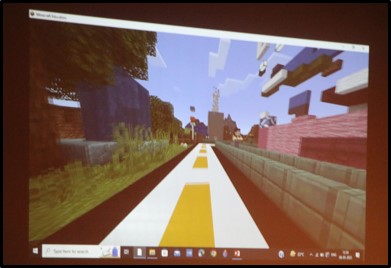
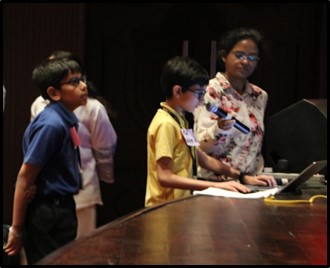
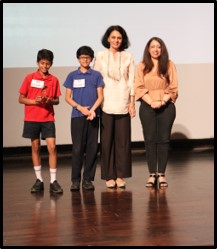
DPS International hosted an inter-school competition on digital storytelling using Minecraft ‘Dream Green’ on May 8, 2023. Digital storytelling is an engaging way to tell a story using digital media such as images, videos, and sounds. Minecraft is a popular game that allows players to create and explore virtual worlds using blocks. The competition aimed to combine these two concepts and challenge students to create compelling stories in Minecraft. 9 eminent schools of Gurgaon participated in the competition. Two distinguished judges Ms. Meenakshi Uberoi, Founder CEO, De Pedagogics and Ms. Jyoti Chaba, Co-founder, De Pedagogics were invited to evaluate submissions showcasing student expertise in use of Minecraft.


 Tech-Dawn