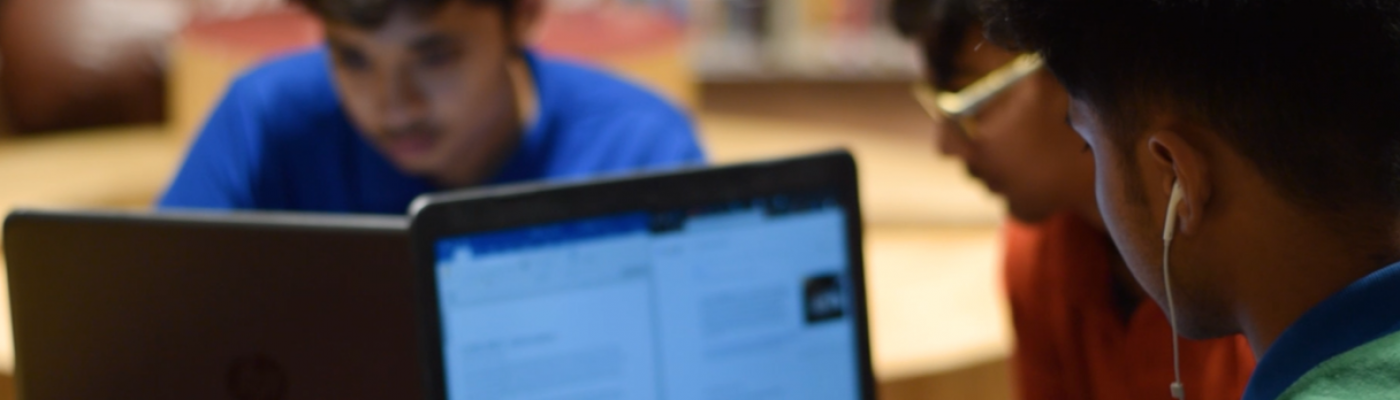
Developing Critical Thinking and Creativity Across Digital Platforms
At DPS International, we are committed to nurturing critical thinkers and creative problem-solvers who can confidently navigate the digital world. The ICT programme provides learners with opportunities to explore a range of digital platforms that spark curiosity, deepen inquiry, and encourage innovation. Hands-on engagements enable students to strengthen essential ATL skills for communication, research, collaboration, and self-management. The use of technology as a tool to analyse information, design solutions, and express ideas creatively aims to nurture each child.
This newsletter showcases how primary students are utilizing digital tools to think critically, create meaningfully, and explore new possibilities in their learning journey.
EARLY YEARS
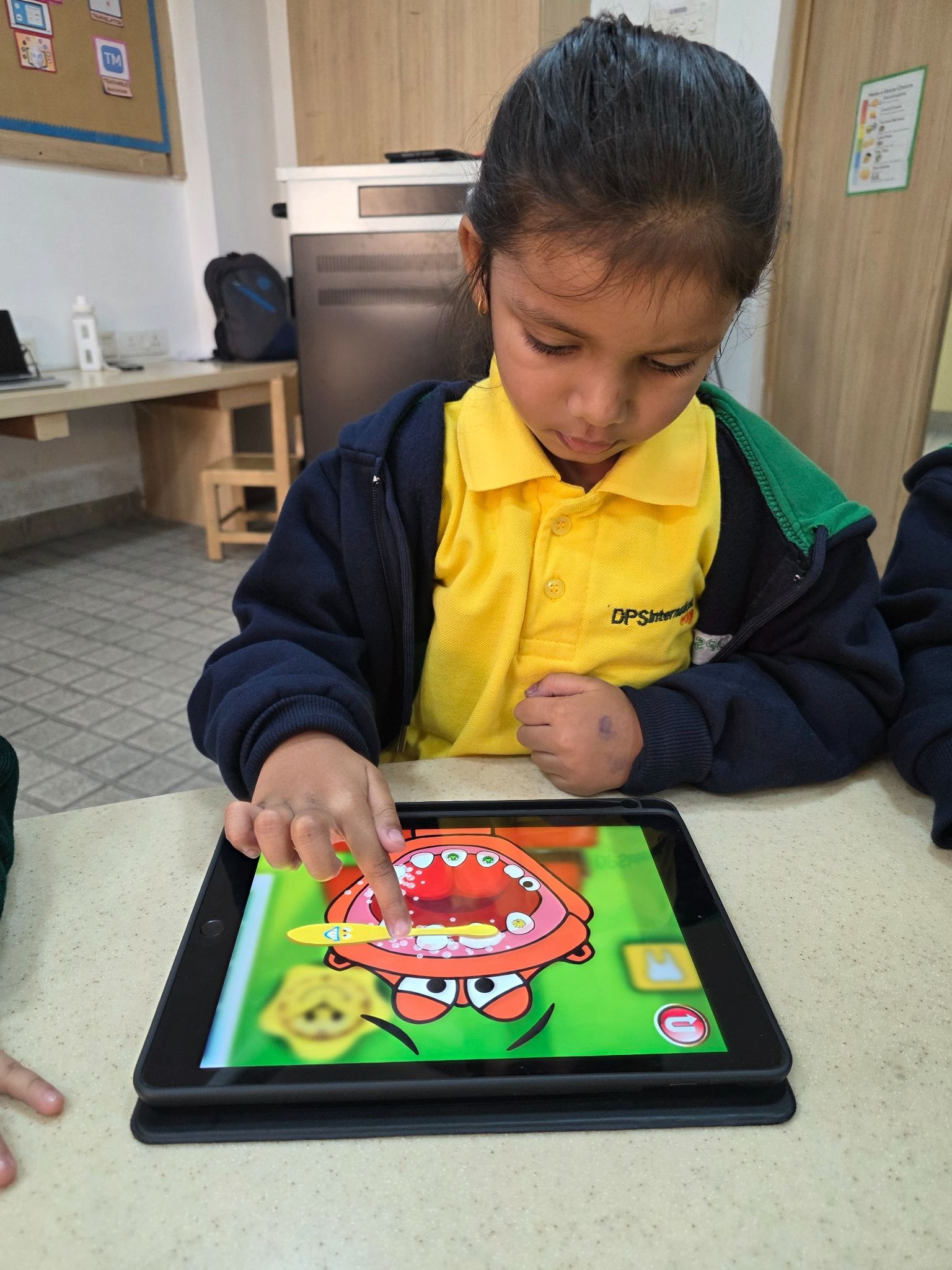
Joey-Dr.Dino
Students engaged with the Dr. Dino app to build digital confidence while learning about oral and body hygiene. By navigating icons and following on-screen prompts, they strengthened foundational ICT skills and applied critical thinking to real-world health choices.

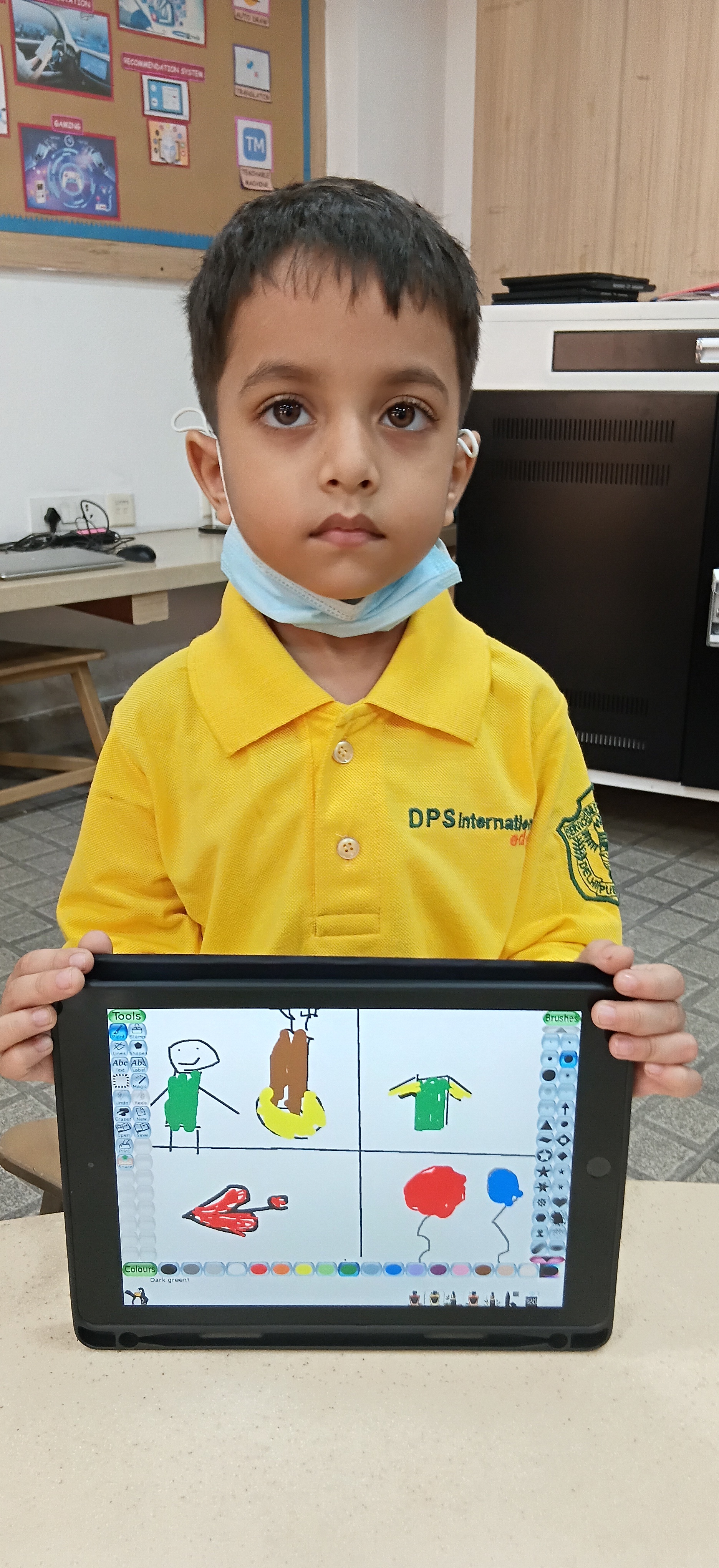
Kindergarten–Tuxpaint
Students used Tux Paint to create visually engaging digital artwork, experimenting with shapes and layouts to express ideas creatively. This activity strengthened fine motor skills, spatial awareness, and critical thinking through purposeful digital design.
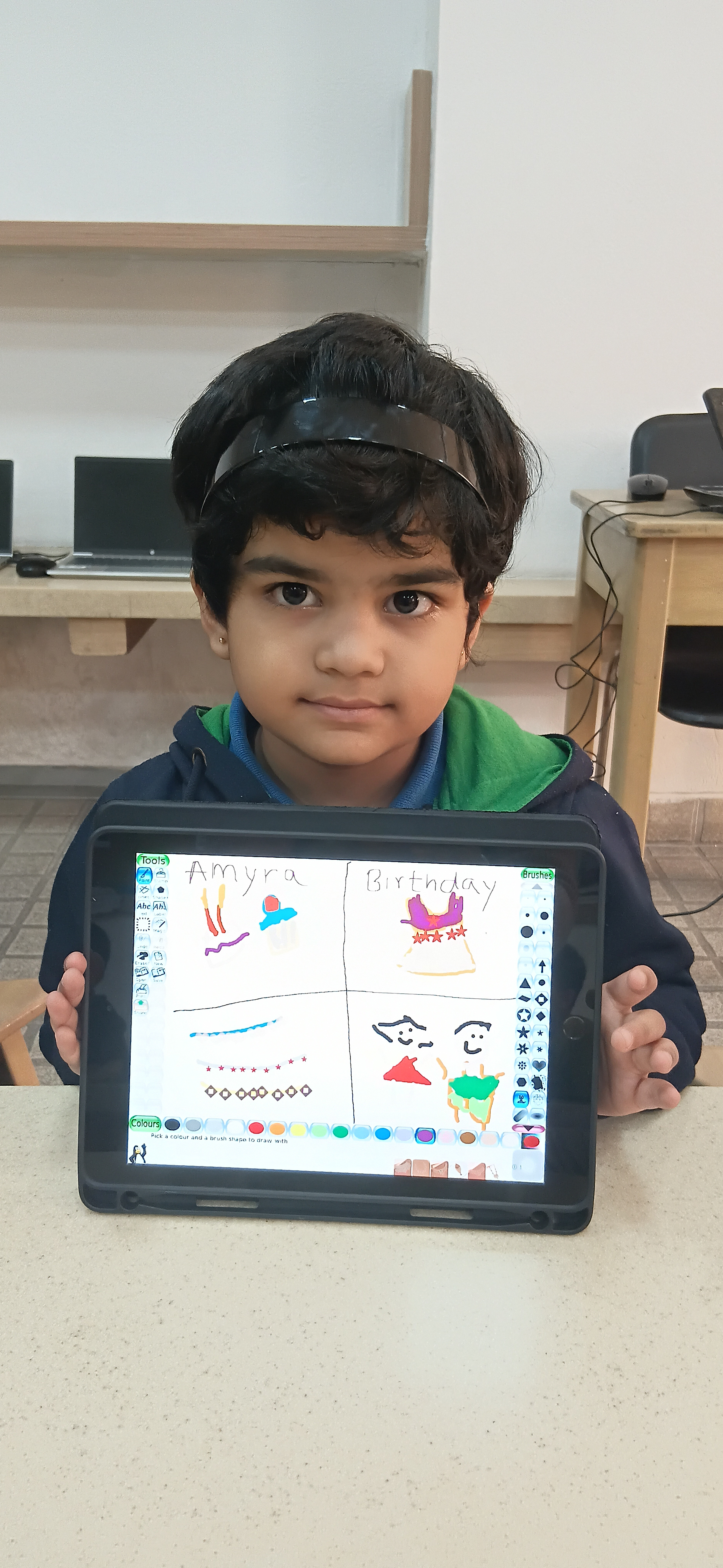
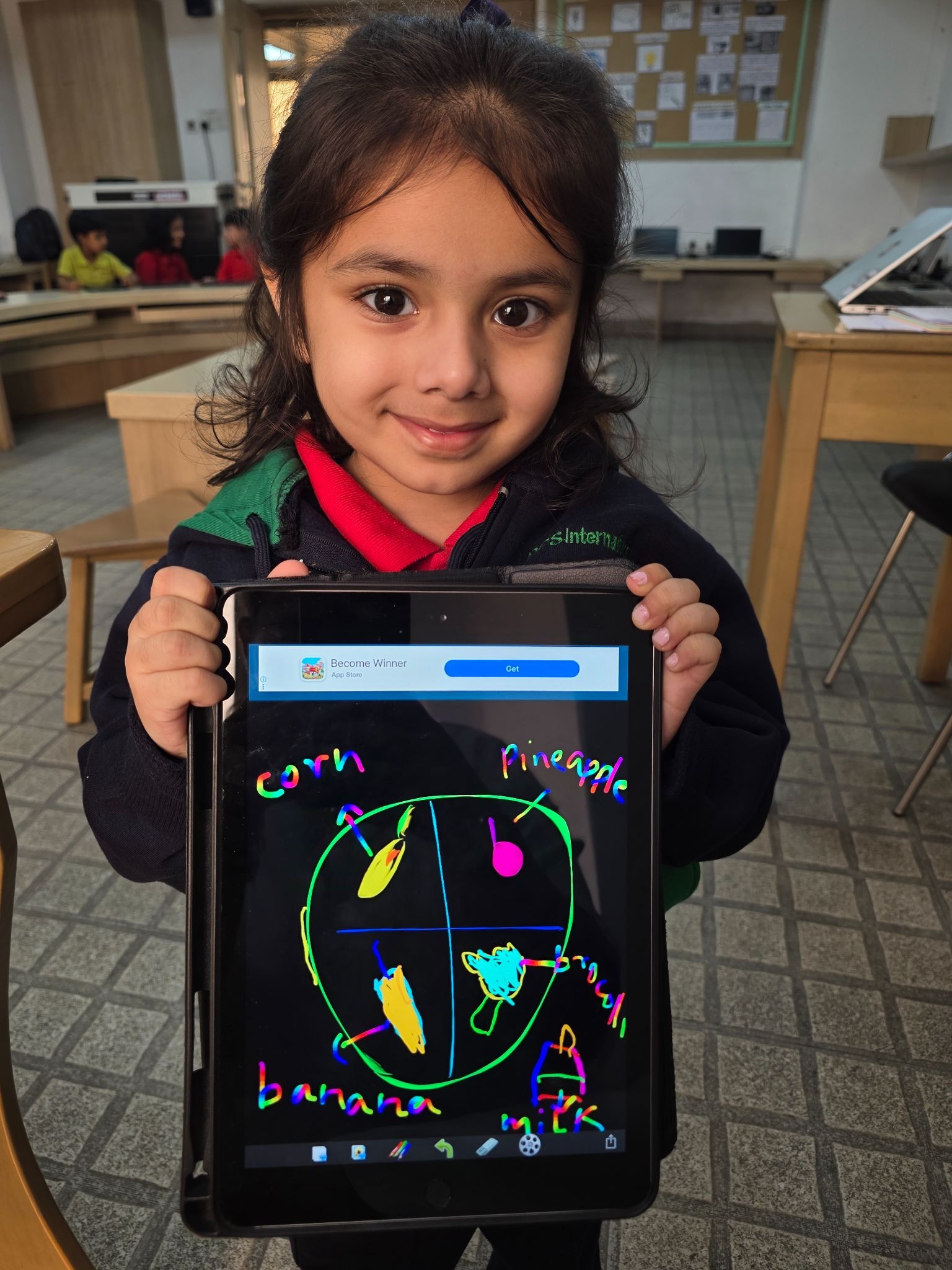
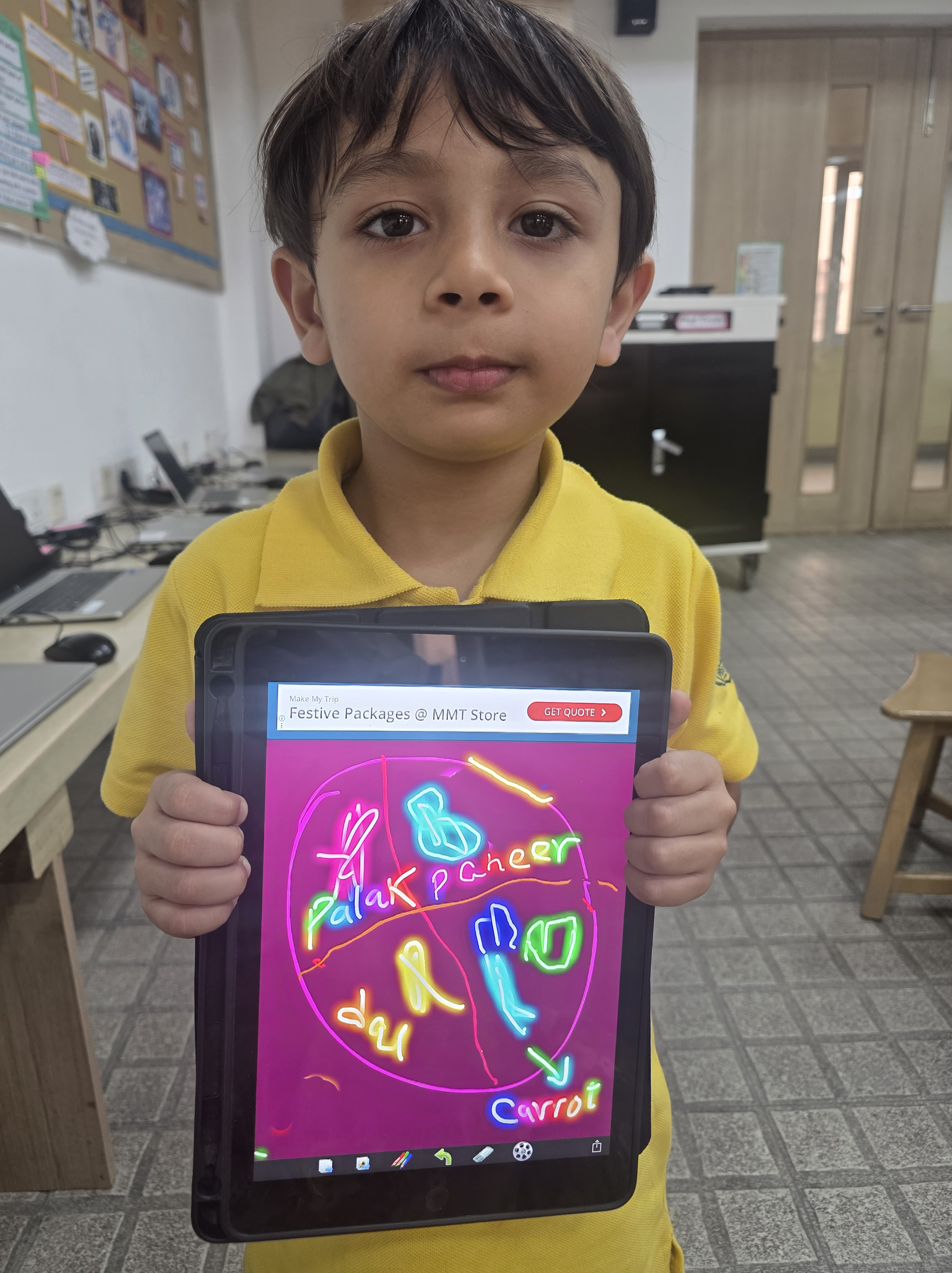
Joey-Doodoo Lite
Students used the Doodoo Lite app to design a healthy plate while exploring colours and digital drawing tools to express their ideas creatively. The activity strengthened an understanding of balanced food choices through the creation of purposeful digital art.
Kindergarten-Code-a-pillar
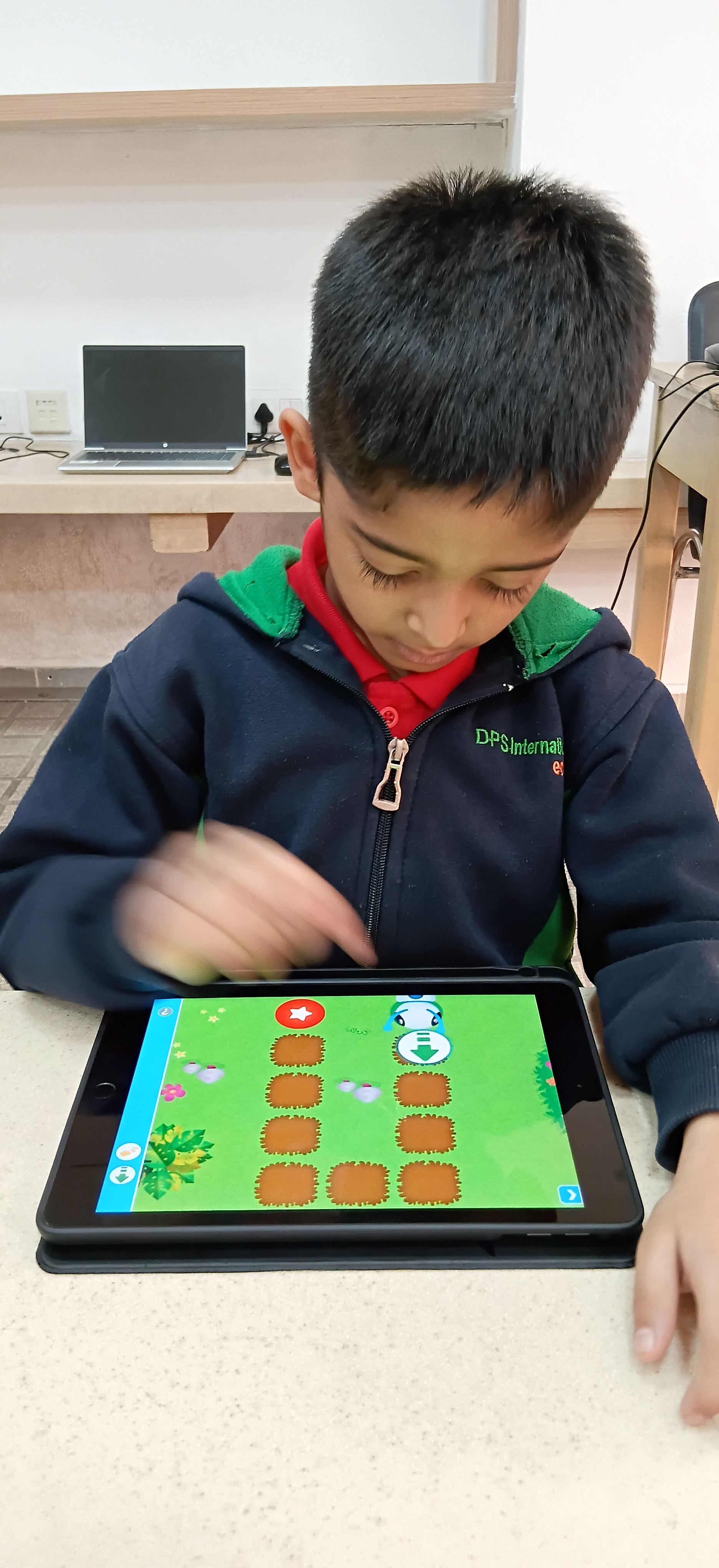
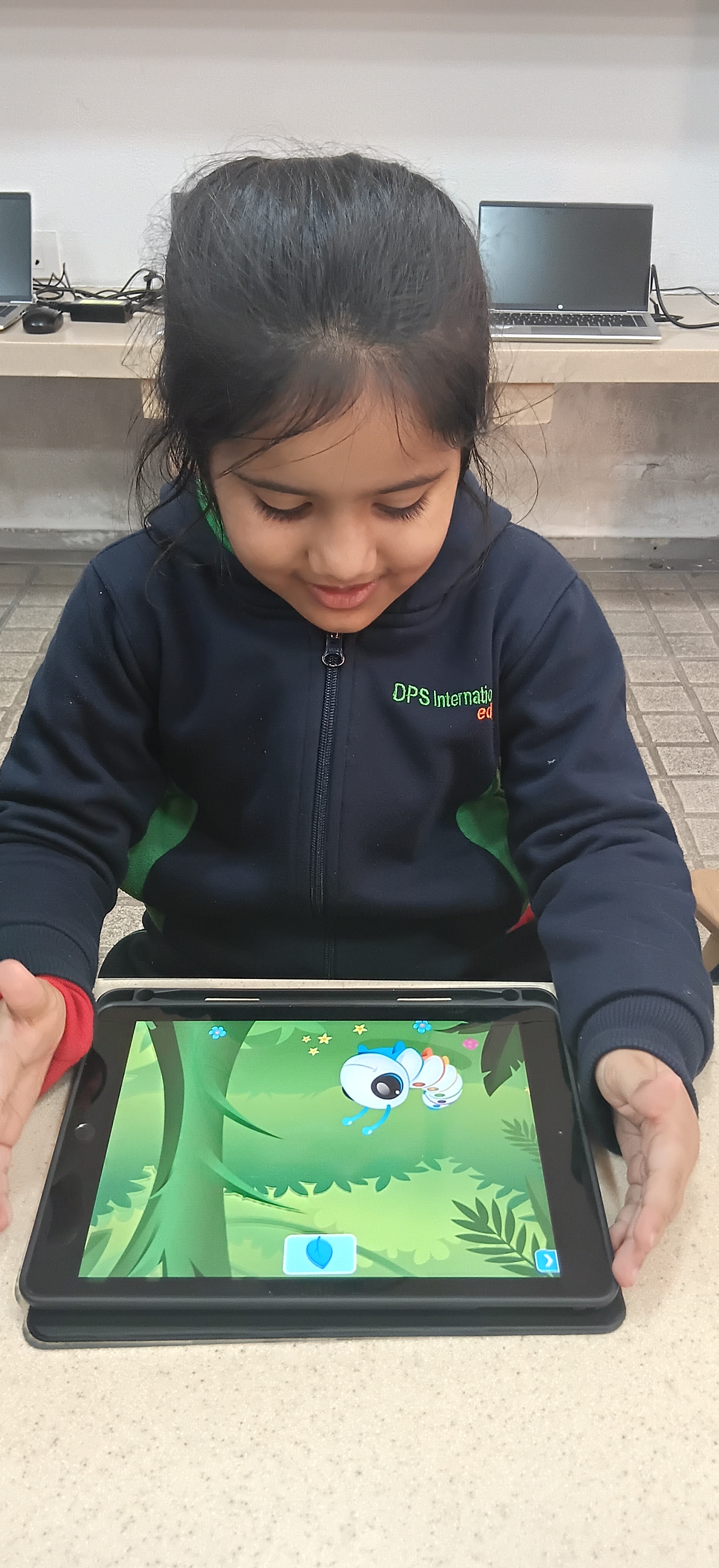
Students explored the Code-a-pillar app to sequence directional blocks and solve coding challenges. This playful activity strengthened logical reasoning, sequencing, and computational thinking thereby building confidence in early coding and problem-solving skills.
GRADE 1 TO 3
Grade 1-Autodraw
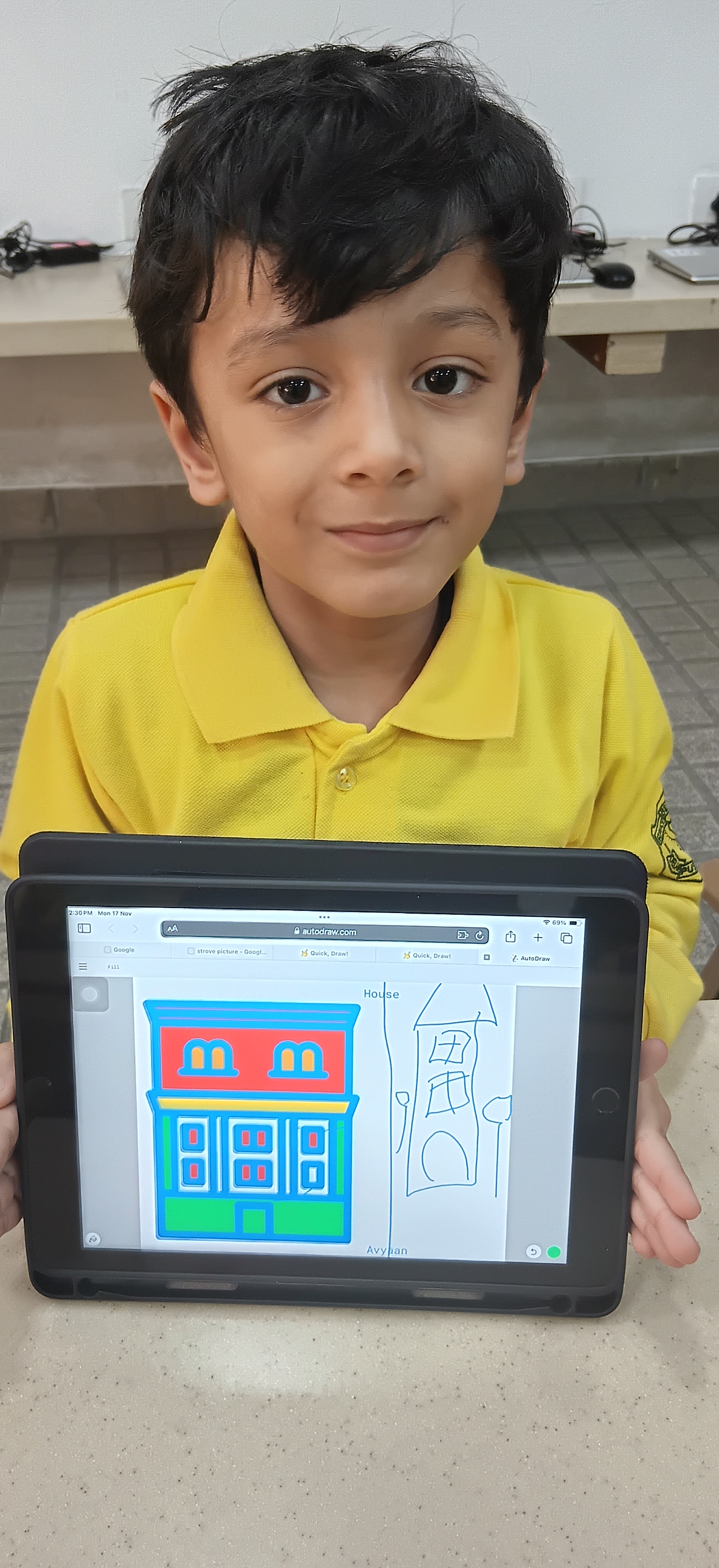
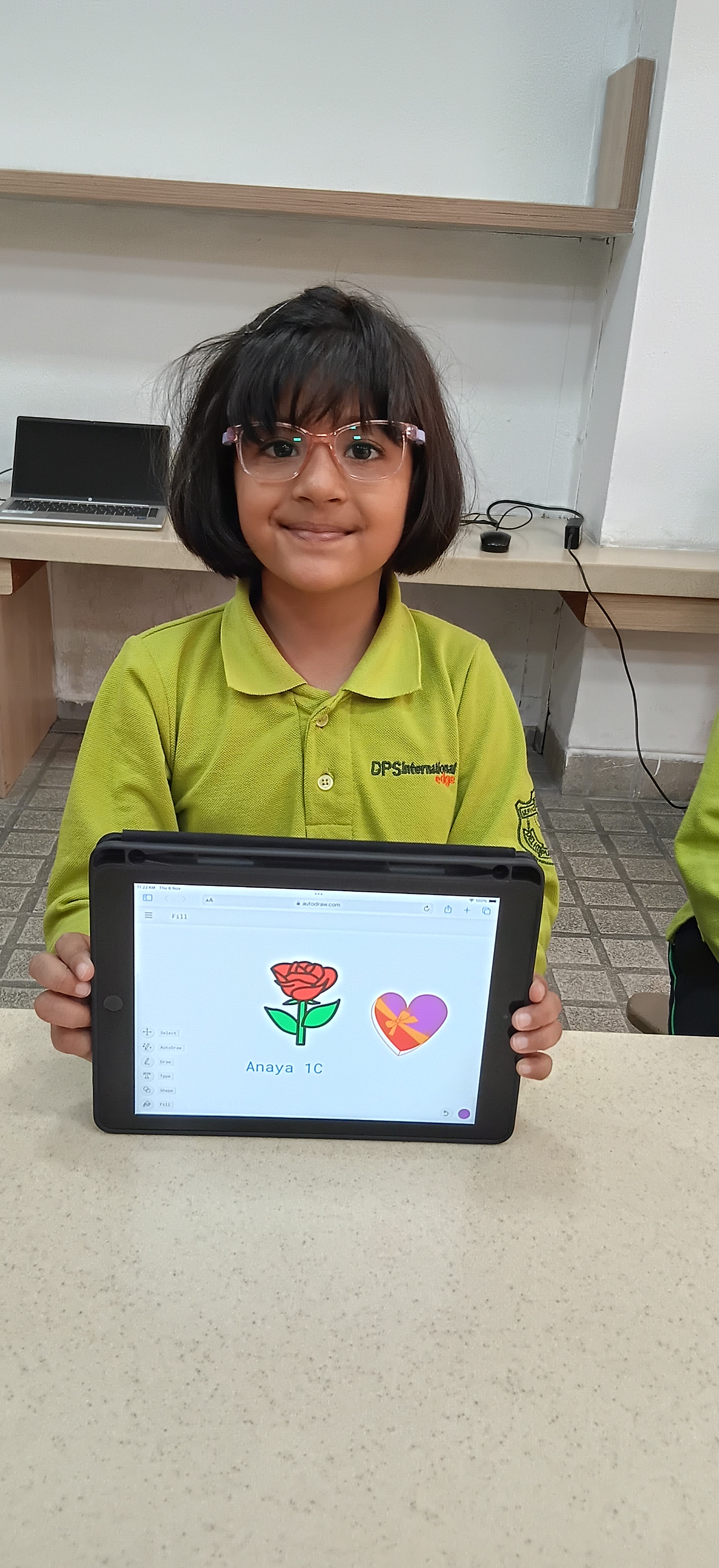
Students explored AutoDraw, using its AI-powered suggestions to turn rough sketches into improved visuals. By experimenting with drawing, fill, and text tools, they strengthened creative thinking and discovered how smart technology can support quick, expressive digital art.
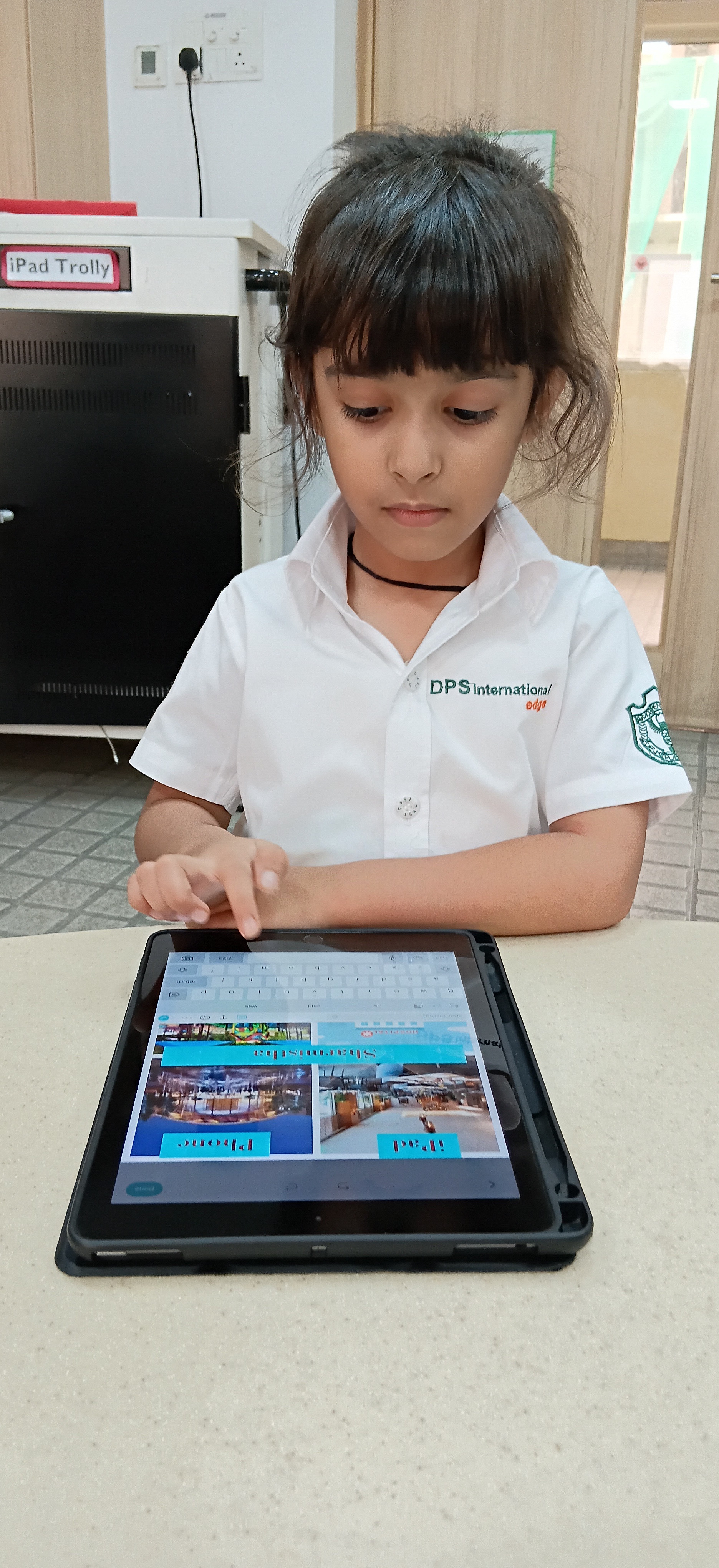
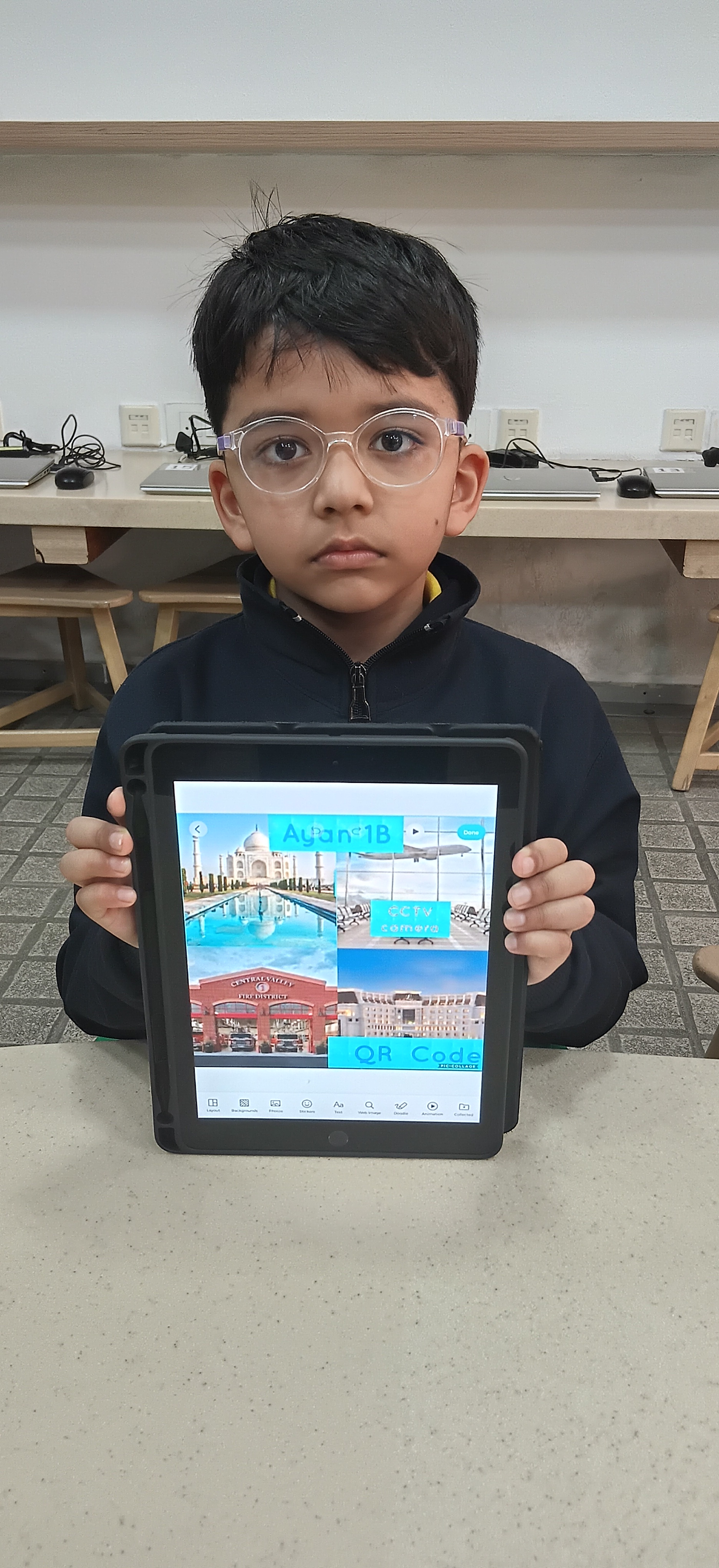
Grade 1-Pic Collage
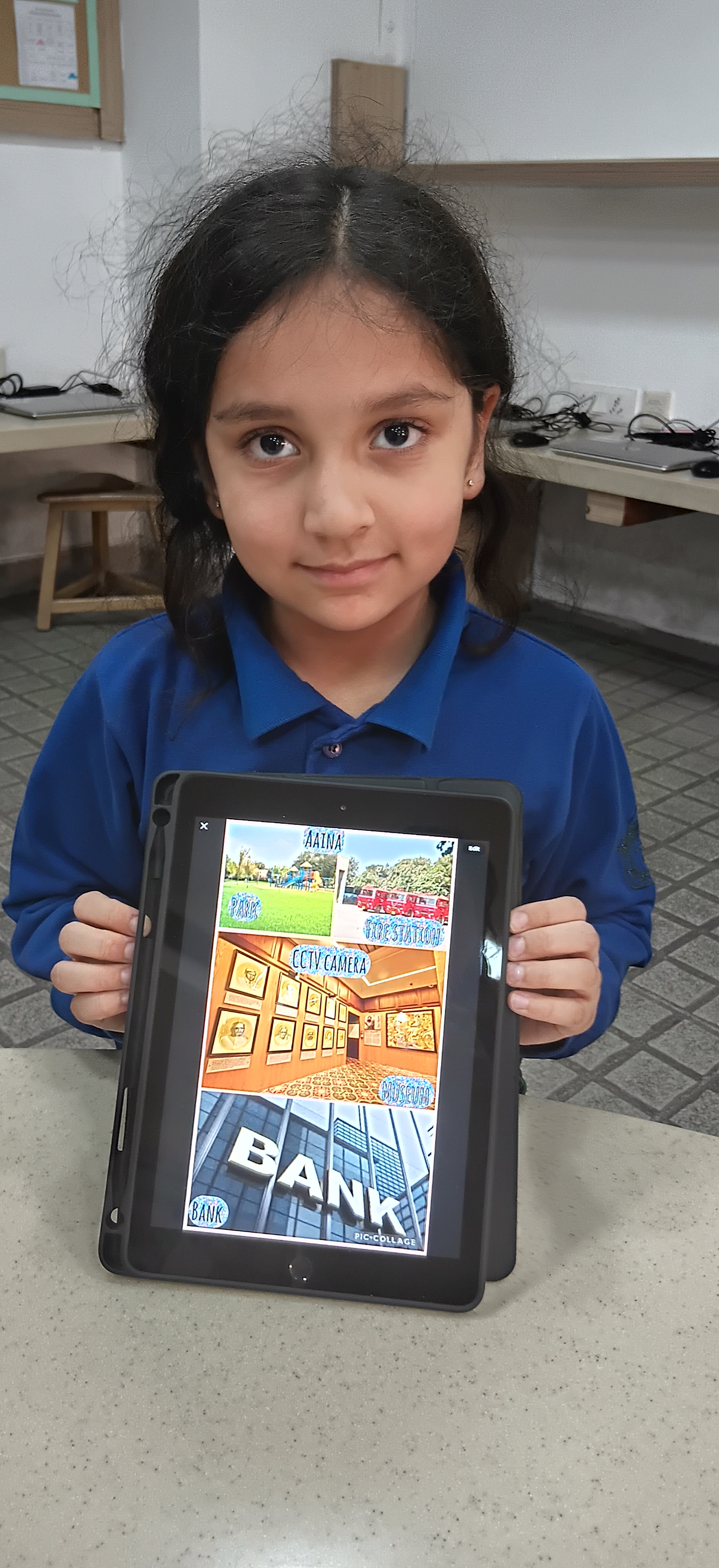
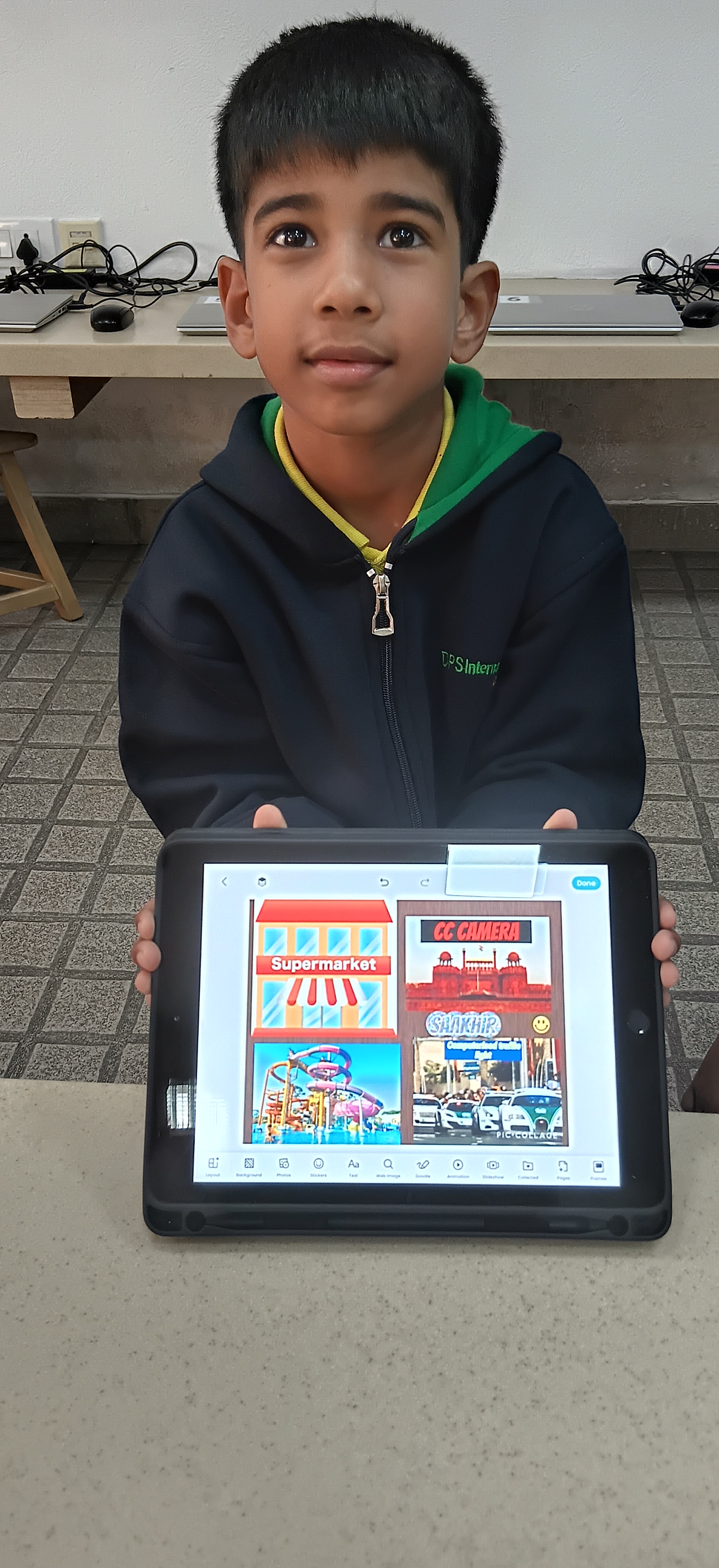
Students used PicCollage to create informative infographics on public places by combining images and text. These activities strengthened organisation, digital literacy, and creative communication skills.
Grade 1-Emoji Maker
Students used Emoji Maker to design personalised emojis, combining shapes and colours to express emotions creatively. This activity strengthened visual communication and creative thinking through purposeful digital self-expression.
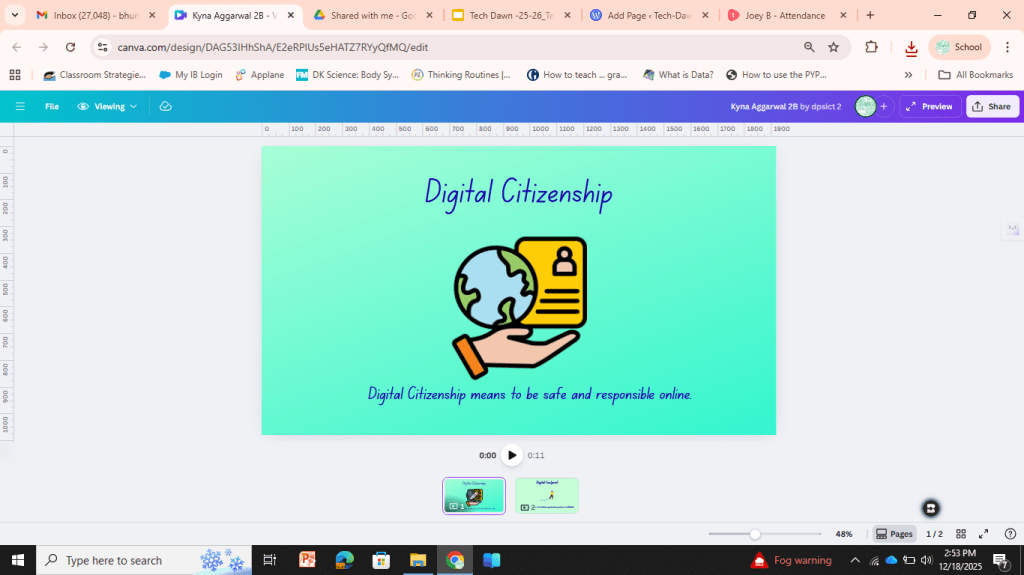
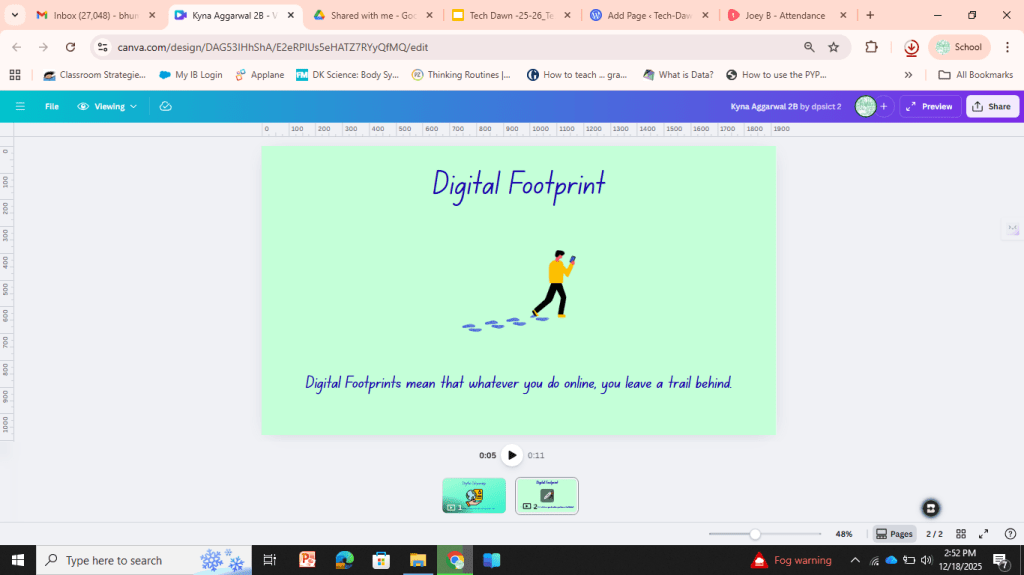
Grade 2-Canva videos
Students used Canva to create impactful digital citizenship videos as they experimented with layouts, visuals, and audio features. This experience strengthened digital storytelling, critical thinking, and creative communication skills.
Grade 2-Quick Draw
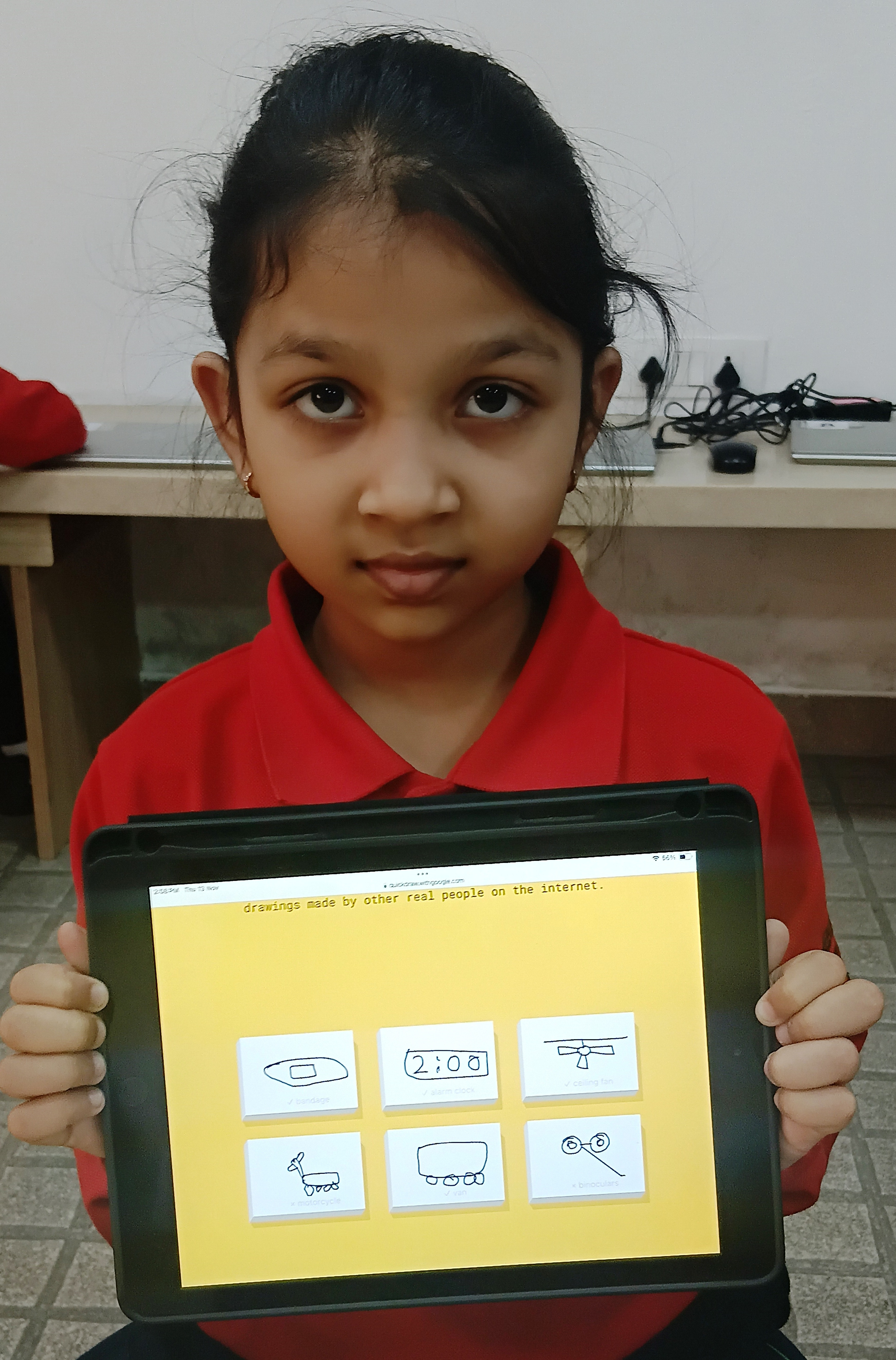
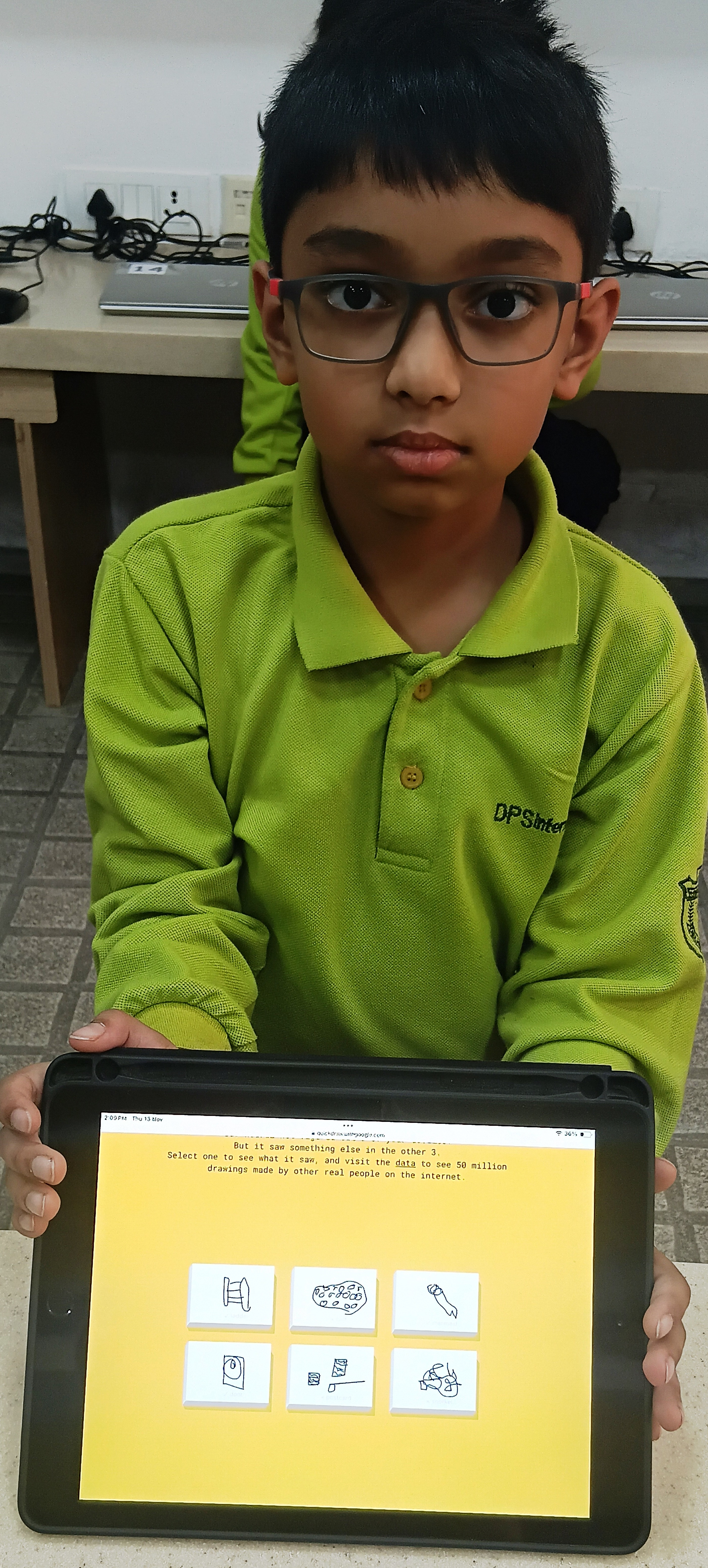
Students explored Quick Draw, an AI-powered sketching game that challenged them to create rapid drawings while the computer guessed their sketches. This fun activity strengthened creative thinking, visual communication, and self-management skills through engaging, AI-driven play.
Grade 3-Microsoft Word
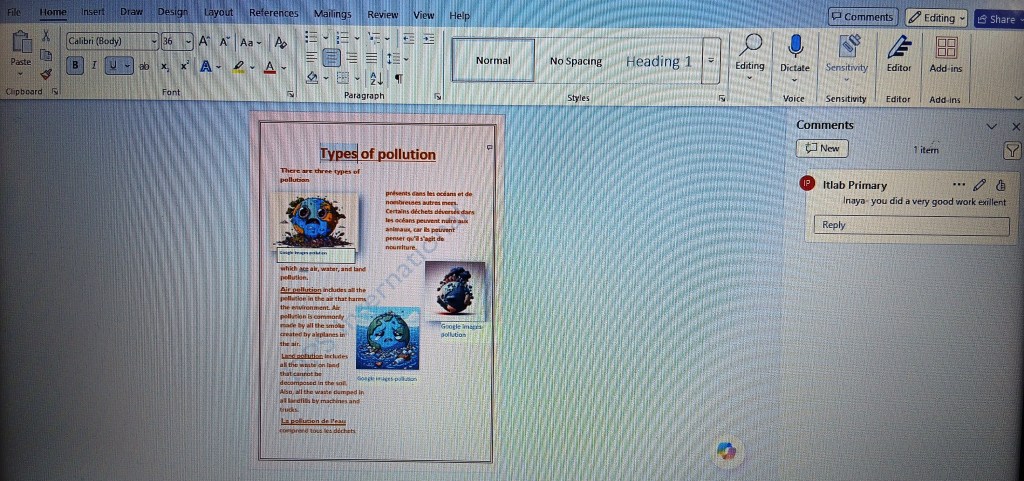
Students used various tools and features of Microsoft Word to enhance their typing skills and creativity. They inserted pictures to support their ideas and used page setup and formatting tools to organize information effectively. Students also explored the Translator tool to view text in different languages, which helped develop digital literacy skills and foster international-mindedness.
Grade 3-Scratch
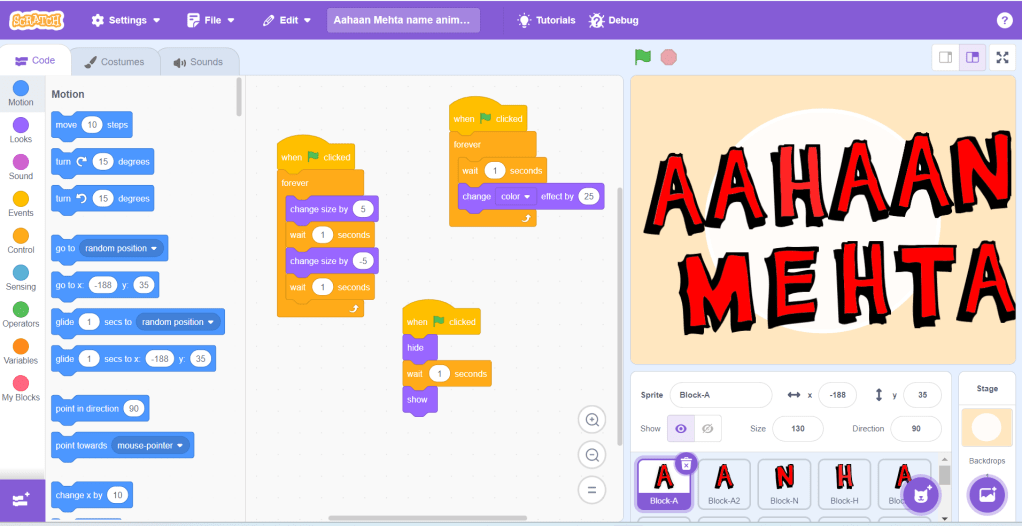
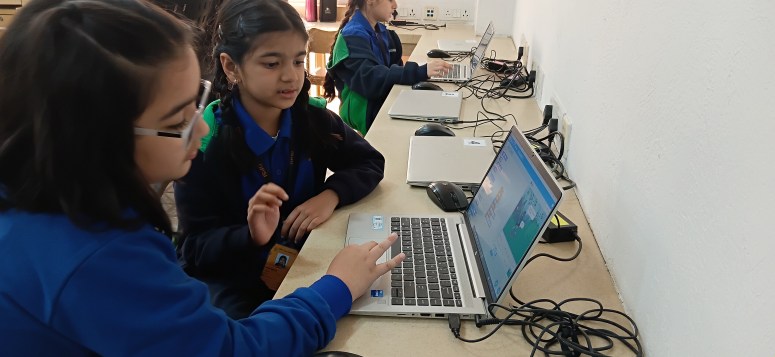
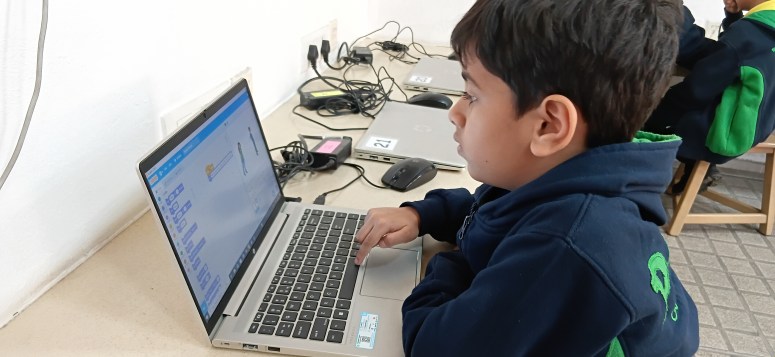
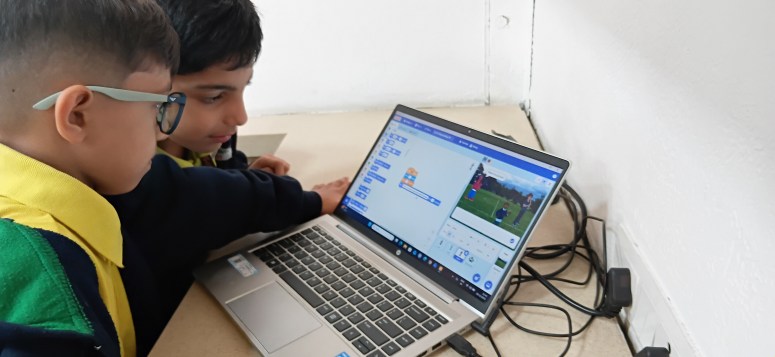
Students explored Scratch to create animated designs using sprites and coding blocks. The hands-on coding experience strengthened computational thinking, problem-solving, and creative expression in a dynamic digital environment.
Grade 3- Intersection Competition-Scratch-a-thon
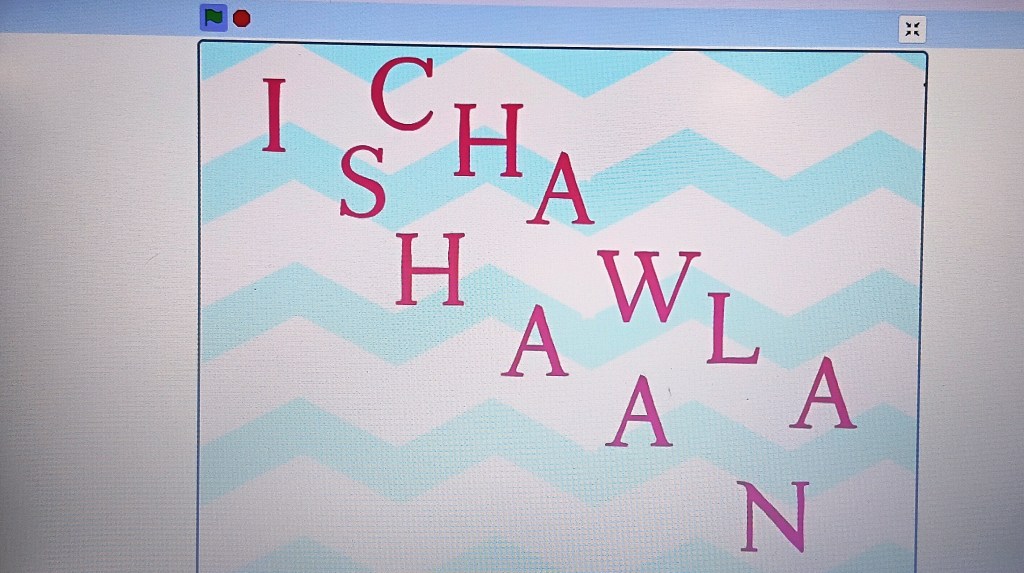
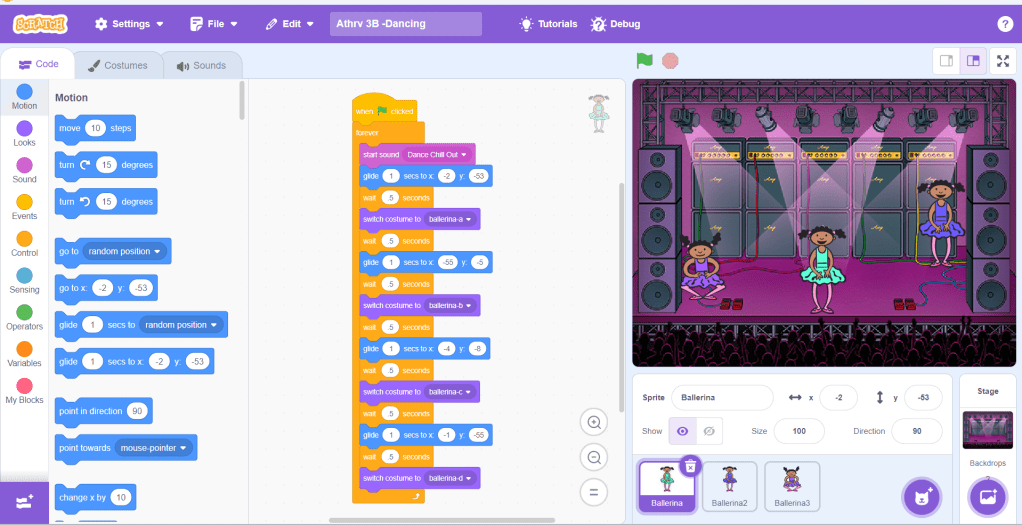
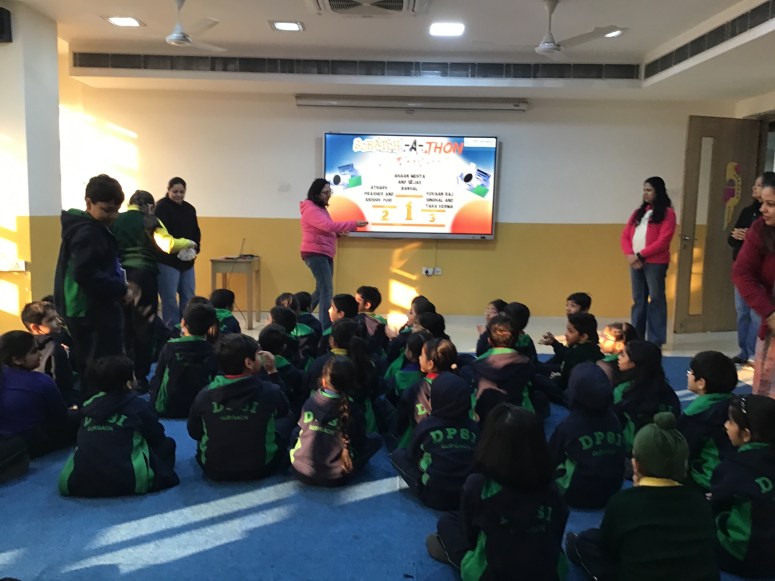
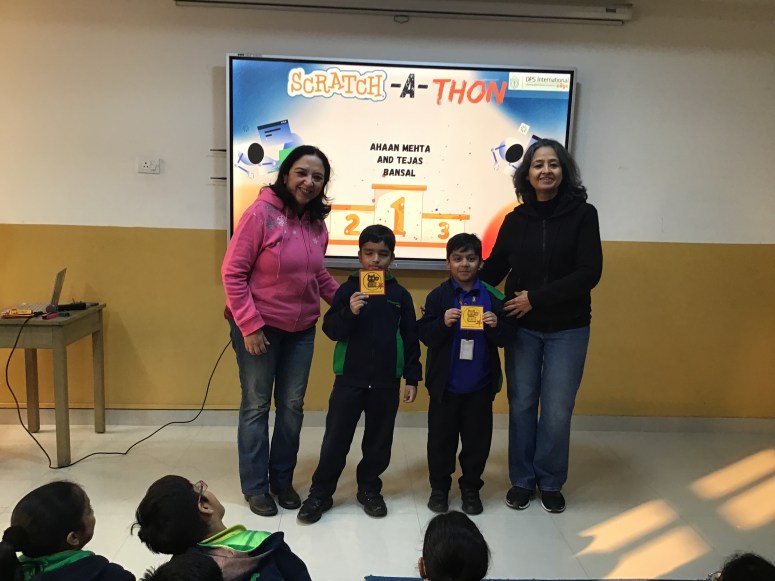
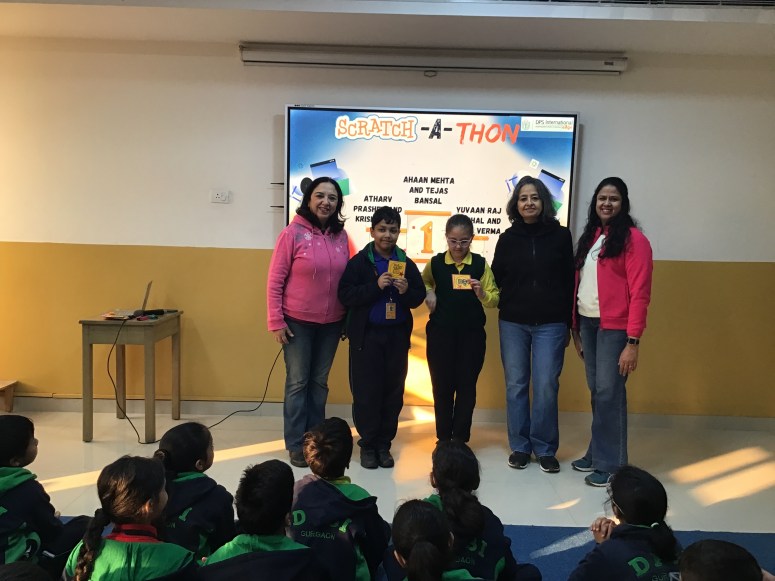
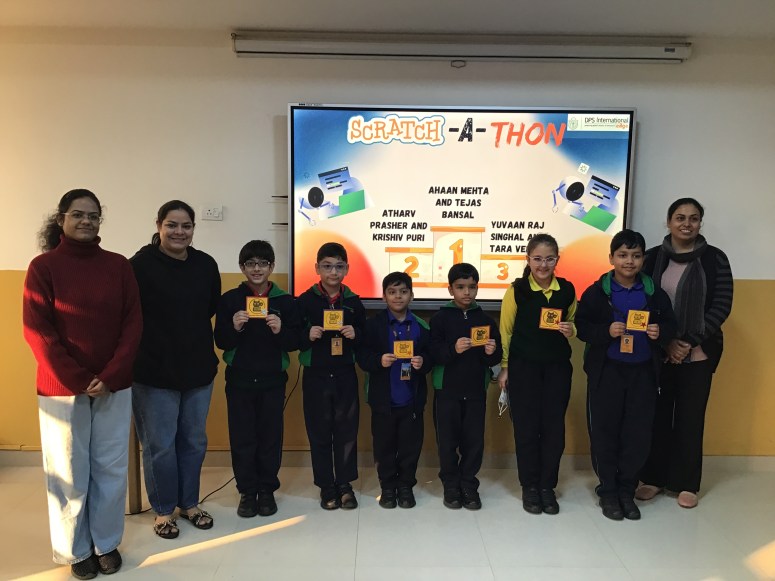
From December 8–12, 2025, Grade 3 students showcased their coding and digital storytelling skills in the Intersection Scratch-a-thon. Using Scratch, they created original stories on Digital Citizenship topics like digital footprints, strong passwords, and protecting personal information. Every young coder’s effort was celebrated, highlighting their innovation, problem-solving skills, and growth as thoughtful digital citizens.
GRADE 4 and 5
Grade 4-Google Sites
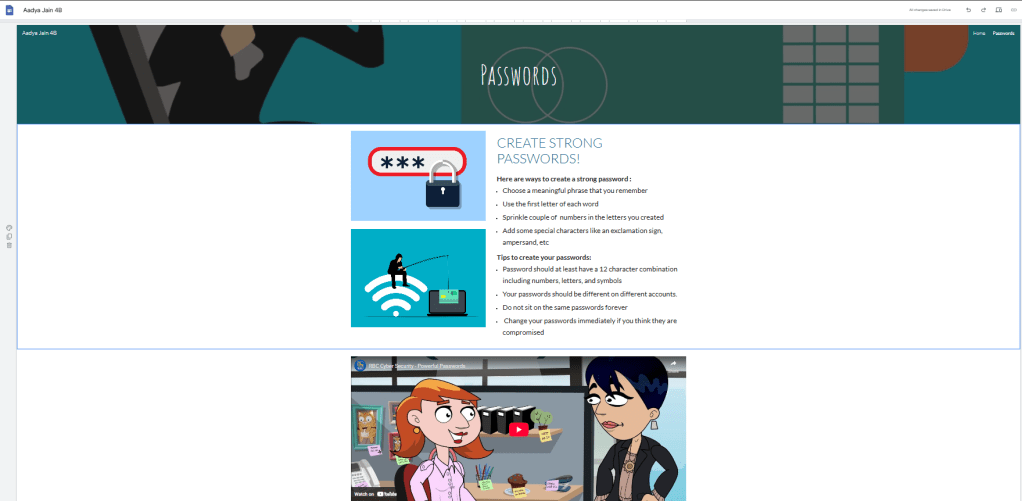
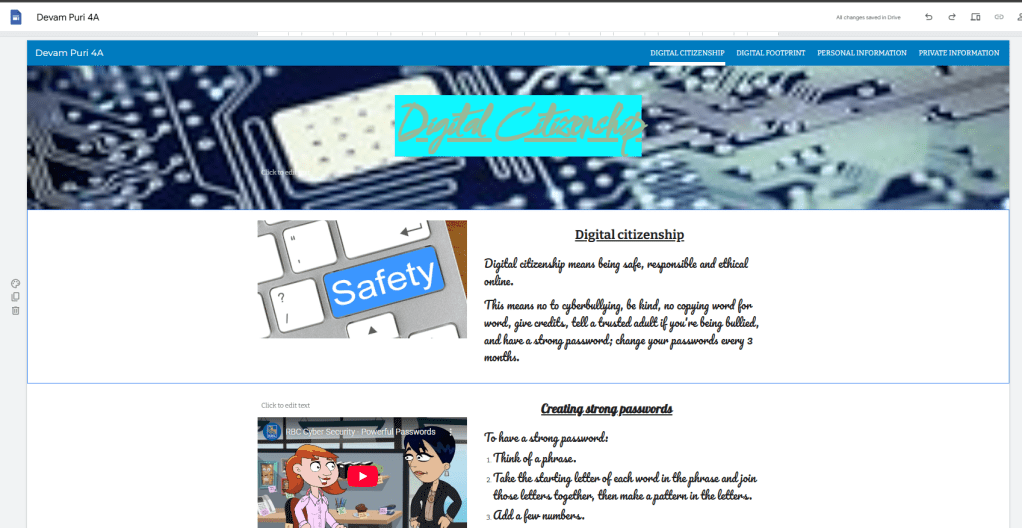
Students explored Google Sites by using its key elements—pages, layouts, text boxes, images, and embedded content—to design their own websites on Digital Citizenship. They organized information clearly across pages, added visuals and links to support their ideas, and used layouts to present content creatively. They demonstrated their understanding of safe, responsible, and respectful online behavior while developing digital design and communication skills.
Grade 5-Canva Websites
Grade 5 students created simple websites visualizing their dream school using the Canva app. They learned how to integrate text, layouts, interactive features, media files, and additional pages to build a complete website. The process strengthened their skills in layout consistency, structure, and organization. Their creative thinking was evident as they designed visually appealing pages, while their critical thinking helped them make clear and user-friendly design choices.
Grade 4-Google Forms
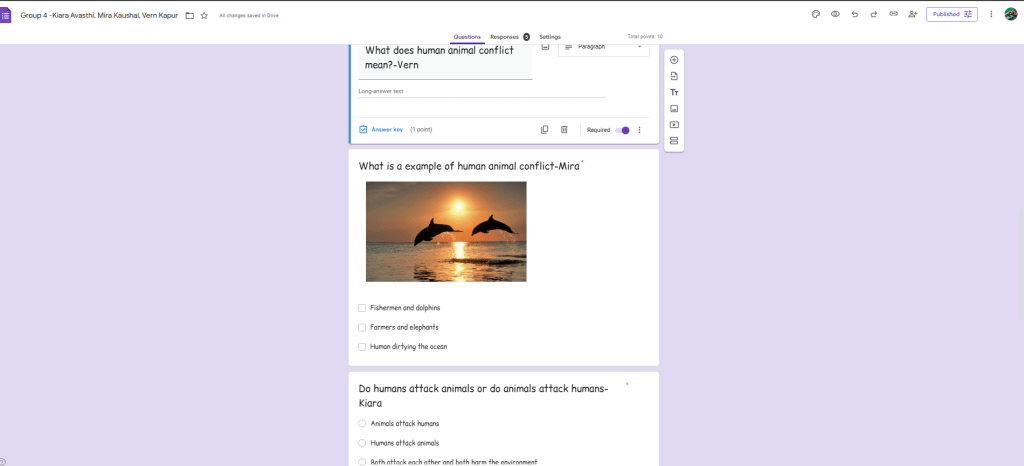
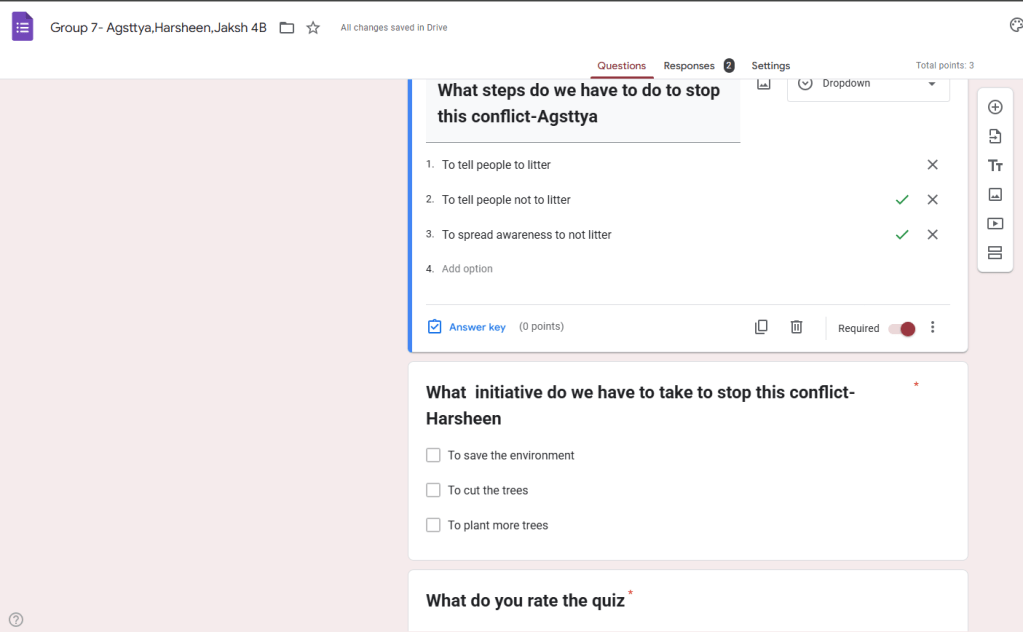
Students worked in groups to explore Google Forms while creating surveys on Conflict. They effectively used key elements of the tool, such as multiple-choice and short-answer questions, adding titles, branching, and descriptions. Through discussion and shared decision-making, students designed meaningful forms that reflected their understanding of the issue, while also developing digital skills, teamwork, and responsible use of technology.
Grade 5-HTML
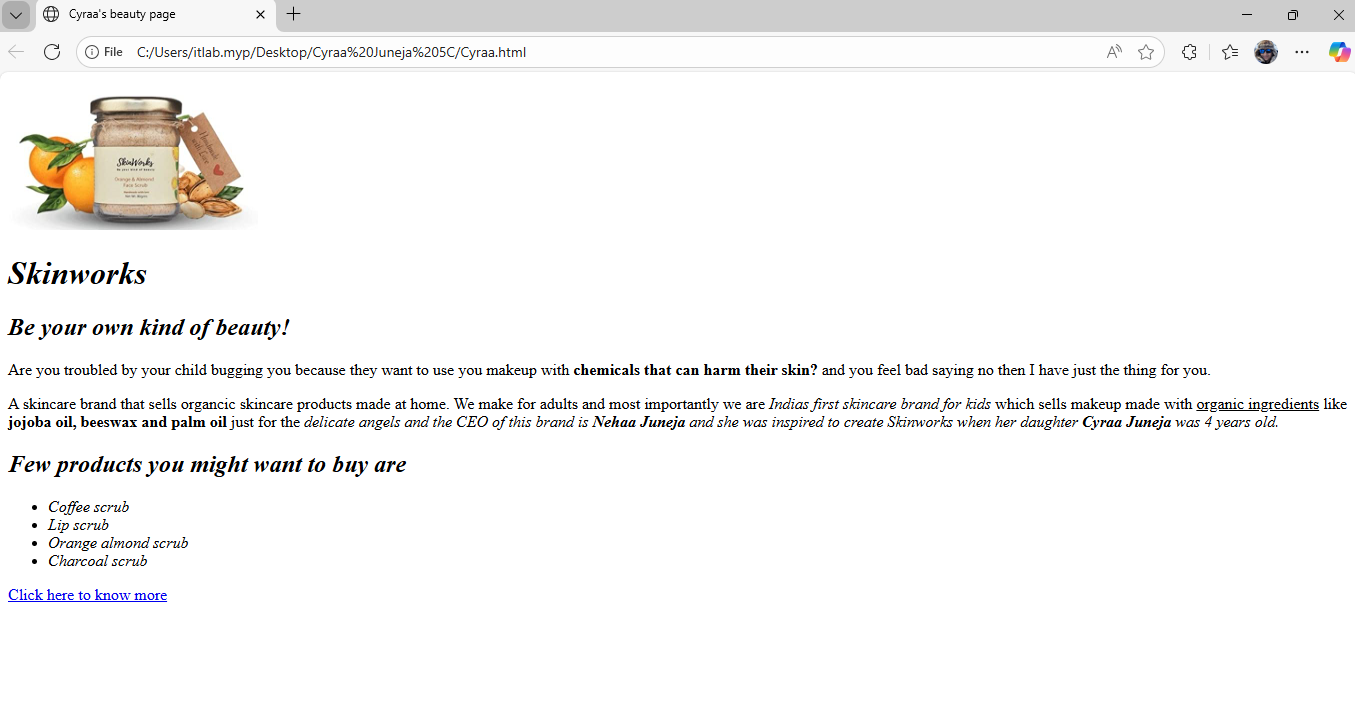
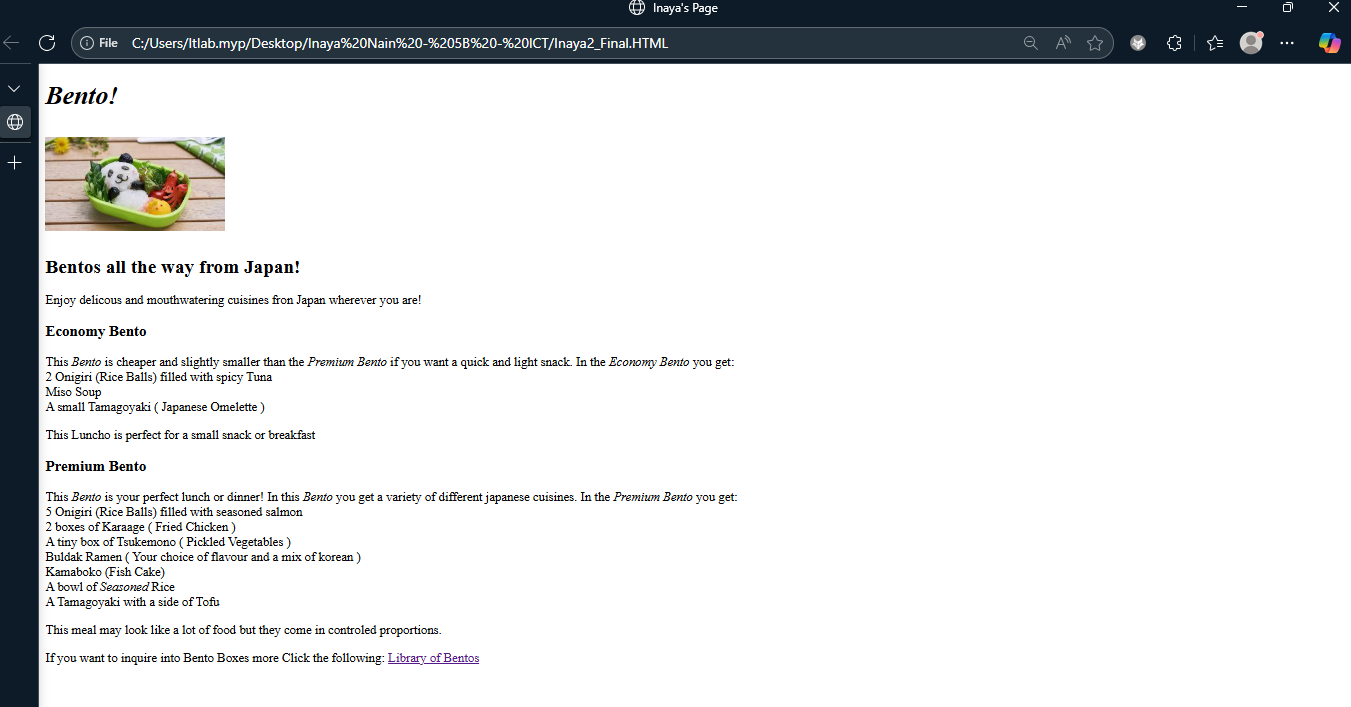
Students explored the basics of HTML and learned how to use different tags, elements, and attributes to create their own webpages. Through this process, they applied critical thinking to structure their content correctly and troubleshoot errors. Their creative thinking was also evident as they designed unique layouts and presented information in engaging ways. This learning experience helped them understand how webpages are built using digital literacy and problem-solving skills.
Hour Of Code (Hour of AI)
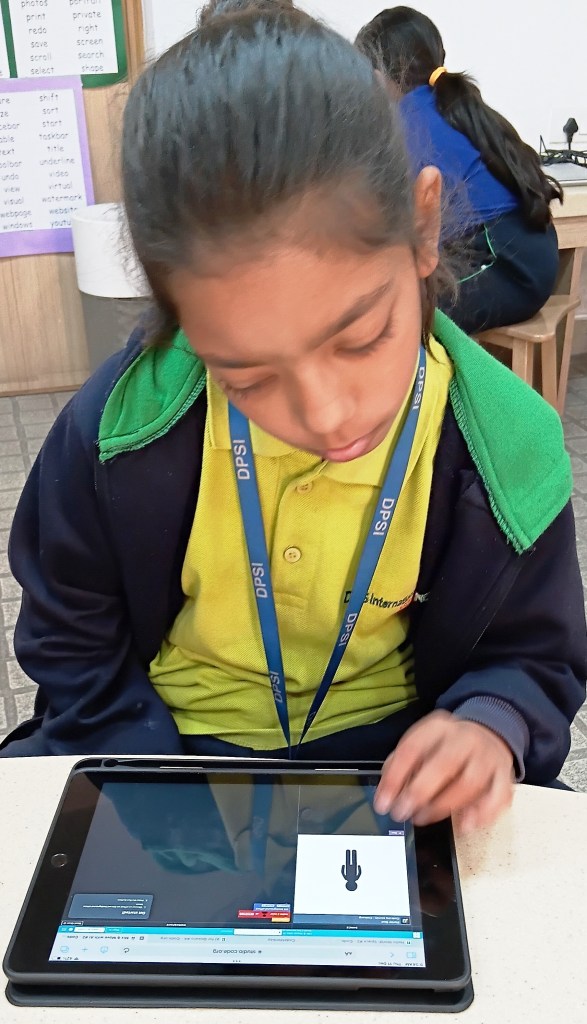
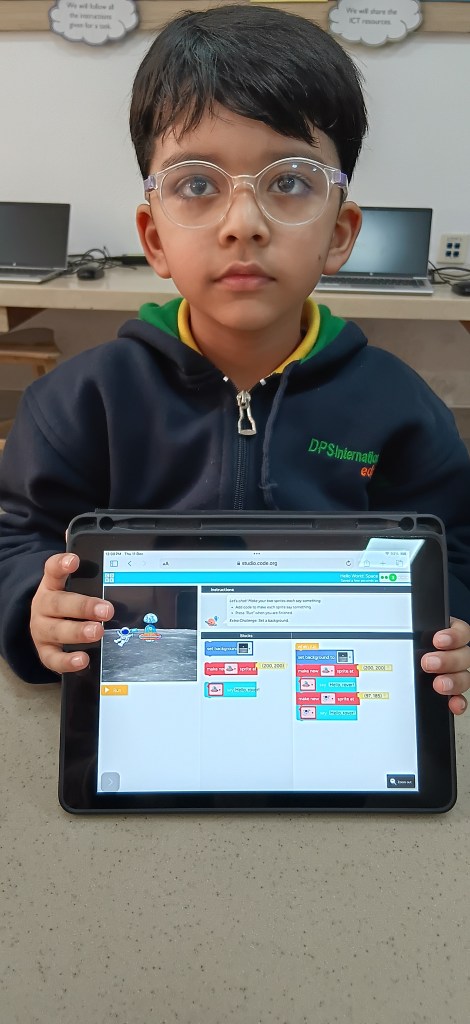
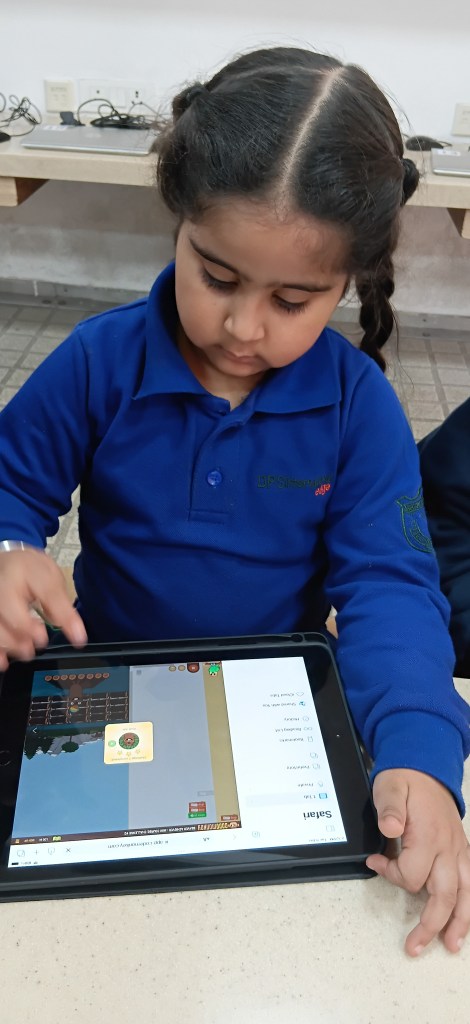
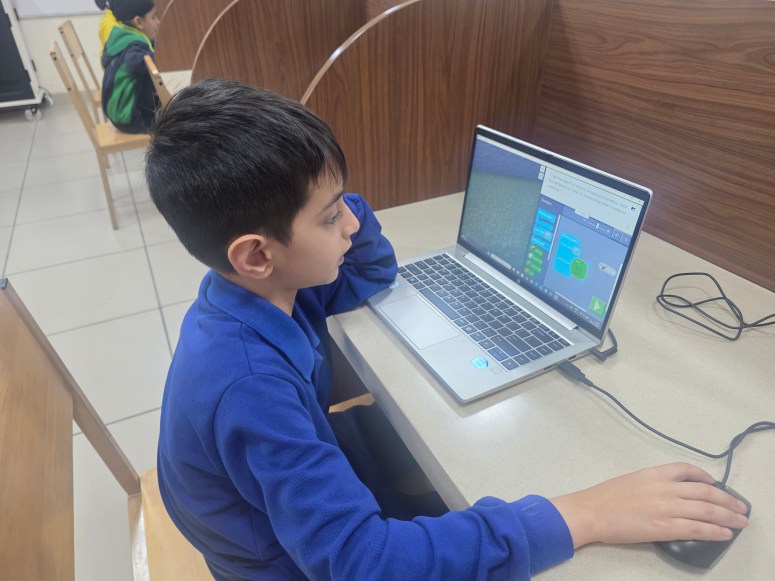
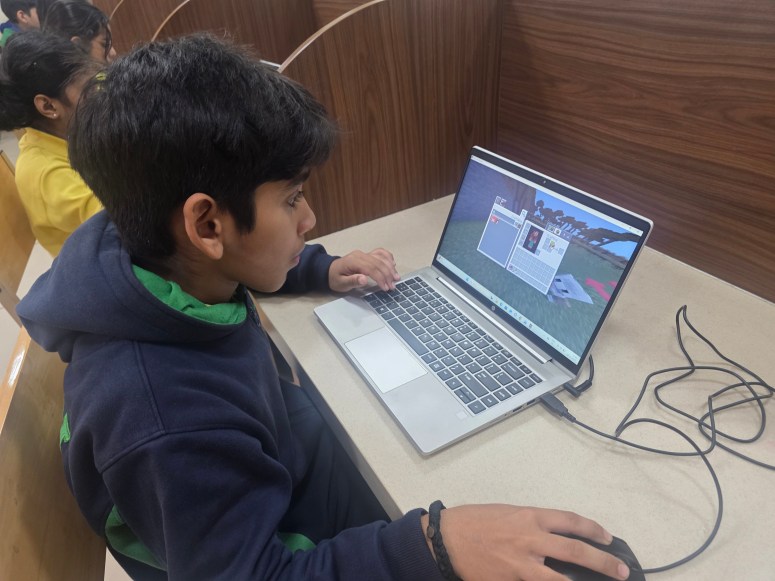
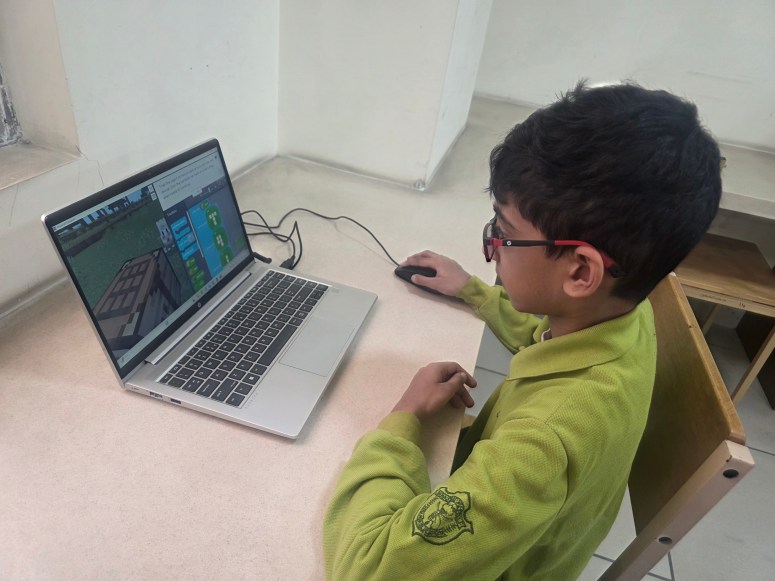
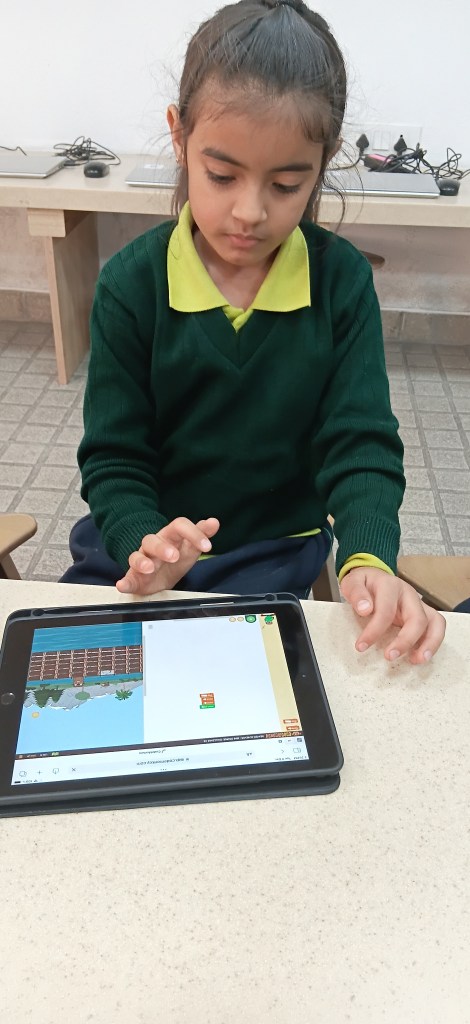
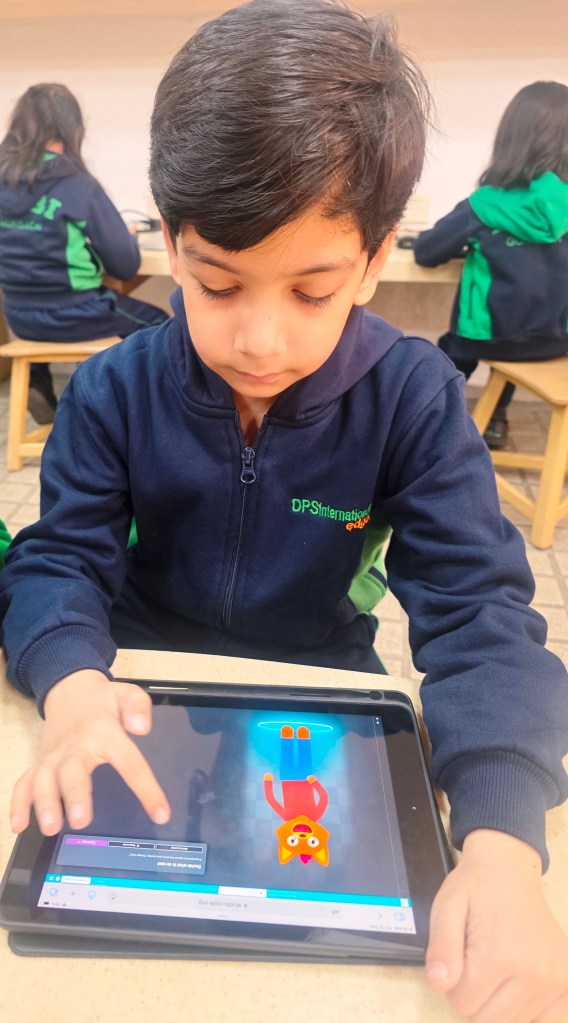
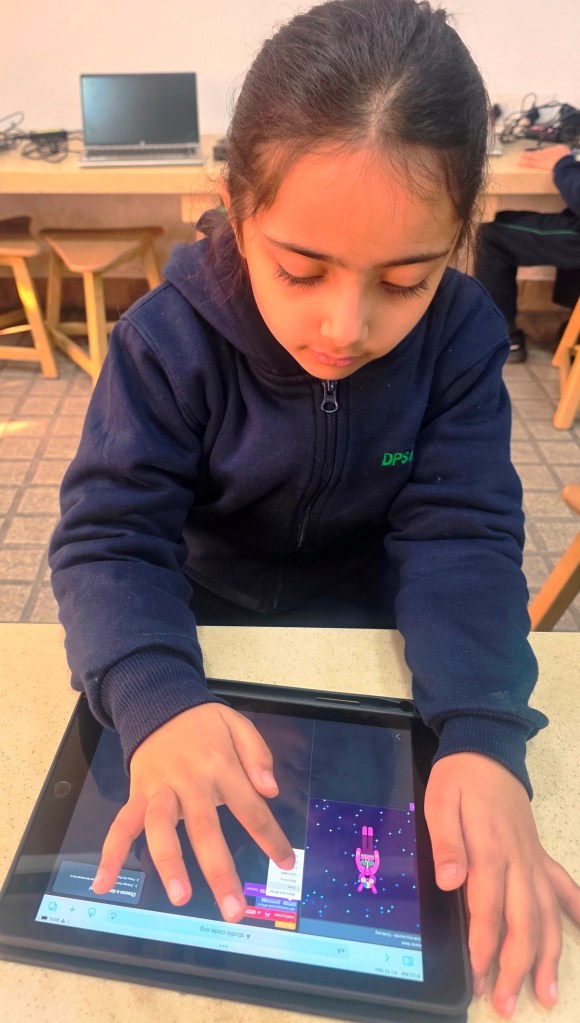
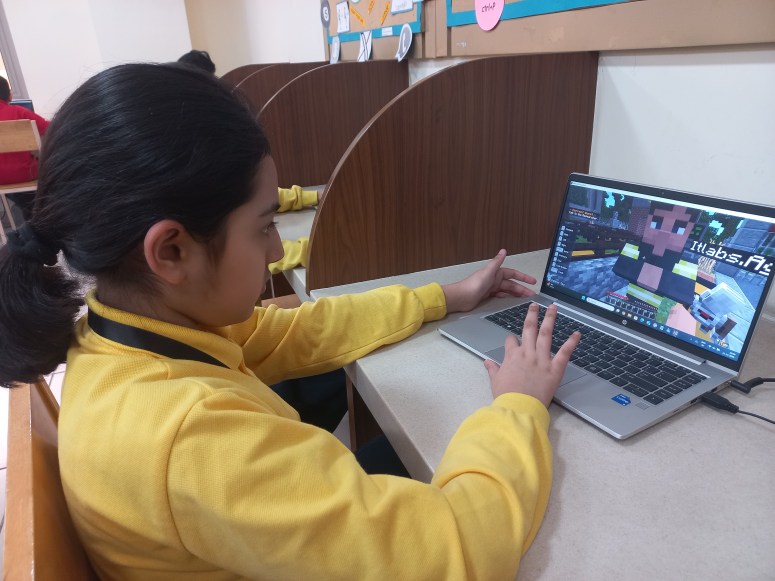
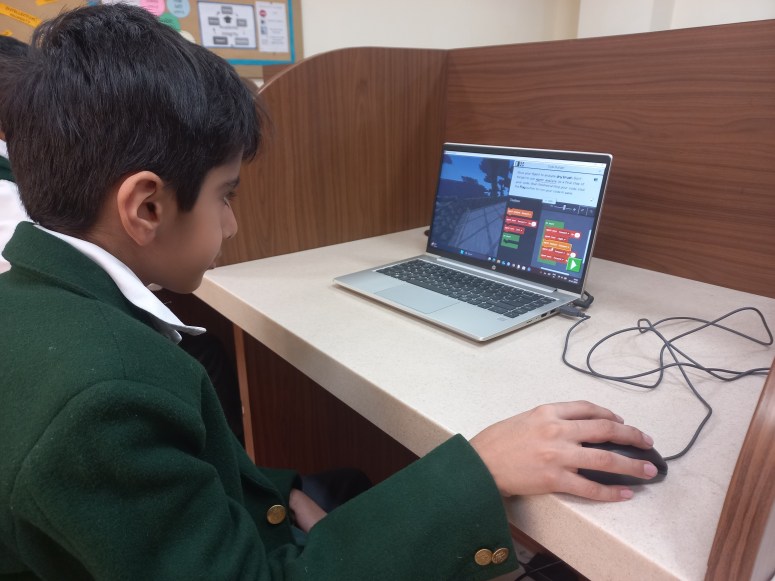
Students celebrated Coding Week by exploring platforms like Kodeable(KG), BeeBot(KG), Hello World Space(Grade 1), and Hour of AI activities such as Grade 2-Dance Party: AI Edition, Mix and Move(Grade 3), and Minecraft(Grade 4) and Minecraft-AI for Good(Grade 5). Hands-on coding and AI challenges helped strengthen sequencing, logical reasoning, and computational thinking, thereby building confidence for creative problem-solvers who function in a technology-rich world.
 Tech-Dawn