Fostering atl skills through ict @ dps international
At DPS International, we strive to nurture lifelong learners equipped with the essential learning ATL skills that transcend the boundaries of a classroom. The ICT programme ensures students delve into communication, research, thinking, collaboration, and self-management capabilities, that empower them to address real-world challenges effectively. From exploring digital tools to developing creative projects, young innovators apply these skills to navigate the evolving landscape of technology. This newsletter celebrates the remarkable achievements of primary students as it showcases their journey with inquiry, problem-solving, and understanding of the digital world.
EARLY YEARS
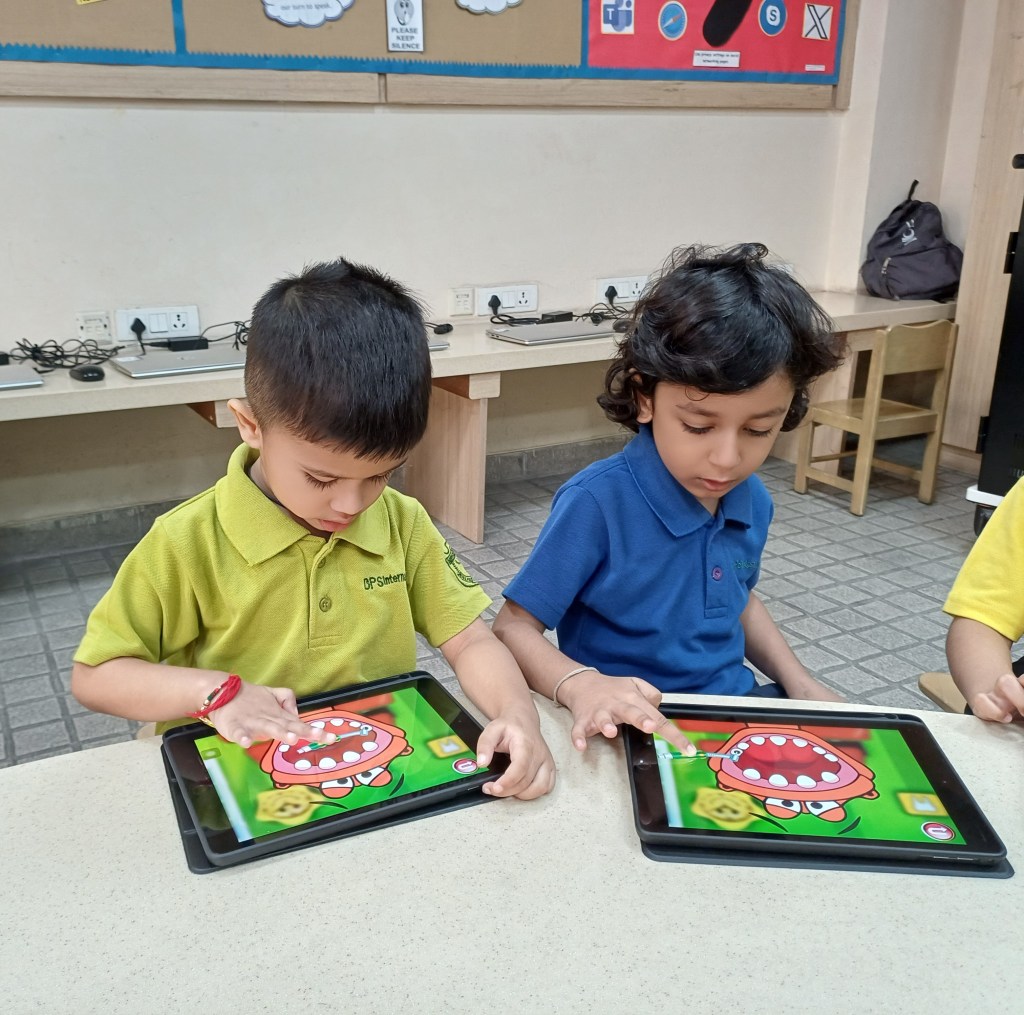
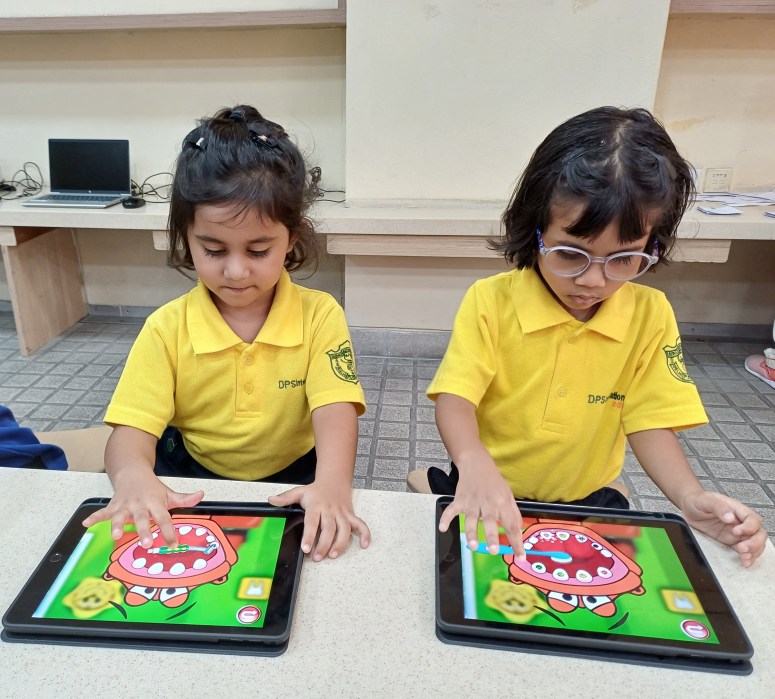

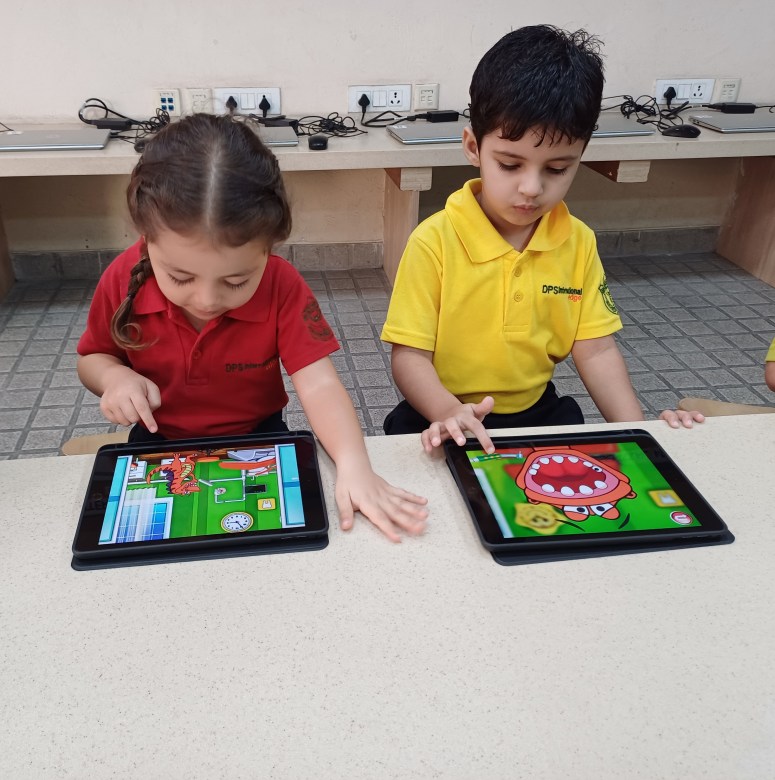
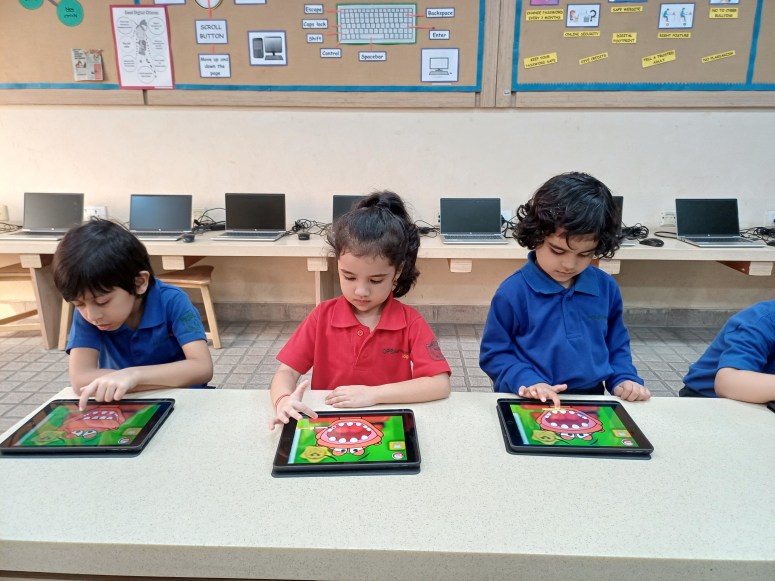
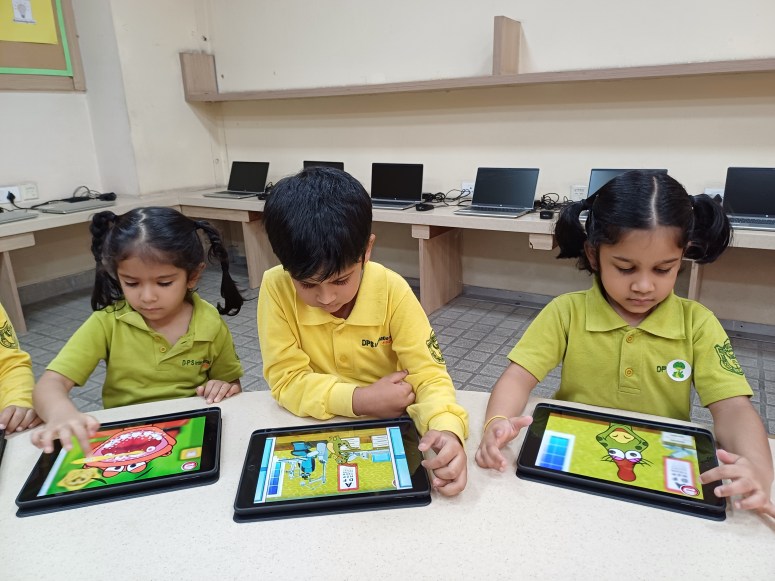
Students delved into the Dr. Dino app, mastering its features while reinforcing the importance of oral and body hygiene. This engaging activity deepened their understanding of health and well-being—a key concept in their Unit of Inquiry while also helping them develop essential ICT skills for icon recognition, basic navigation, and following on-screen prompts. Through this integration of technology and Unit of Inquiry learning, students seamlessly connected hygiene practices with digital literacy.
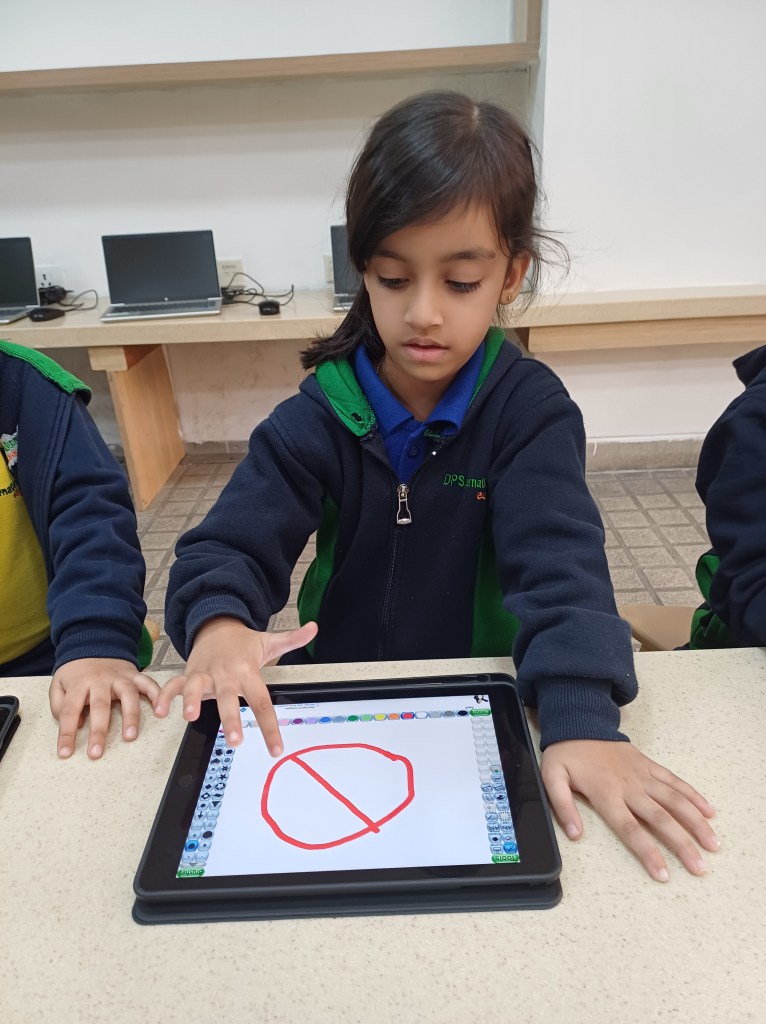


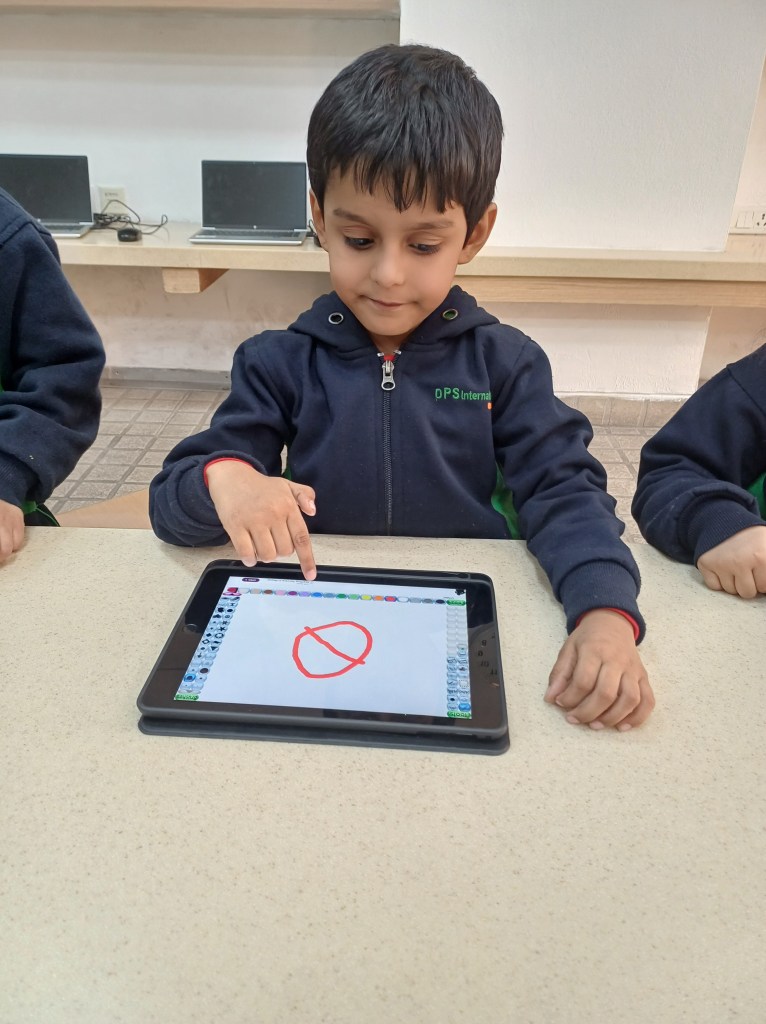
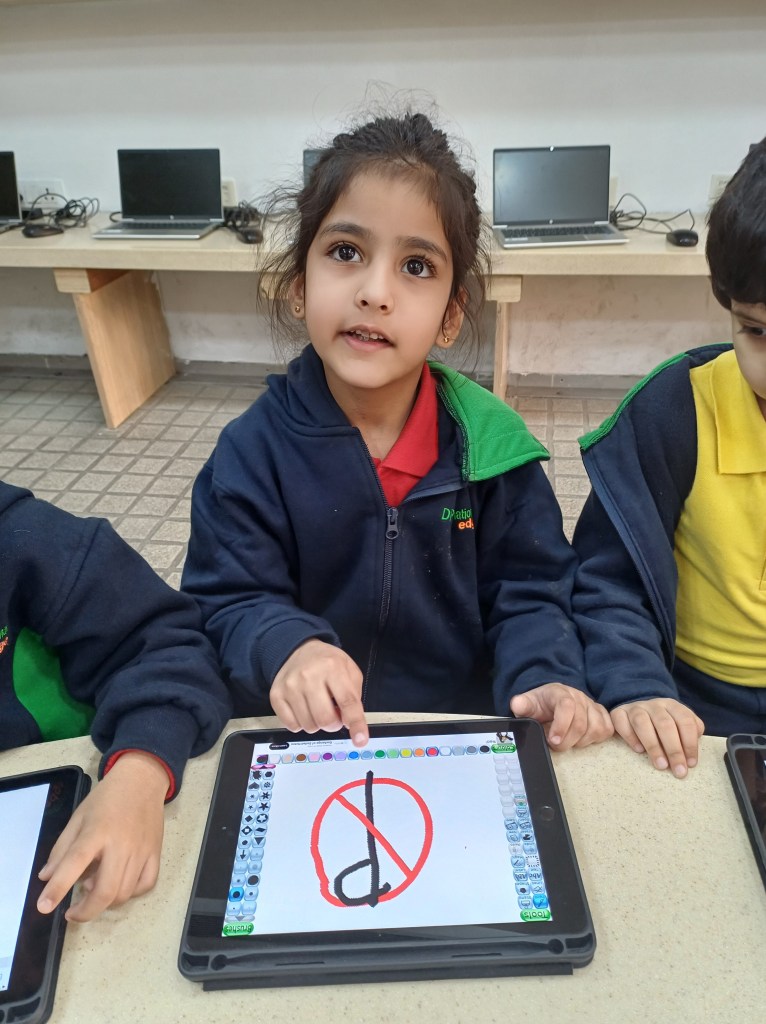
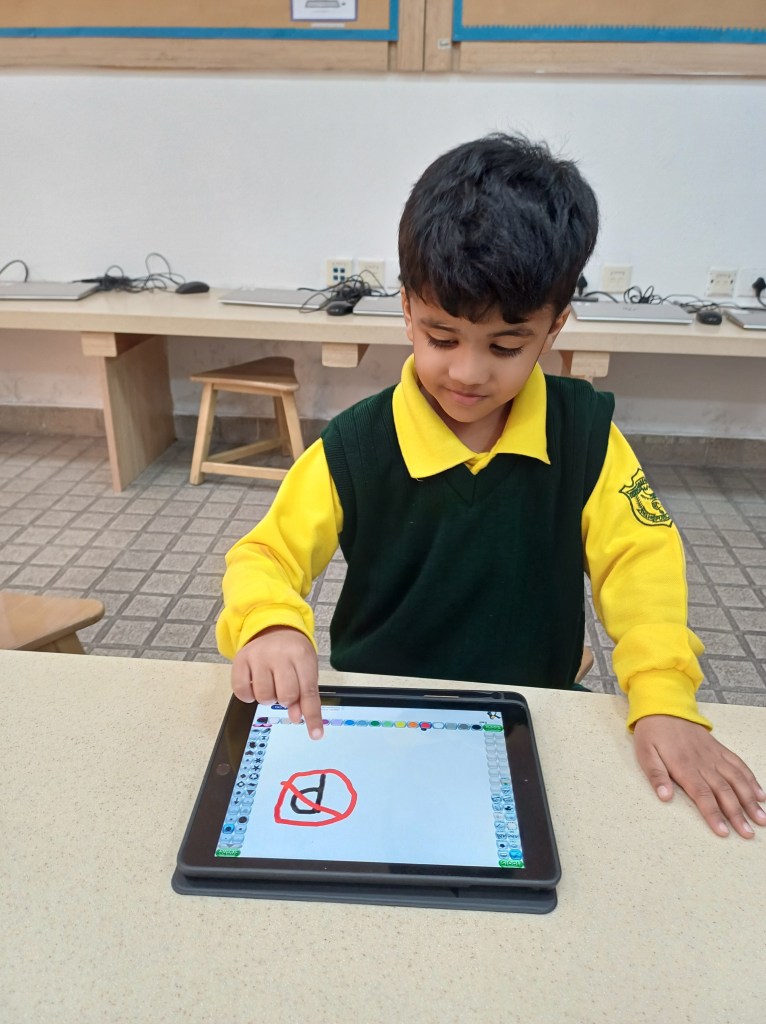
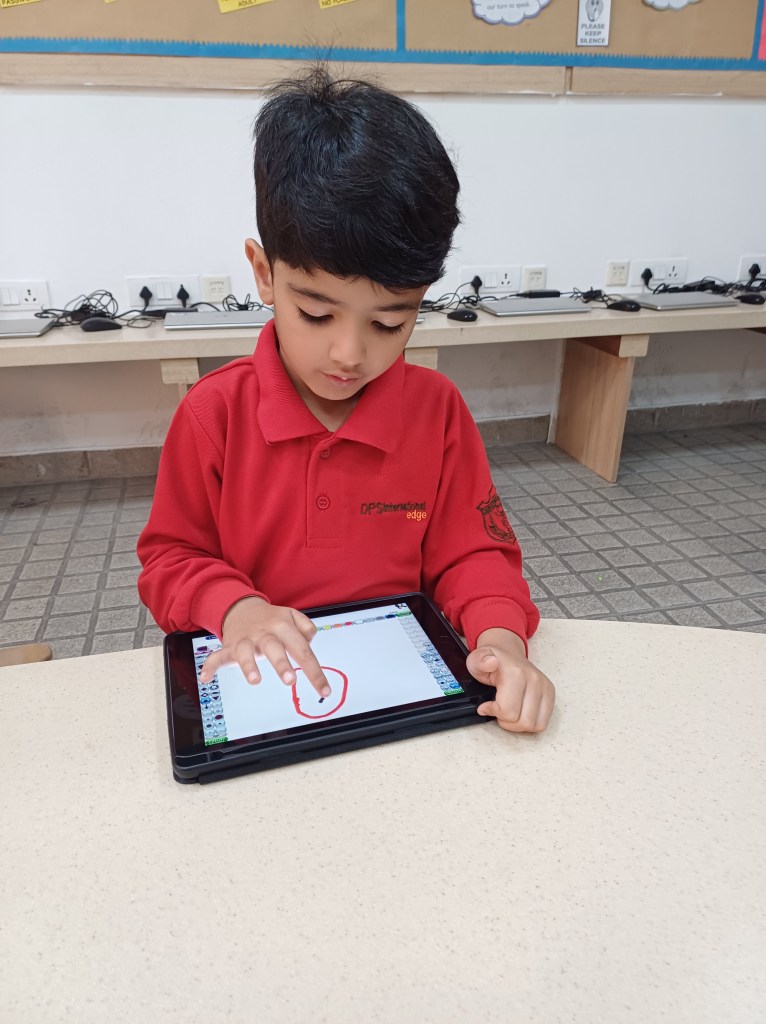
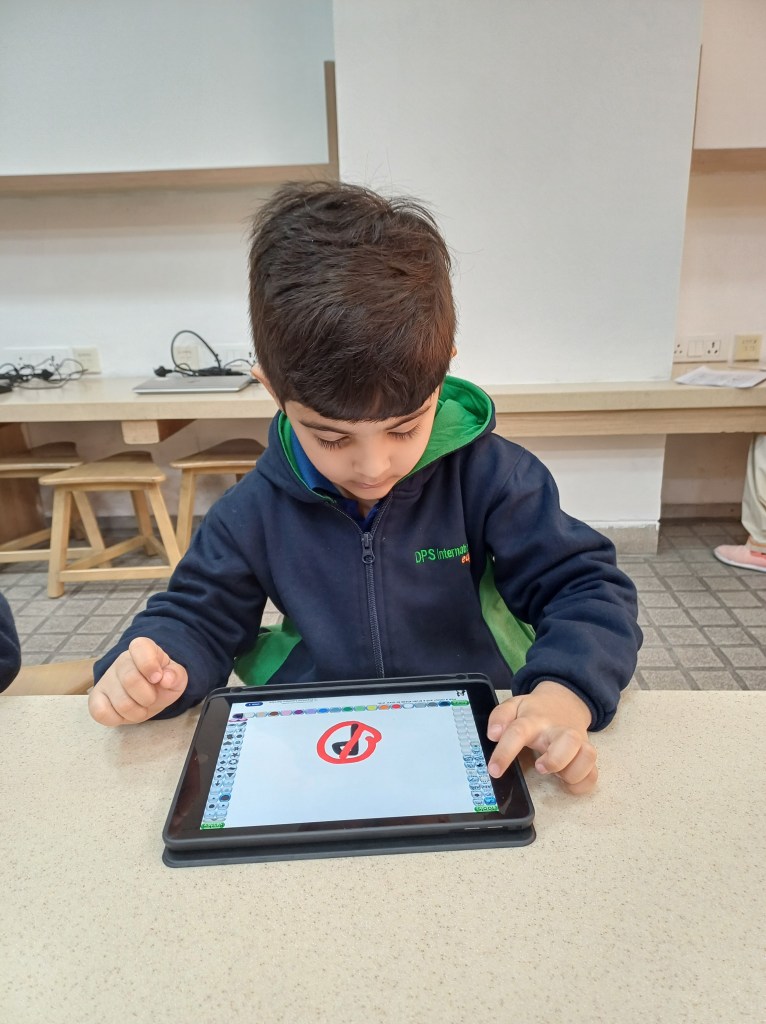
Students made significant strides in their learning journey by using the iPad app Tux Paint to create impressive drawings. While showcasing their creativity, they also developed ICT skills while saving their work and using a variety of art tools. This activity enabled them to illustrate road safety signs and symbols, and integrate the Unit of Inquiry concept of ‘Transport’ with technology, thereby blending artistic expression with digital literacy.

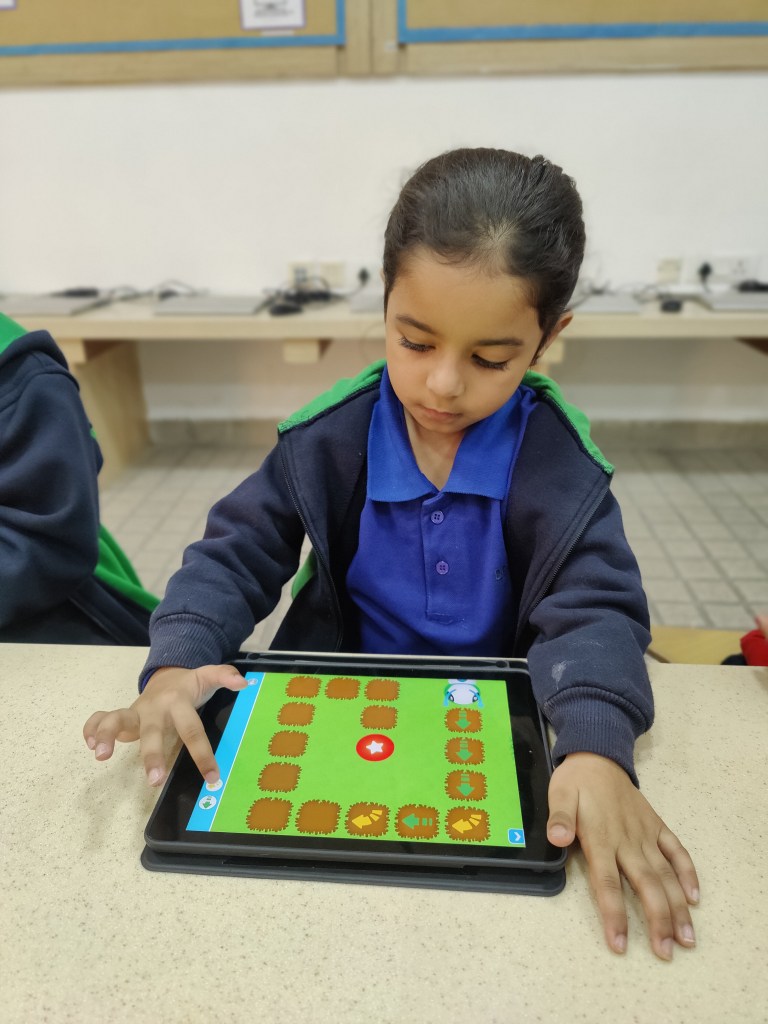
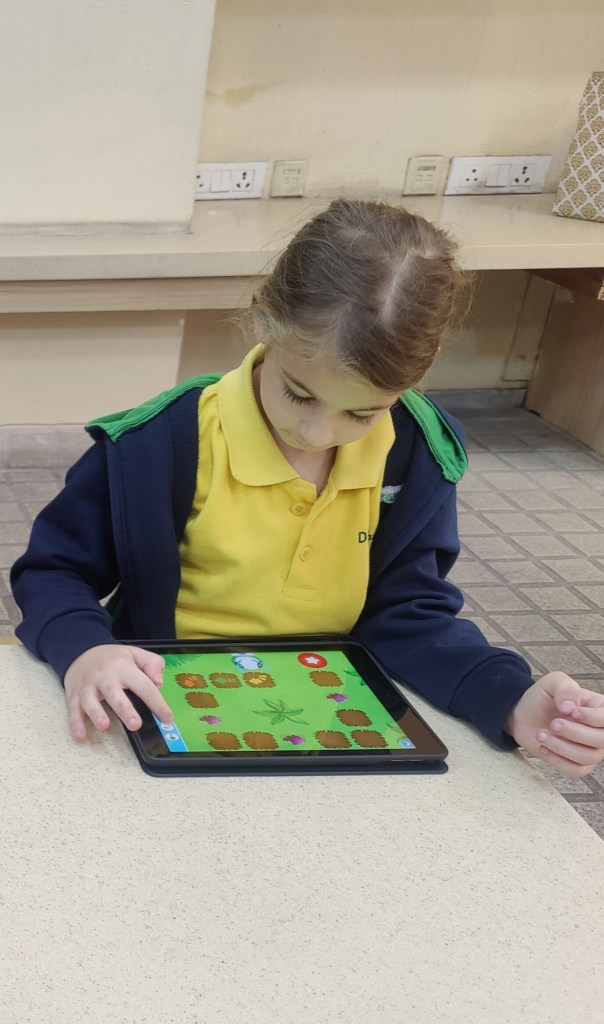
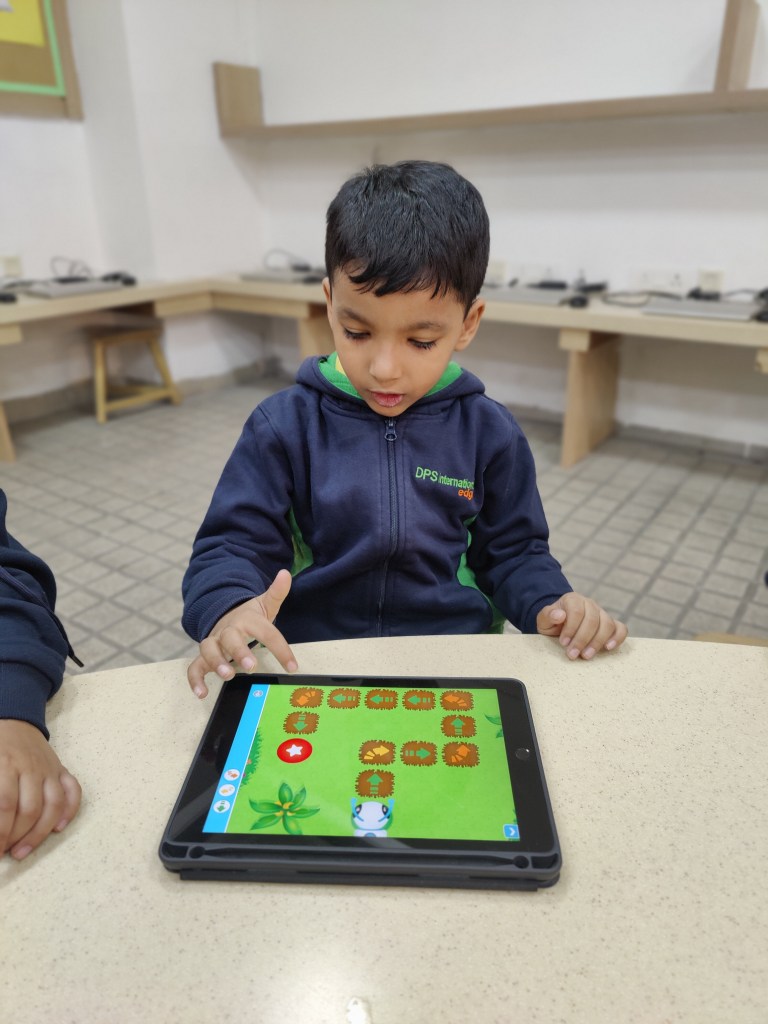

Students explored the interactive coding app ‘Code-a-pillar,’ where they practiced arranging code blocks in correct sequence to complete various tasks. This hands-on activity helped them develop key skills in directionality, sequencing, and problem-solving, while also strengthening their computational thinking abilities.
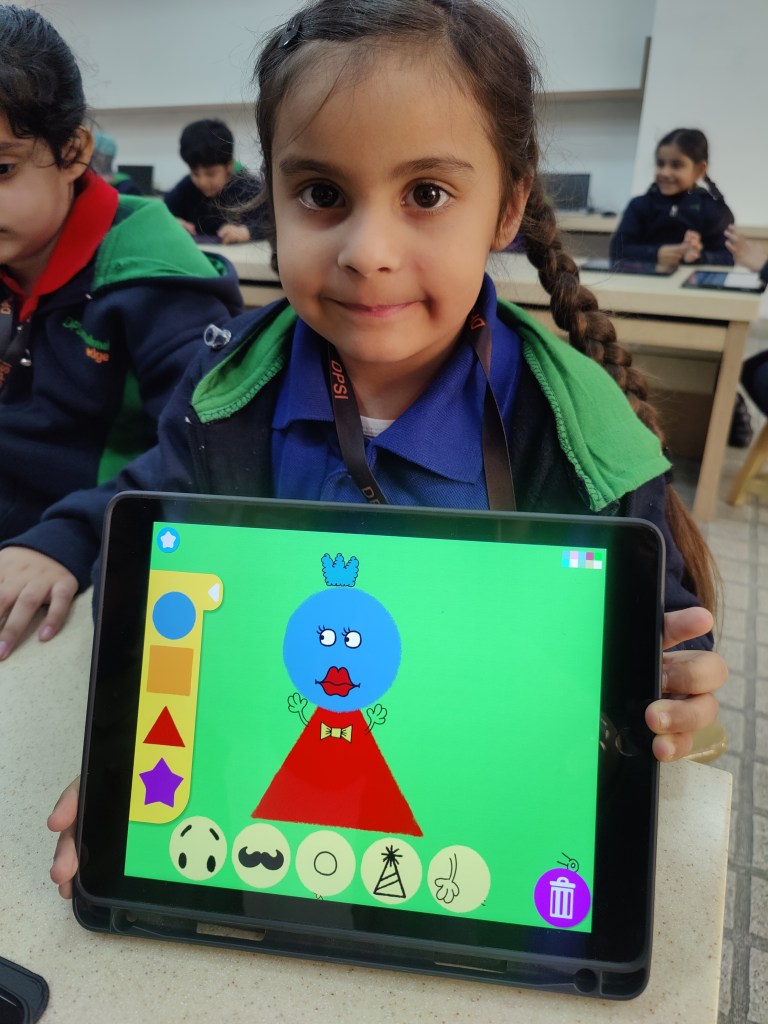
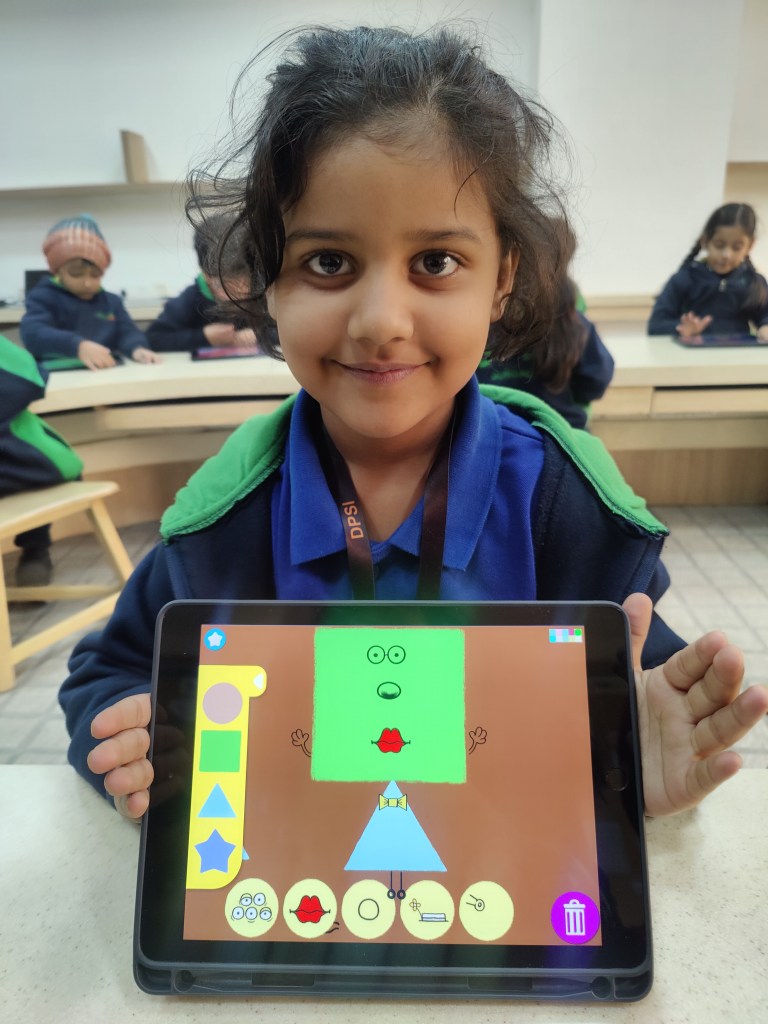
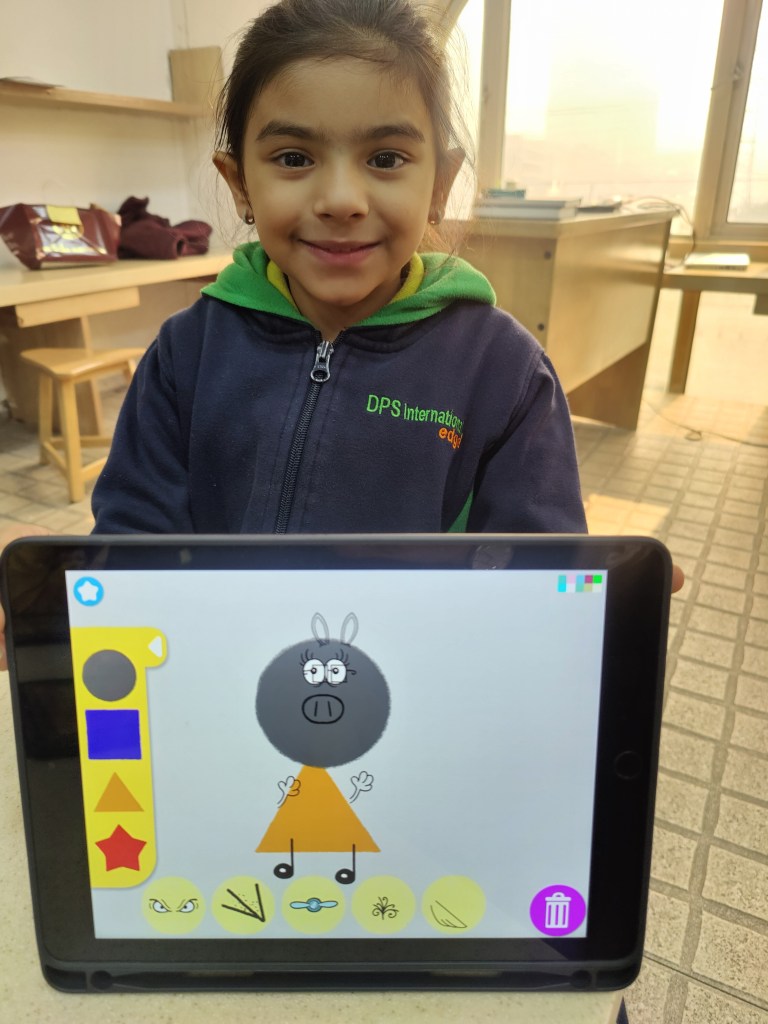
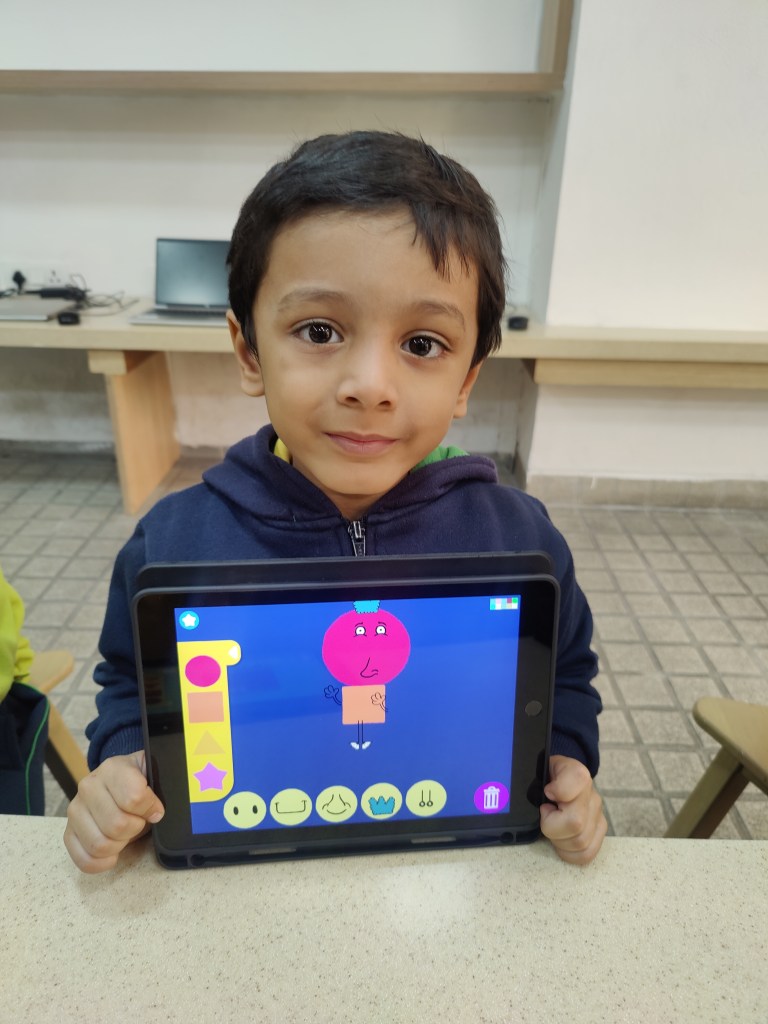

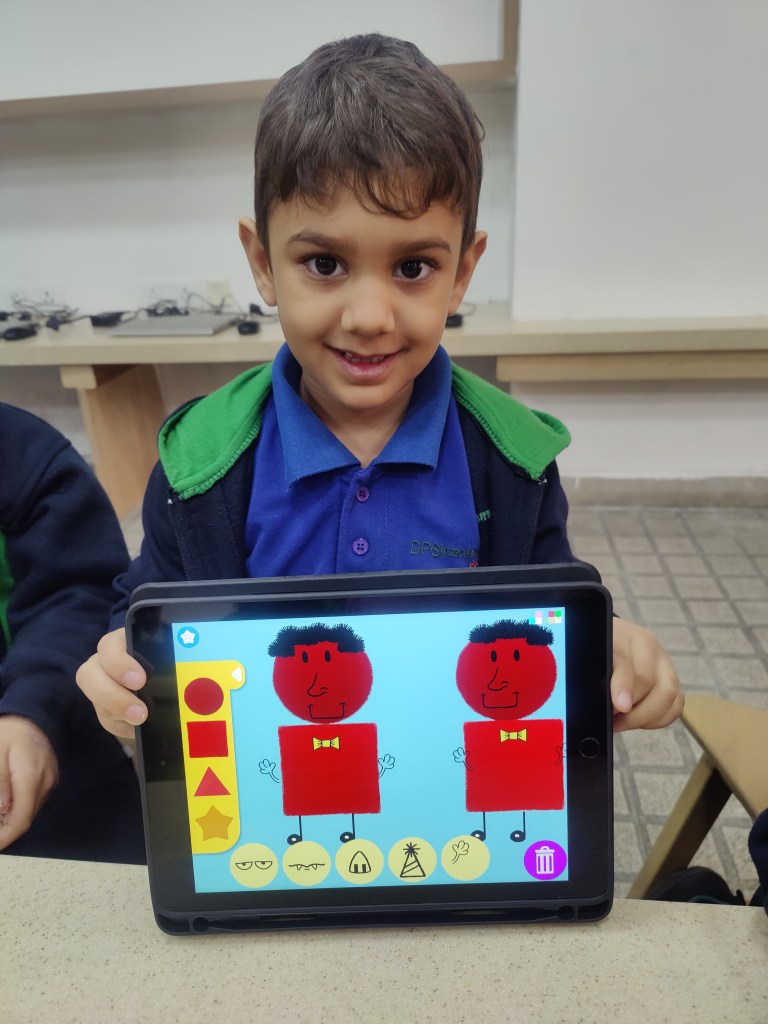
Students were excited to explore the ‘Tiggly Draw‘ app, discovering its key features such as selecting shapes, colours, and elements for both characters and backgrounds. Using vibrant Tiggly shapes, they designed characters and brought them to life with animations. This engaging activity boosted students’ creativity, fine motor skills, and problem-solving abilities.
GRADE 1 to 3
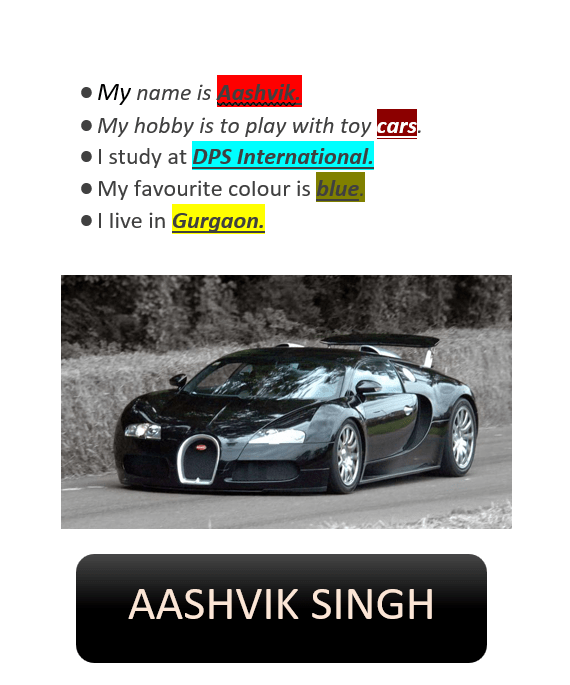
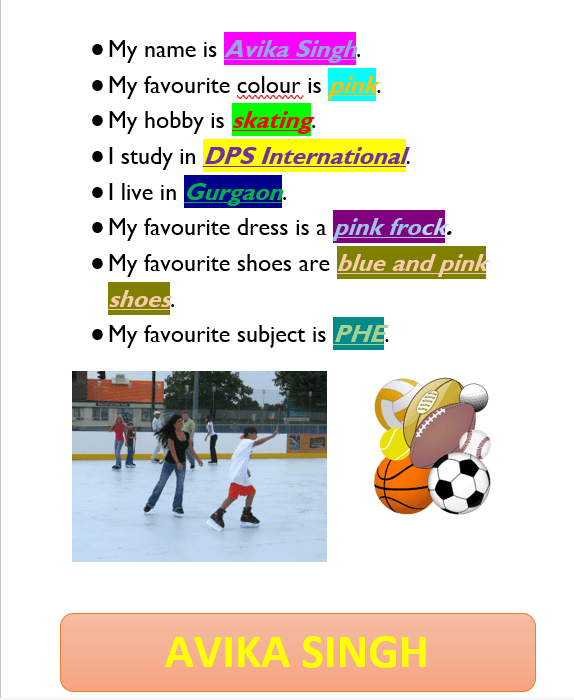

Grade 1 students developed key ICT skills by learning to create documents using Microsoft Word. They were introduced to typing and formatting text, modifying font style, size, and colour. They also explored how to highlight, bold, italicize, and underline text for emphasis. In addition, students gained proficiency in organizing information with bullet points and learned how to insert images and shapes into their documents.

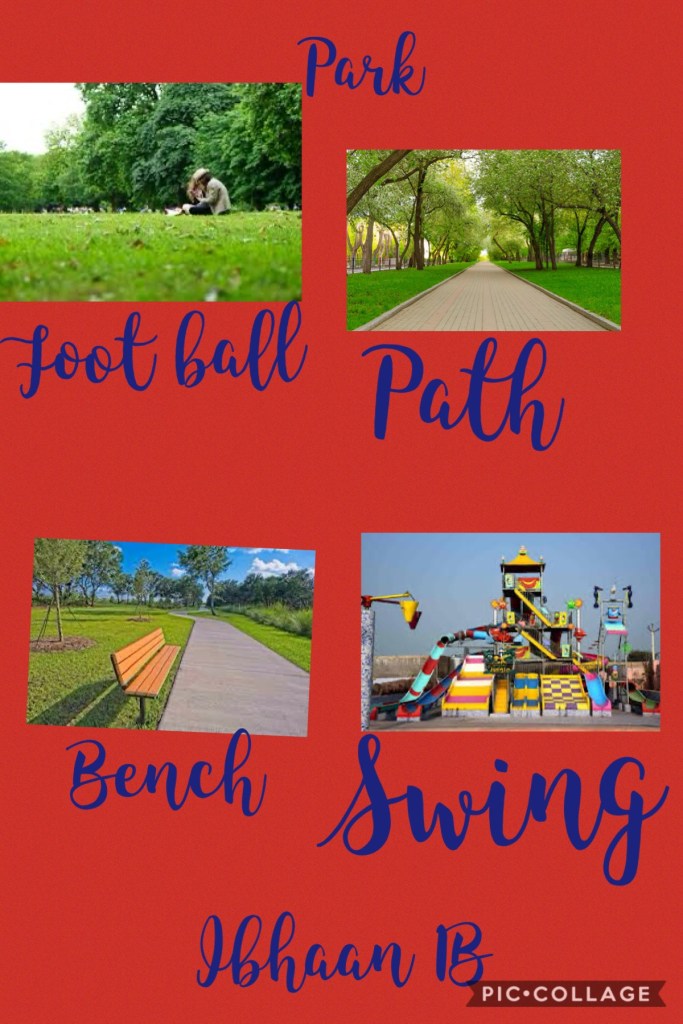
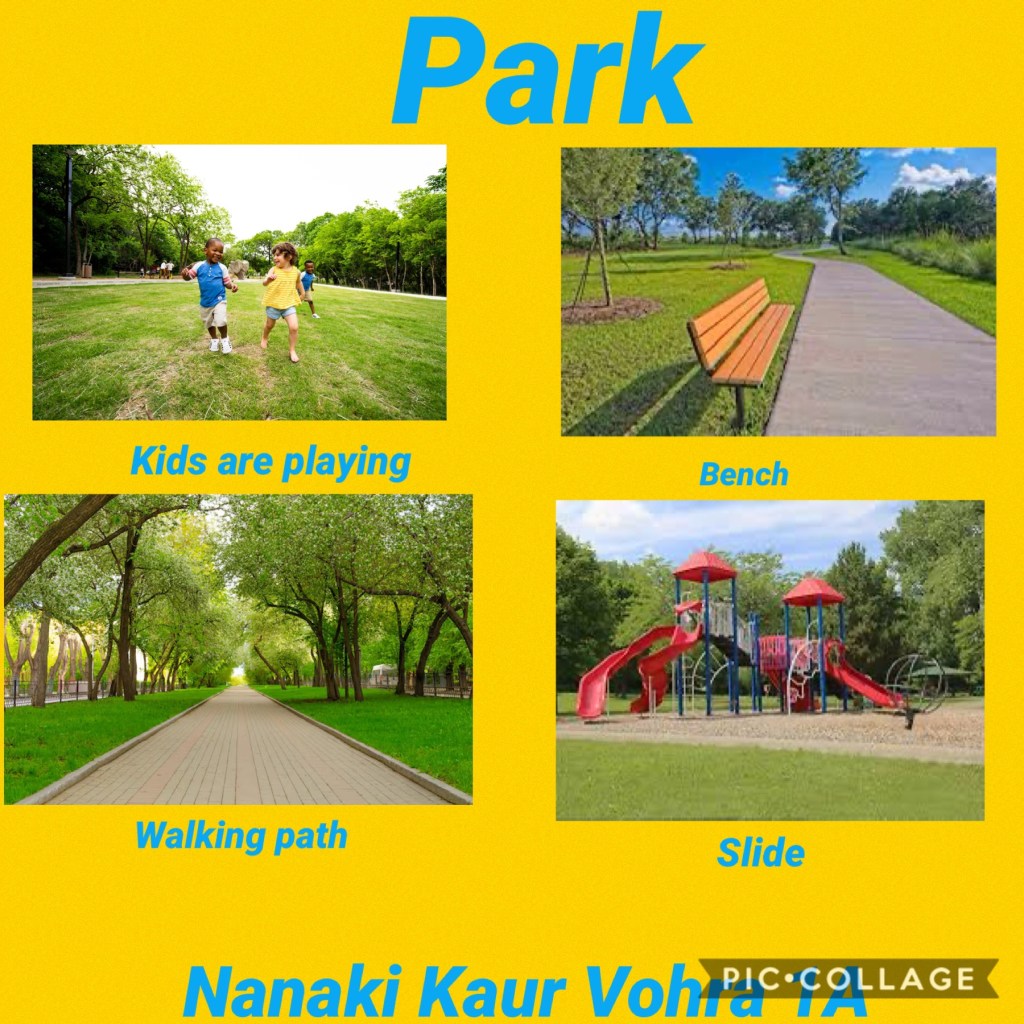

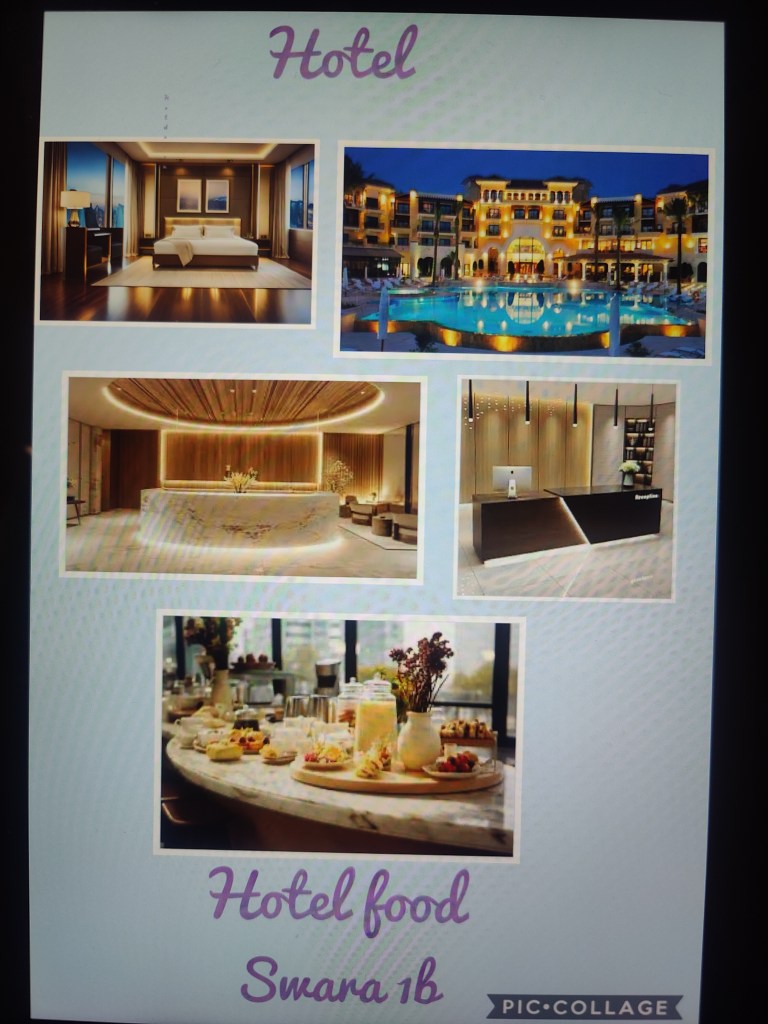
Students explored the graphic design app ‘Pic Collage’ to create infographics. The app’s features, such as text, background options, and the ability to insert downloaded images, they expertly designed infographics to highlight a public place of their choice. This activity allowed students to enhance their creativity and design skills while effectively presenting information about their selected public places in a visually engaging way.
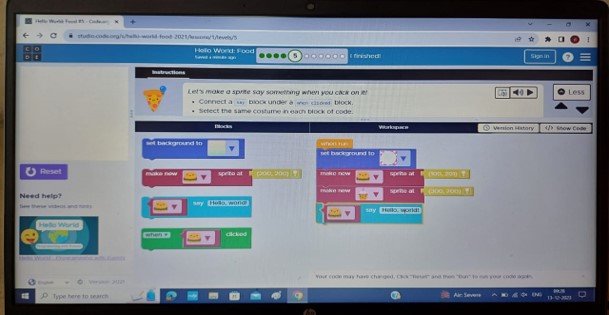
Grade 2 students observed coding week, also known as ‘Hour of Code’. They learned the fundamentals of coding through a wide range of lessons and activities. While coding on age-appropriate apps, students enhanced their logical reasoning and computational thinking skills.
Students demonstrated their creativity and technical skills by designing engaging PowerPoint presentations on sustainability. They skillfully integrated text and images, exploring various design options to enhance the visual appeal and effectiveness on their slides. This activity not only nurtured their creativity and critical thinking but also strengthened their ability to communicate ideas effectively using technology.
BROWSE LINKS- MS PowerPoint presentation 1, MS PowerPoint presentation 2
Grade 3 students were introduced to the dynamic world of video creation using Canva, an innovative online tool. They mastered the art of crafting compelling videos while leveraging Canva’s intuitive interface and diverse range of features. With their newfound expertise, students embarked on creating captivating presentations, infusing their videos with creativity and flair. This process not only empowered them to express their ideas effectively but also fostered the development of essential video editing skills.
BROWSE LINKS- Canva Video 1, Canva Video 2
A block-based programming platform, that fosters creativity in crafting narratives and games- ‘Scratch’, saw students refine their logical thinking, unveil their creativity, This coding activity empowered them to think critically, experiment with different coding concepts, and express their thoughts in a visually engaging and interactive manner.
BROWSE LINKS- Scratch Project 1, Scratch Project 2
GRADE 4 and 5
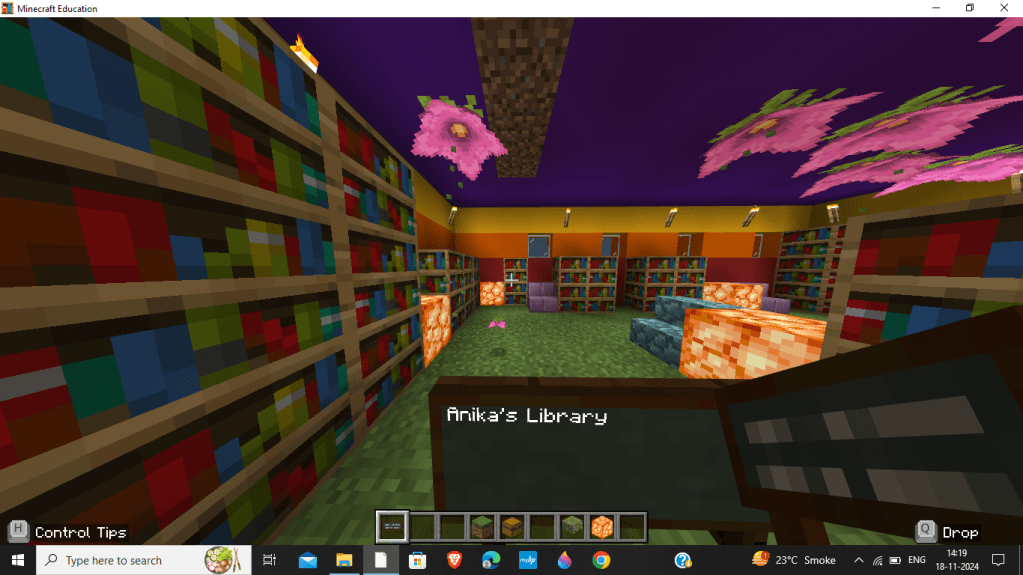
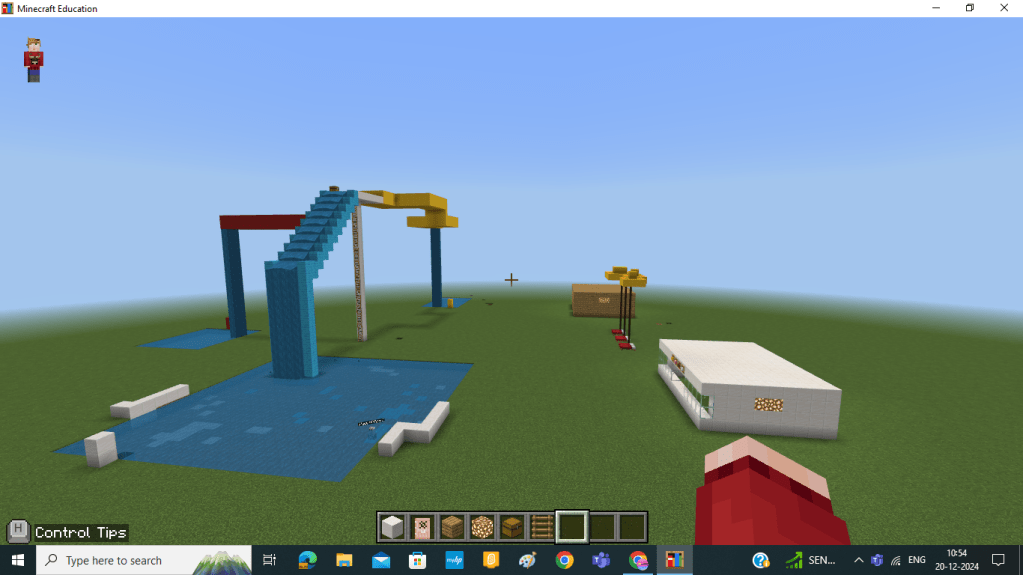

Grade 4 students have been working with Minecraft, where they have collaboratively designed and built a virtual community space. This project showcased remarkable planning, construction, and critical thinking skills. Beyond simply building structures, they engaged deeply in evaluating usage of space, aesthetics, and sustainable practices. As they navigated challenges and refined their plans, they demonstrated 21st-century problem-solving skills, namely creativity, collaboration, and adaptability.
Students explored the evolution of civilization through dynamic Canva presentations. This activity allowed them to creatively communicate historical insights while designing visually appealing and informative slides. Through this process, they honed graphic design skills, layout organization, and digital storytelling abilities. The project also fostered synthesis of information, critical thinking and presentation of ideas with clarity.
BROWSE LINKS- Canva Presentation 1
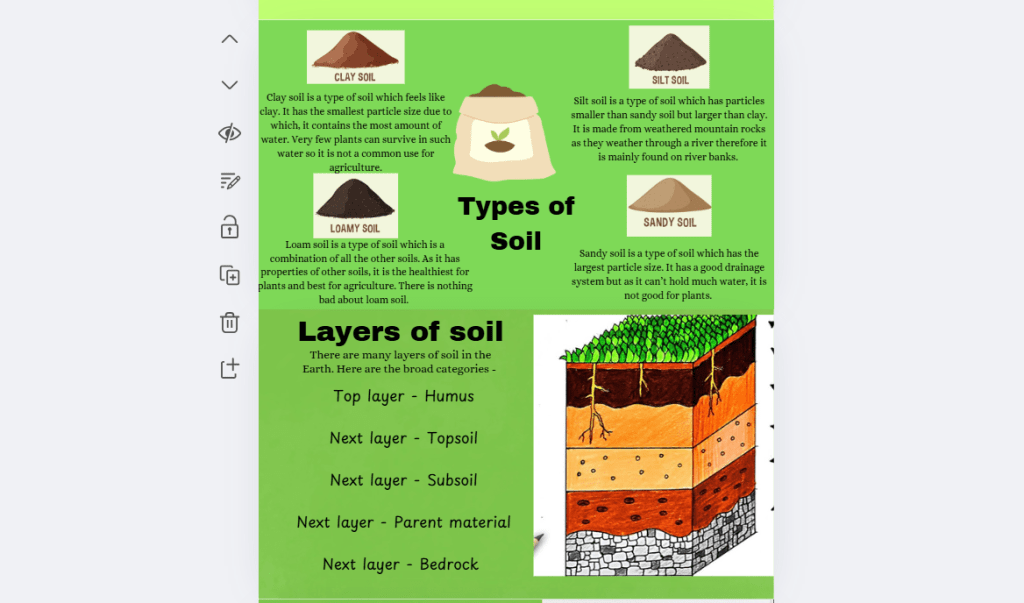

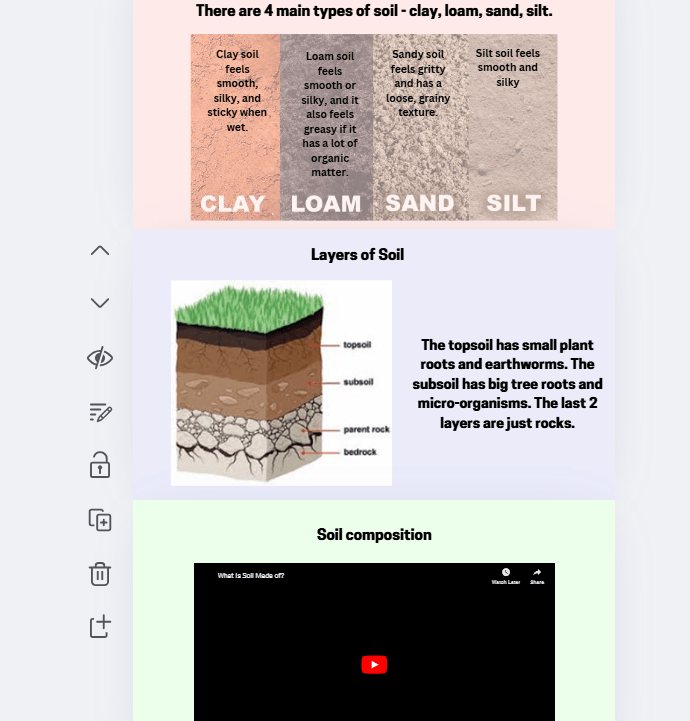

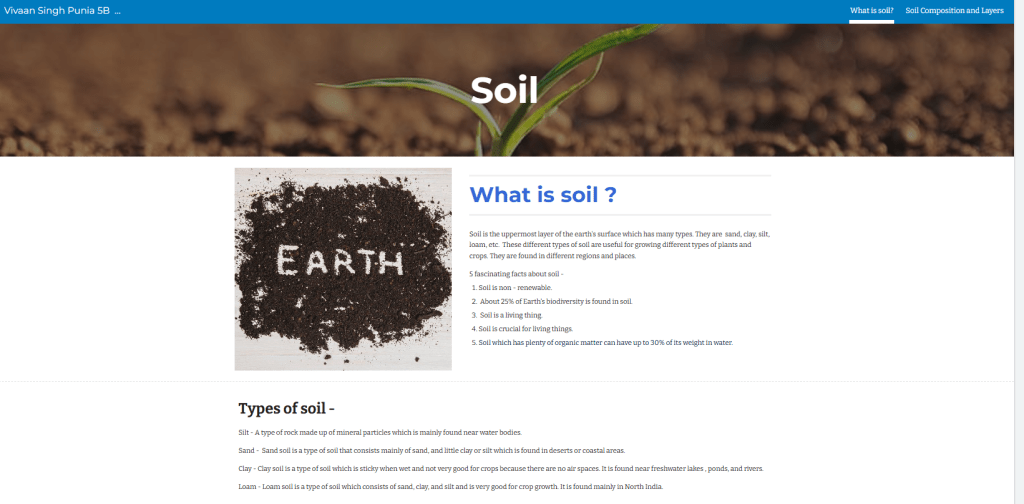
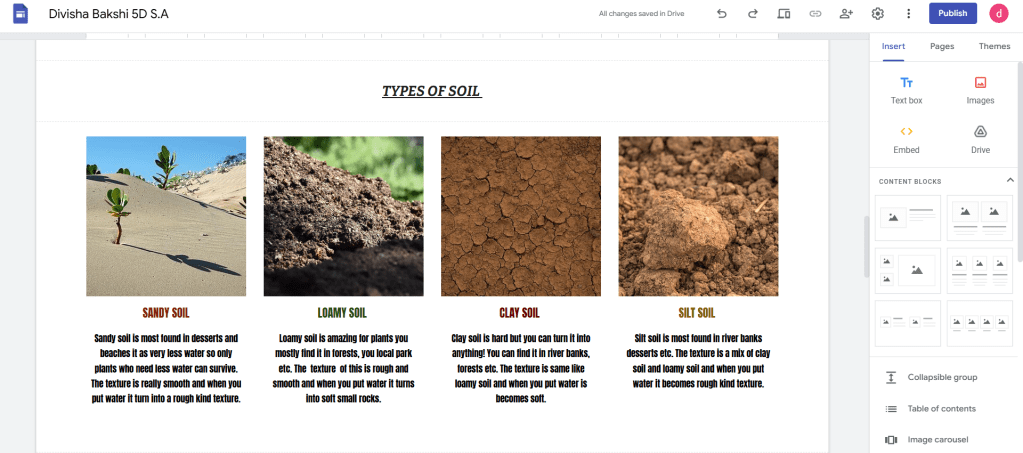
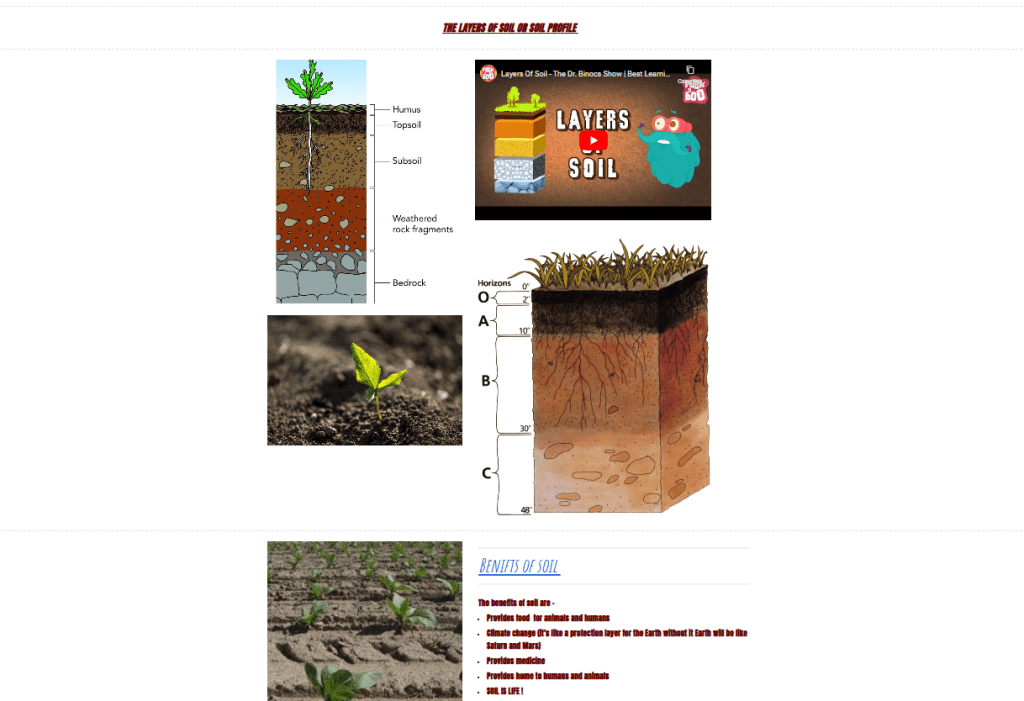

Grade 5 students learned to create websites using Google Sites and Canva. They developed skills to seamlessly integrate various elements into their websites, such as text, layouts, interactive features, media files, and additional pages. They demonstrated their understanding of soil, its types, and layers, and strengthened their ability to present their websites in a visually appealing and easily comprehensible format.
 Tech-Dawn