Marking 10 years of DPS International
As DPS International commemorates its remarkable 10th anniversary this year, the integration of technology stands as a cornerstone in the school’s commitment to academic excellence and innovation.
Our school believes not only in teaching technology but leveraging it to enhance learning experiences. ICT tools make knowledge more easily accessible to students as well as they can gain a profound understanding of how to organize information in a visually appealing manner.
Technology helps students develop digital literacy, critical thinking, problem-solving, and creativity—all essential skills for future success in a tech-driven world. Using technology, students can connect with peers and experts globally, gaining diverse perspectives and cultural understanding.
As we celebrate a decade, the transformative role of technology at DPS International remains a testament to the institution’s unwavering commitment to fostering a dynamic and globally oriented learning environment.
Joey
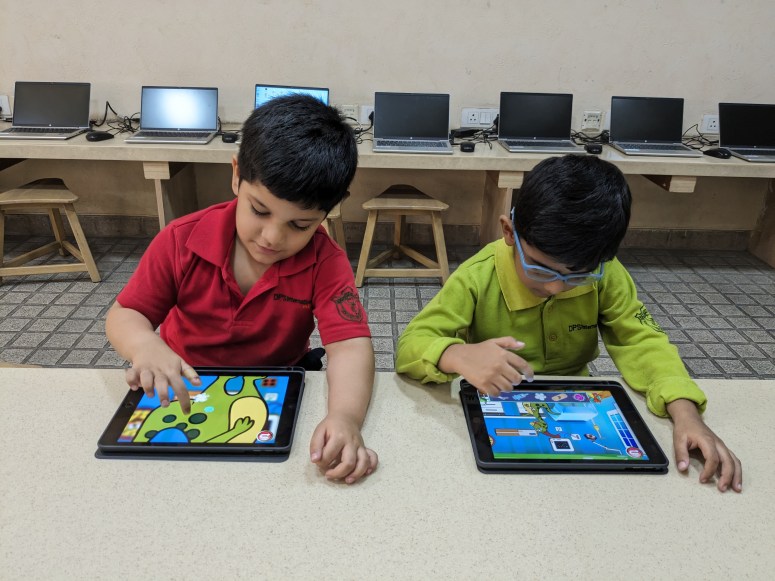
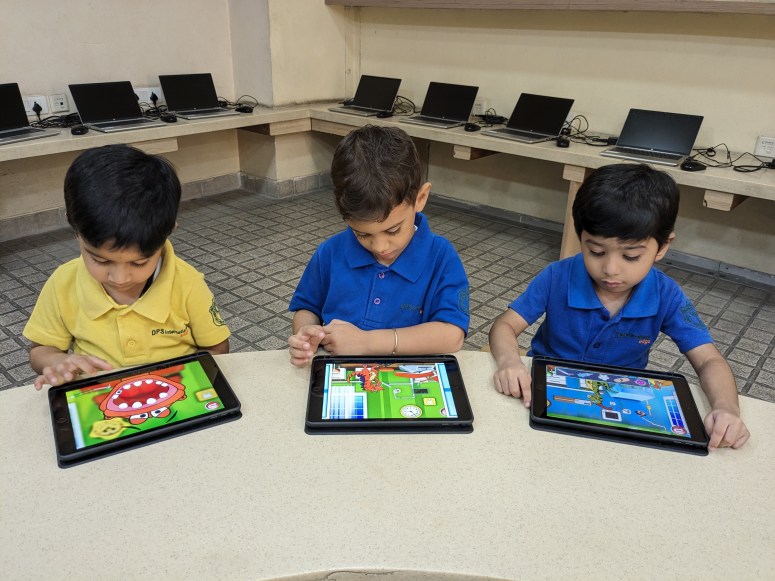

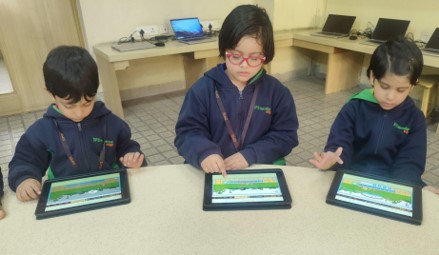
Students actively used an educational iPad application Dr. Dino. This engaging app facilitated learning about self-care, focusing on body parts such as teeth and eyes. Additionally, it contributed to the improvement of their fine motor skills and hand-eye coordination.


Grade 1



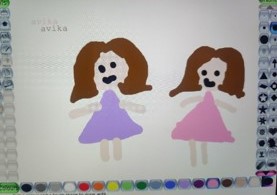
Keeping healthy eating habits in mind, students designed a healthy plate, which enhanced their critical thinking and offered them insight into self-care. They used various components of the online drawing tool Sketchpad.io to demonstrate their understanding.
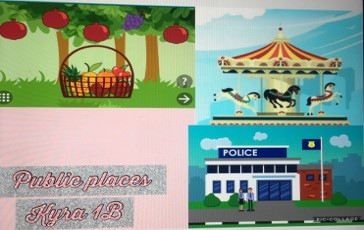


Infographics are visual depictions of knowledge and information that provide a clear overview of the data. Using various features from the online design tool PicCollage, students designed infographics for public spaces, demonstrating their understanding using research skills.
Grade 2
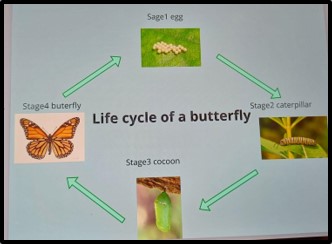

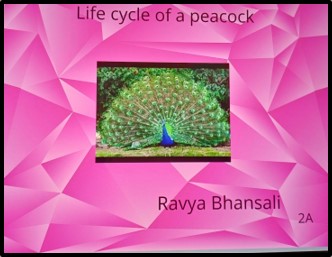
Students designed their digital books describing the life cycles of various creatures by using the digital storytelling tool Book Creator. They illustrated their digital books with images, text, and shapes.
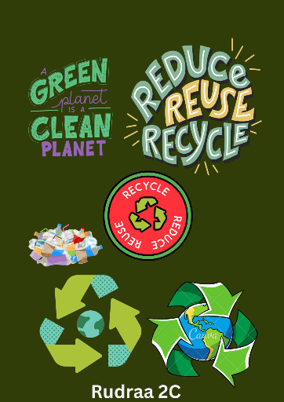
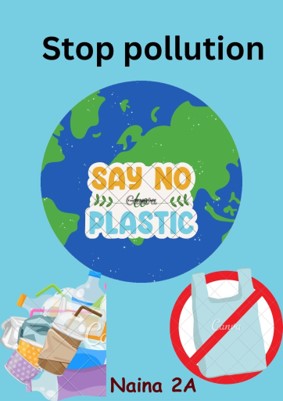
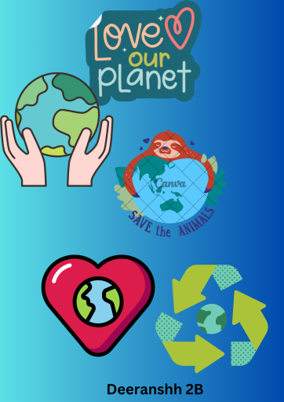
Students developed their creativity and critical thinking skills by making digital posters about the environment using the Canva app. The task of researching and selecting relevant information for their posters enhanced their information literacy skills and deepened their understanding of environmental issues.
Grade 3

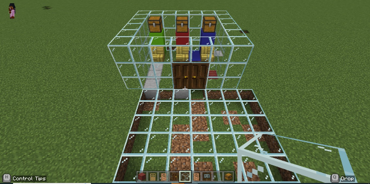
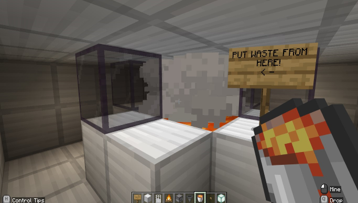
Third-graders were thrilled to learn about Minecraft where they could walk, jump, turn, sprint, break, and place blocks by mastering mouse and keyboard control. Using Minecraft Education Edition, they created an efficient waste disposal and treatment system by applying their 21st-century problem-solving skills.
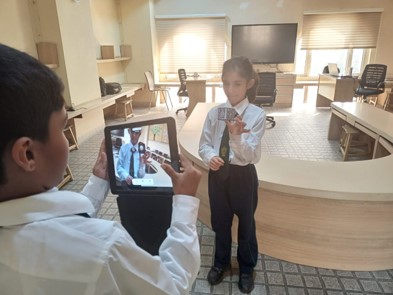
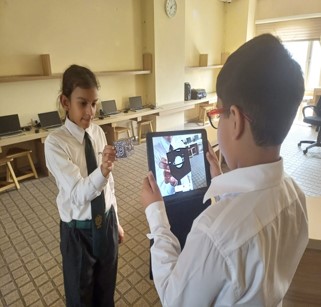
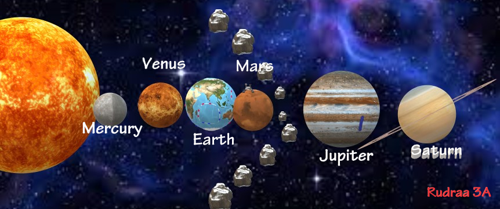
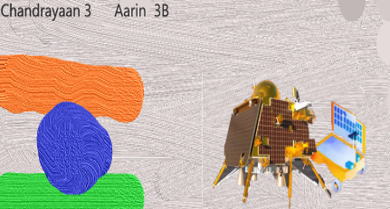
Students crafted 3D models depicting space and solar systems using Paint 3D app. These models were enhanced through the application of a 3D library and text labels to denote various components of the systems. Students built merge cubes, using them to explore 3D representations of space and solar systems. They utilized the ‘object viewer app’ to engage in firsthand experiences with augmented reality (AR), allowing them to observe, manipulate, and interact with the 3D models they had created.
Grade 4


Grade 4 students designed a webpage using the Adobe Webpage app and enhanced their presentation and creative thinking skills. They created an appealing webpage on Media and its types while exploring attractive themes, text, photos, and videos that captured the attention of a user.
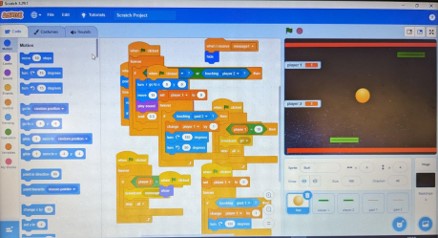
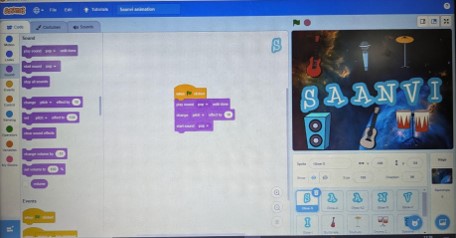
Students honed their logical thinking, creativity, and problem-solving skills with coding as they built stories and games using the visual programming language Scratch.
Grade 5
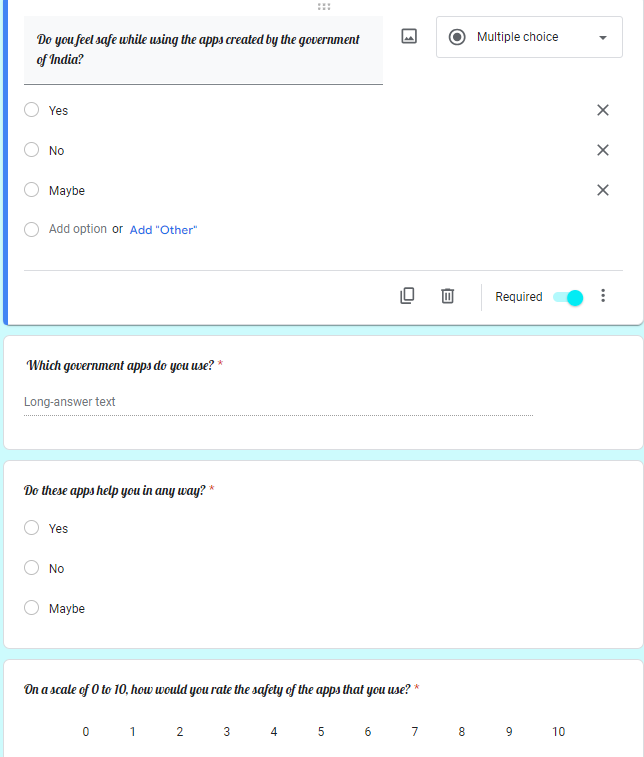

Grade 5 students collaborated to design a form using an online tool, Google Forms. They created a survey form about the impact of technology on governance using the different elements of the tool like adding questions, changing the type of questions, adding images and sections.
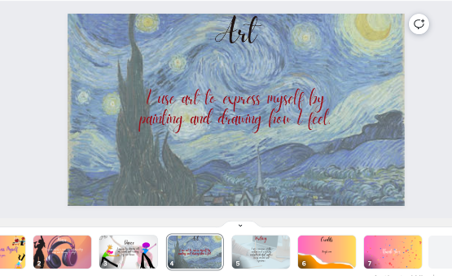
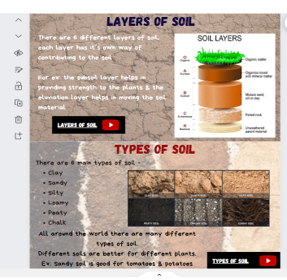
Students learned to create presentations and websites while exploring elements, themes, backgrounds, layouts, photos, and videos. They designed visually appealing presentations and websites on Canva which enhanced their presentation and media literacy skills.
Hour of code
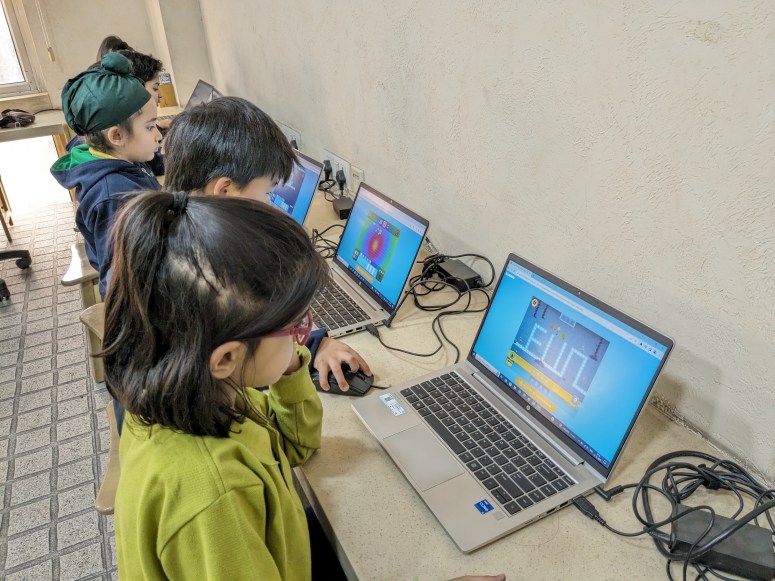
Coding is a skill that opens up a wide range of possibilities, from developing new technologies to automating tasks and solving complex problems. Students observed coding week from 11-15 December, also known as ‘Hour of Code’. There were a wide range of coding lessons and activities from which students learned the fundamentals of coding. While coding on age-appropriate apps, students enhanced their logical reasoning and computational thinking skills by dragging and dropping the directed code blocks to complete an assigned task.




 Tech-Dawn