design thinking in the pyp
From the desk of Ms Rima Singh, Head of School
Design thinking helps to develop inquiring, knowledgeable and caring young learners who can challenge themselves and create new ideas to solve real world issues. This aligns with the DPSI purpose and direction.
A dynamic, creative and collaborative approach to problem solving enables learners to focus on fun while making learning experiences engaging and challenging. The journey of problem solving involves analysis, generation of original ideas, experimentation, and often building things by hand.
To nurture students, we at school use design thinking to assist students find and sort information, collaborate with others and create solutions to problems based on authentic experience and feedback. As the unit progresses, students are encouraged to find solutions by using ICT tool of their choice. Tools like Sketchup, Tinkercad, MIT App builder, Scratch Pixton etc help students to hone their skills on this experiential journey.
Fawn


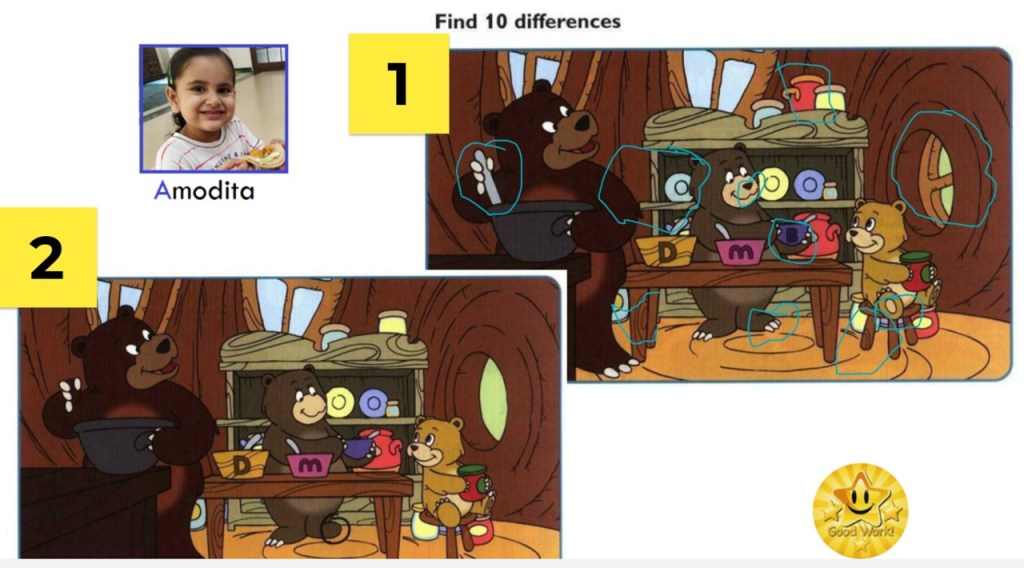
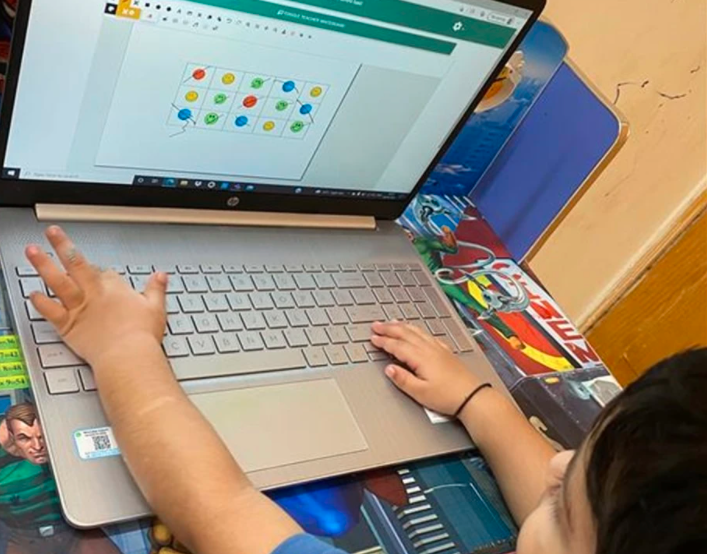
Students engaged in an online activity to spot the difference between two images and circle then using Google Jamboard. This task helped them to developed their thinking skills.
Joey

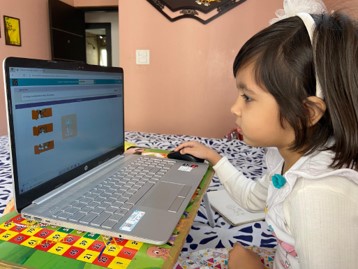

As new technology is developed, new roles are needed to help bring that technology to life for the students who use it. At DPSI, we expose young learners to Code.org to help develop their coding skills and enhance their computational thinking. They used the drag and drop blocks of code to understand directions.

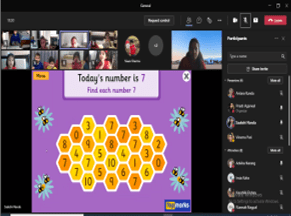
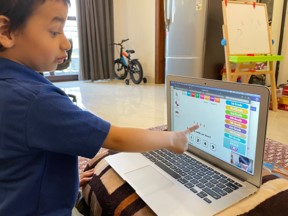
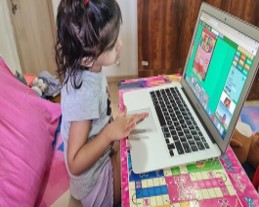
Students developed their computational thinking while playing online educational games that involved counting 2D/3D shapes and solving puzzles.
Kindergarten
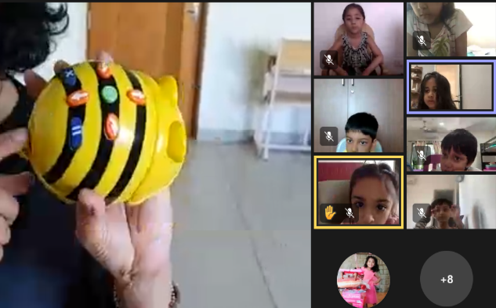
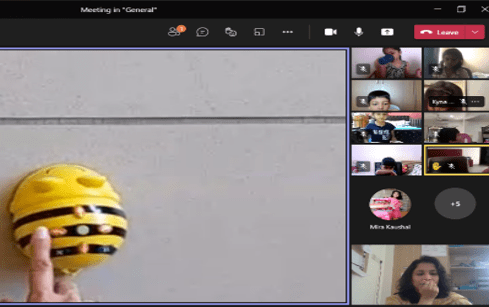
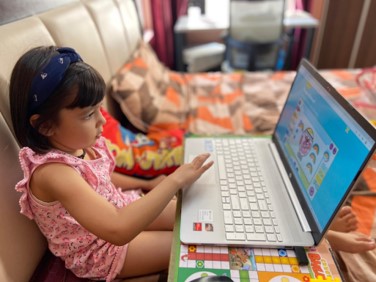
Bee-Bot was introduced to strengthen the concept of computational thinking. Students were shown the directional arrows and its control to move the bot. It helped them enhance their logical thinking.
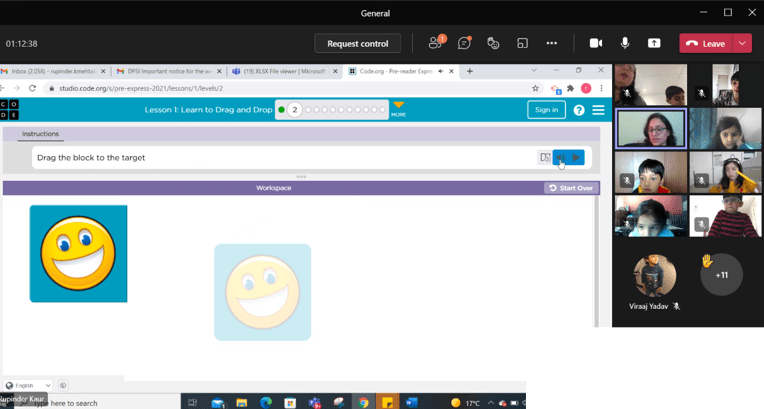
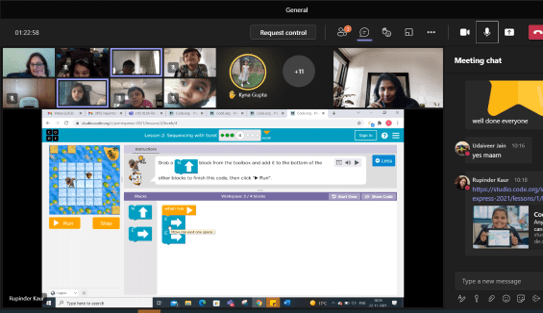
Students enhanced their logical thinking through a coding activity by dragging and dropping the directional blocks of code.


Math concepts of forward and backward counting and odd/even numbers was made easy by playing educational games through an online tool, Topmarks.

Students were introduced to CVC (consonant vowel consonant) ‘et’ family words with picture cards, riddles, and games. They brainstormed and suggested more ‘et’ words like bet, net, pet, etc using an online tool.www.wordwall.net .
Grade 1
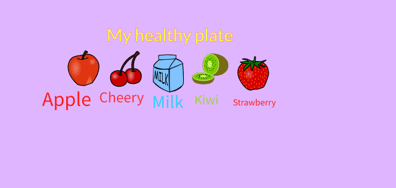
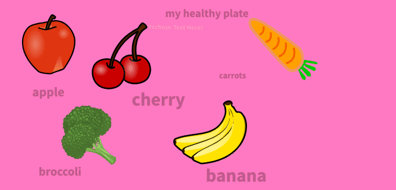

ICT was integrated with unit on health, where students were introduced to an online drawing tool named Sketchpad.io. They developed their creative thinking skills by designing a healthy plate which included fruit, grains, vegetables, pulses and meat.

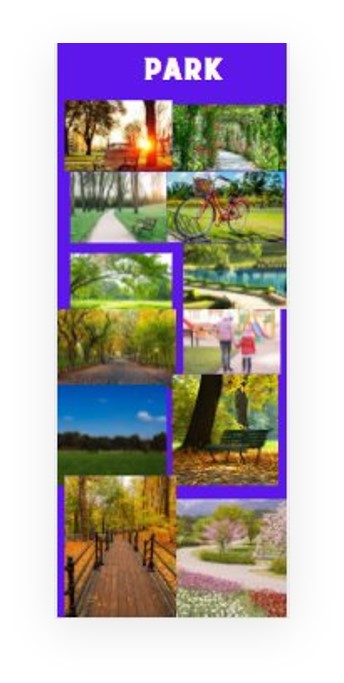
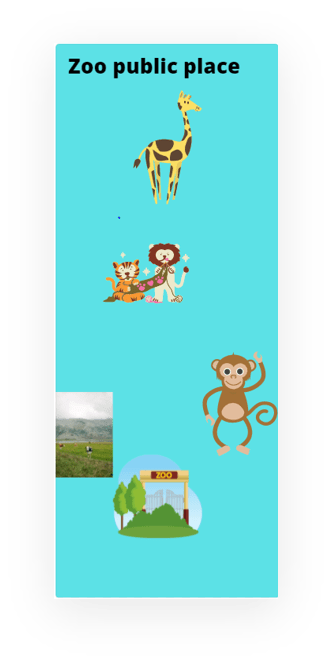
In another integration with a unit on public places, students were students introduced to an online graphic tool- Canva. They used shapes, pictures and made infographics on park, school and zoo.

Students enhanced their problem-solving skills by engaging in solving a sudoku grid. They attempted advanced levels of Sudoku with numbers by exploring an online grid, mypuzzle.org.
Grade 2
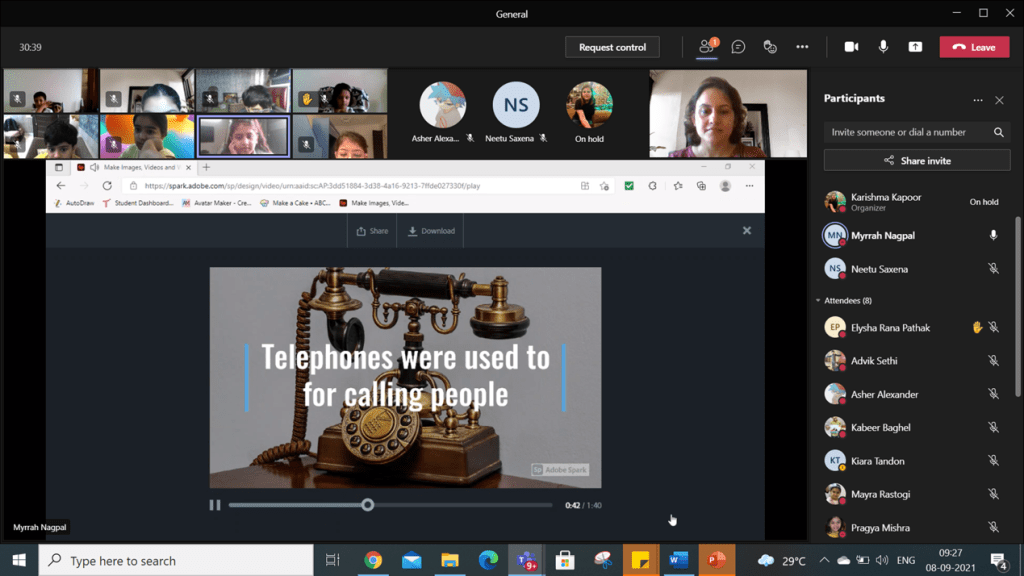

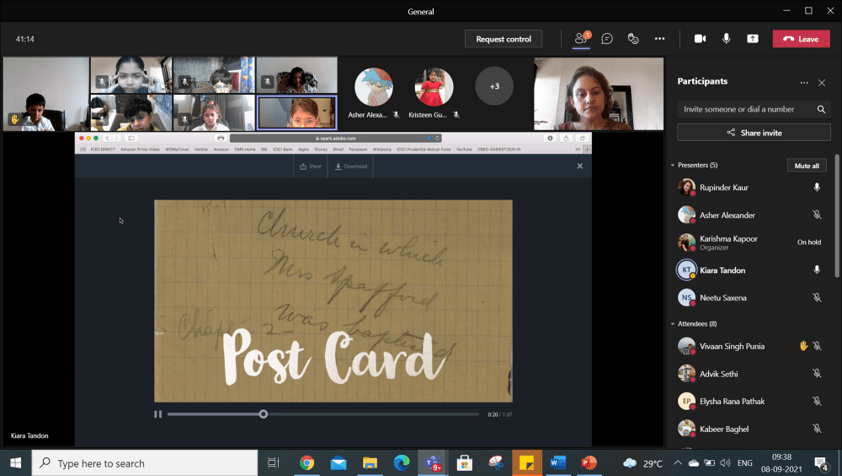
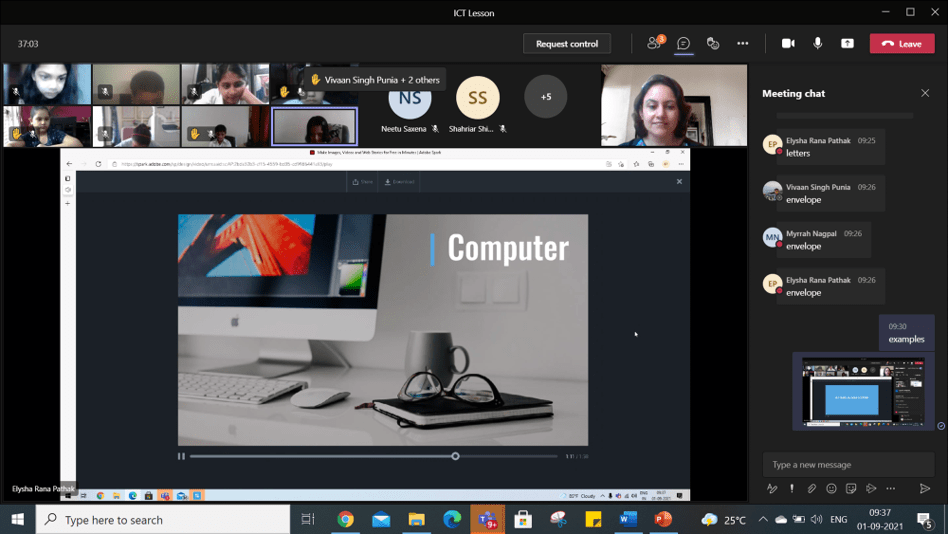
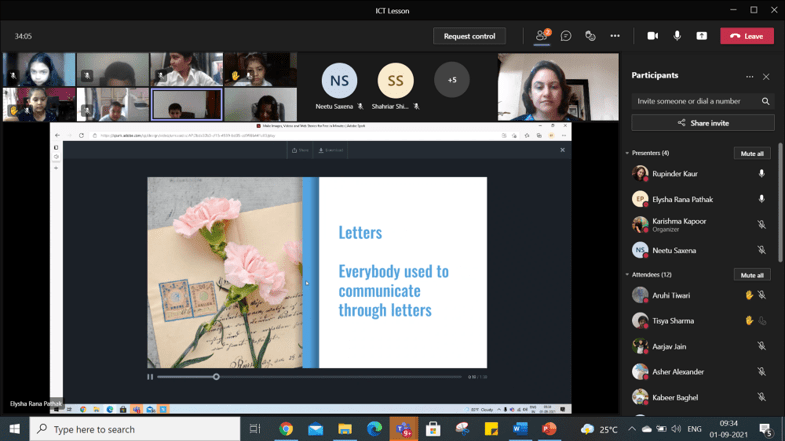
Adobe Spark, an online tool was used for making video. Students used images, text and audio to articulate their understanding on the Communication unit. They enhanced their creative skills by making a video presentation on the topic of communication in the past and present.

Students learned the ability to engage positively, critically and competently in the digital environment, drawing on skills of effective communication and creation, to practice forms of social participation that are respectful of human rights and dignity through the responsible use of technology. On that note, students were introduced to digital footprint though a video presentation and were made aware of the guidelines on how to manage their own digital footprint by staying responsible and respectful online.

Students used an online tool, Google Jamboard to discuss the systems followed at the airport, home and school during ‘exploration’ unit.
Grade 3
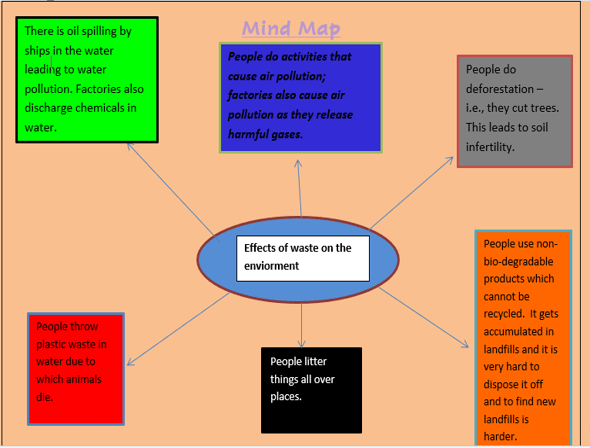
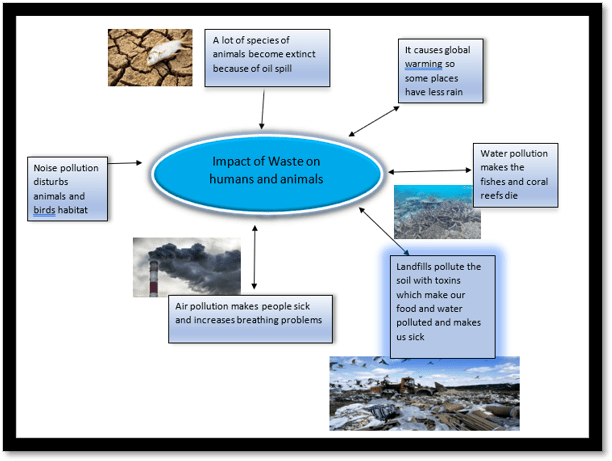
MS-Word was used to make mind maps to highlight important facts that show the overall structure of a topic. Students created a mind-map using shapes and pictures on the effects of waste on the environment.
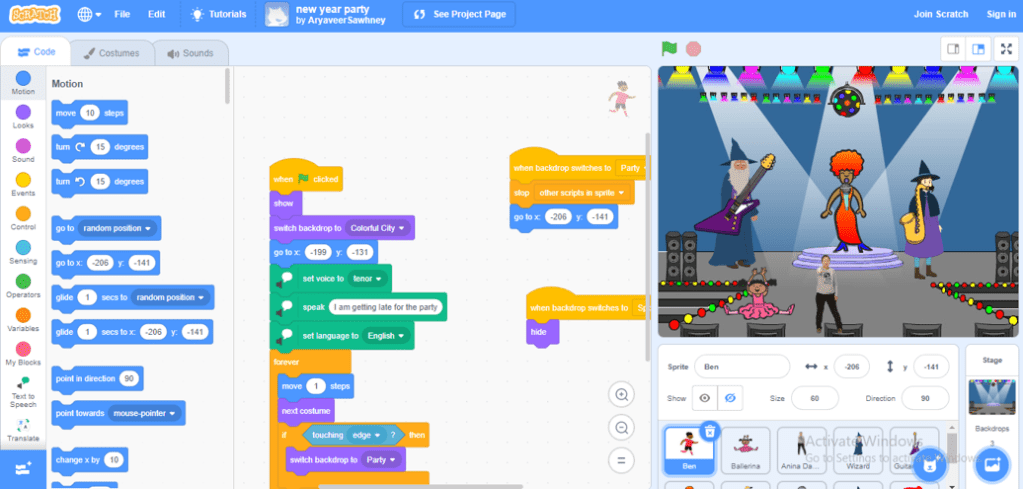
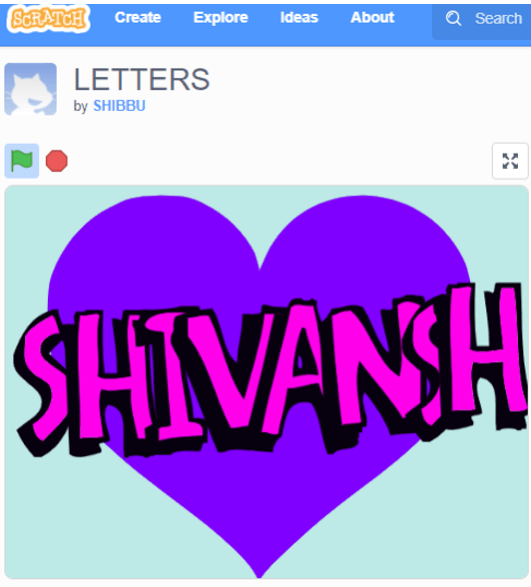
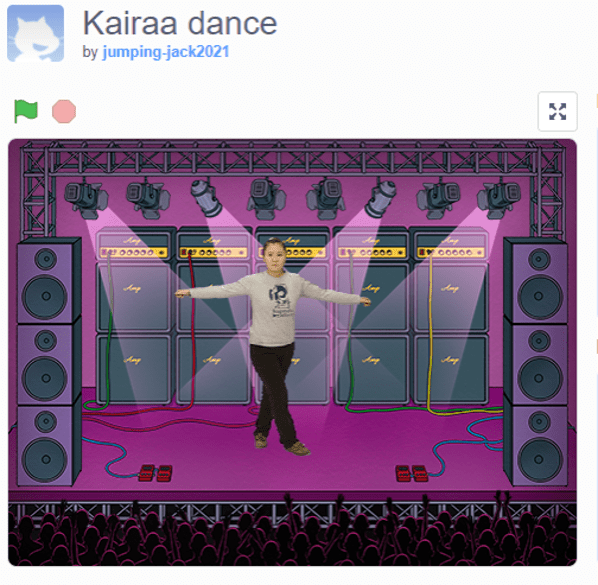
Scratch, a programming tool, which is used by young learner to create digital stories, games, and animations. Students honed their logical thinking, creativity and problem-solving skills with coding to build their stories and games.

MS-PowerPoint is used for creating slides with recordings, transitions, adding of images, text and other features in order to present information. Students enhanced their presentation skills by presenting information on the topic of their choice.


Student engaged in an online tool, didax.com to introduce the concept of four-digit numbers using cube of 1000, square of 100, bars of 10, and small squares to represent 1 to enhance their numeracy skills.
Grade 4
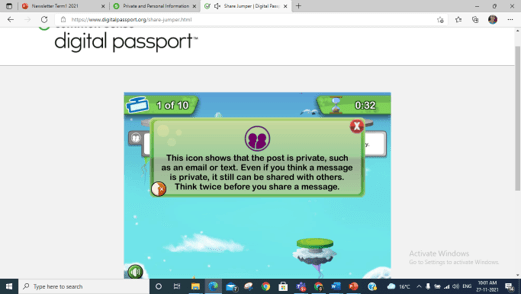
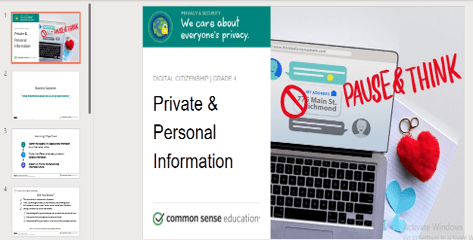
Through an online game on digital citizenship, students learned how to build strong, positive, and safe relationships online and to be able to become a responsible digital citizen. They learned the difference between personal and private information. They were made aware on how much and what information is ‘OK’ to share online.
An online tool, Adobe Spark, was used for page building. Students used images and text to articulate their understanding on digital literacy to spread social awareness on how to stay safe online.
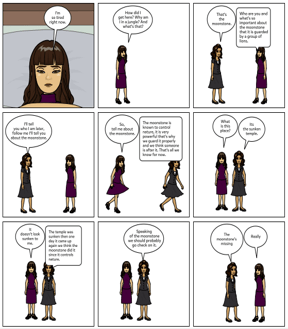
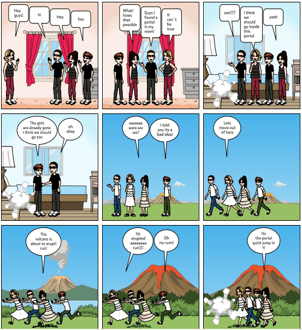
Students enhanced their communication and visualization skills by expressing their creativity using a digital comic strip, Pixton. They created conflict resolution scenarios to represent their understanding on conflict.

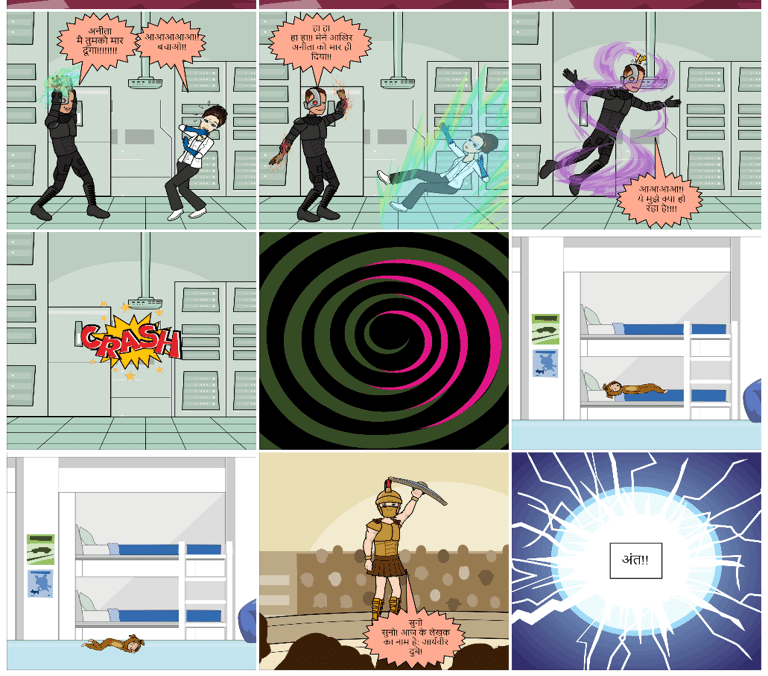
Students created a story in Hindi language using ICT tool. They enhanced their communication and visualization skills by expressing their creativity using a digital comic strip, Pixton.

Students inquired about their names and shared beautiful stories about them using an online tool, Linoit. They gave insights on love for their names, and some showed concern on the mispronunciation for their unique name. They displayed warmth and welcoming spirit of acceptance and open-mindedness towards a diverse group of students.
Grade 5
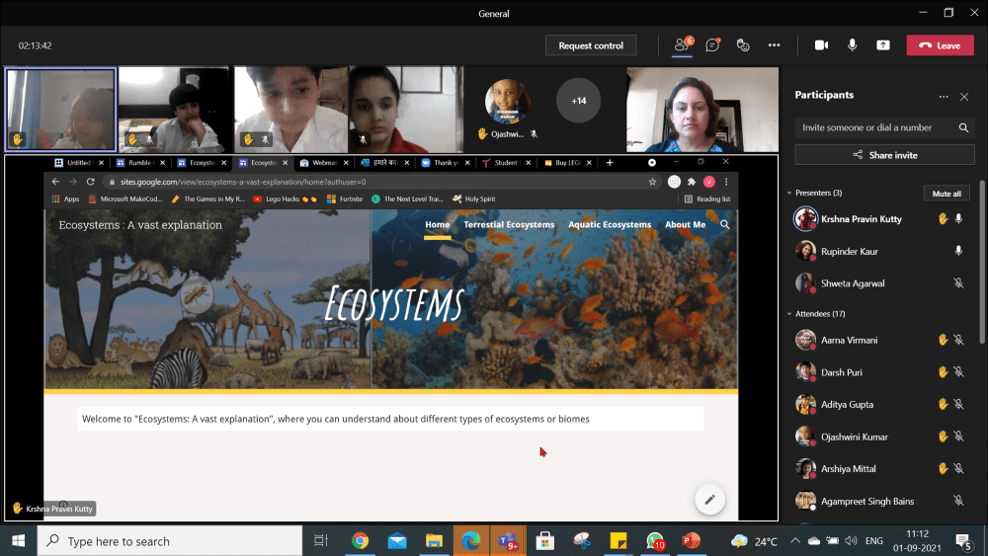
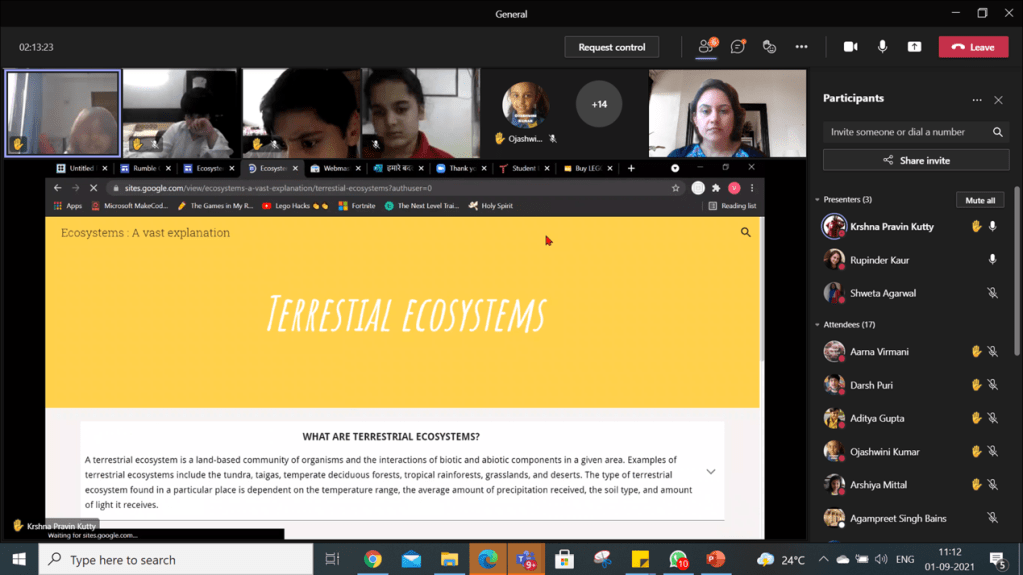

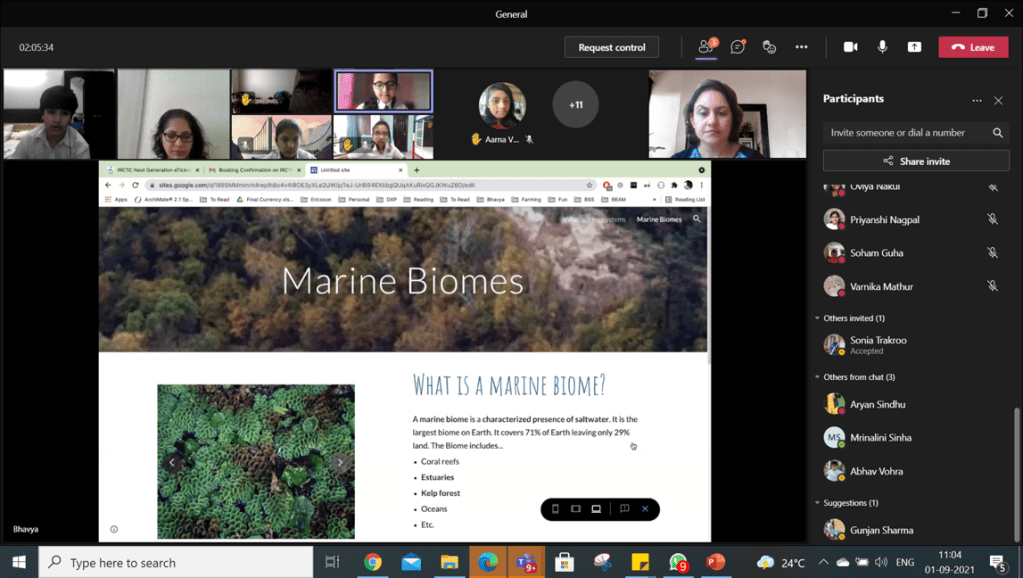
An online tool, Google Site was used for website building and presenting information on Ecosystem. Students used text, images, and various features to build a page on types of ecosystems. They enhanced their creative thinking while designing a page on Google site.
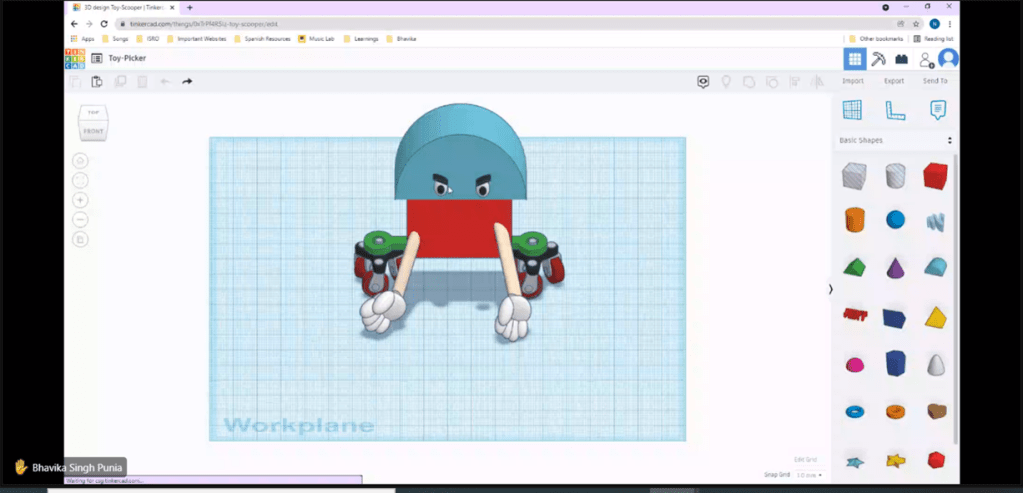

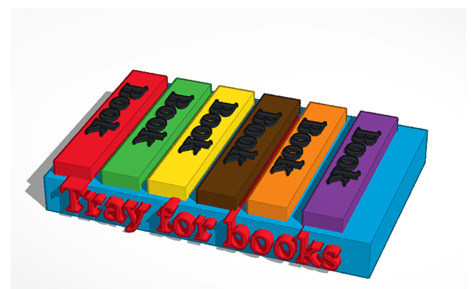

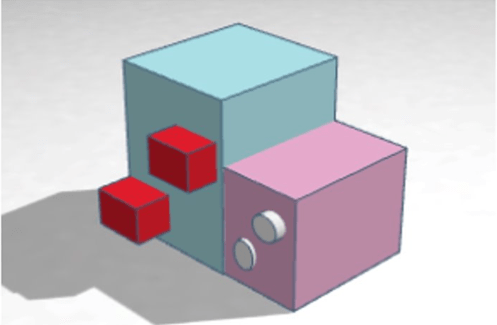

Tinkercad was used for enhancing designing skills which helped students to make a prototype of a machine model. The students identified a daily life problem that they faced like arranging toys and stationery; organizing games and desk, during the day and created a solution like toy picker, cleaning machine and stationery organizer. The students enhanced their creative thinking and self-management skills.

Students were taught the importance of being safe online, the similarities and difference between in-person bullying, cyber-bullying, and being mean. They were shown an online video presentation where they made real life connections and promised to follow online etiquette.


Students read a short story, ‘The Gift of the Magi’ and created the main characters of the story from their imagination after reading and analysing what the characters would look like in real life using an online tool avatar.com. They enhanced their creative thinking while working on this task.
 Tech-Dawn