Digital Citizenship and responsible use of technology
From the desk of Ms Rima Singh, Head of School
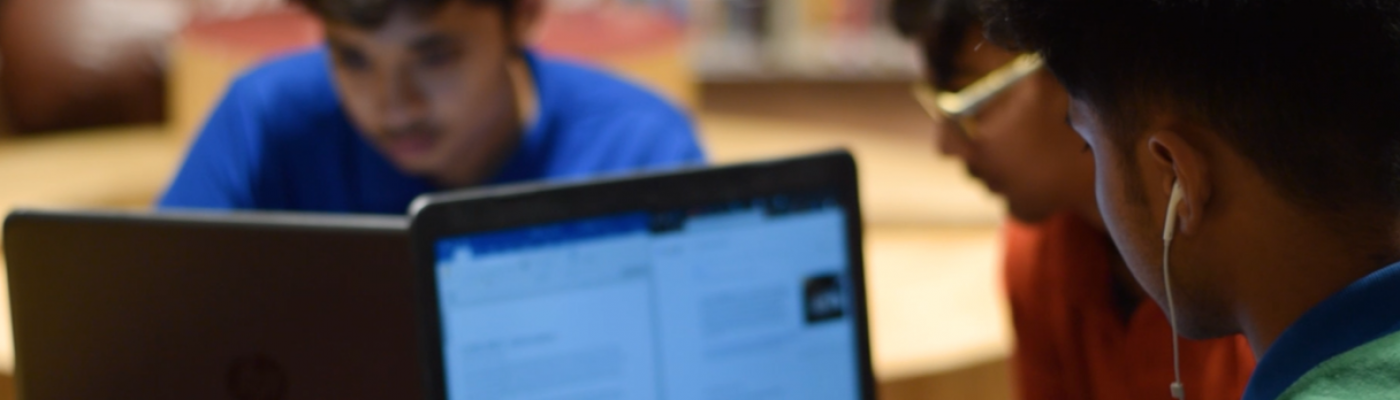
COVID 19 changed the ‘resident status’ of educationists overnight from the comforting familiarity of a classroom to one that needed rapid innovation and implementation of technology. For years we had navigated the bustling classrooms with aplomb that were overnight replaced with the glass screen of laptops. As we logged in each morning, we thanked technology for supporting the seamless shift in teaching and learning practices on the virtual platform. As a preferred option, Microsoft Teams has ensured students can collaborate, communicate and continue their learning journey outside the physical classroom spaces. Technology has enabled students @ DPSI to augur thinking, by providing tools that are diverse and cater to needs for every age. We can continue to debate the relevance of a hybrid or even a blended model of learning for students in the not so distant future but we must take a moment to ponder if technology is removing the core of teacher – pupil dependence where safety was a shared responsibility. Is the tech savvy child mindful of the pitfalls outside the school campus?
FAWN

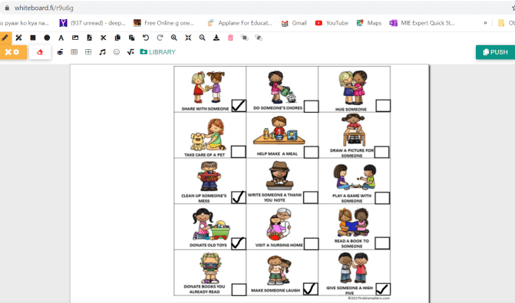
Whiteboard.fi is an online collaboration tool which allows to share ideas with others. Students learned to match pictures with their shadow thereby helping them to enhance their thinking skills using the elements of whiteboard. They also played a kindness bingo game using Whiteboard ,where the grids/boxes were filled with images of different acts of kindness. Students marked every random act of kindness they had performed.

Students collaborated using Microsoft PowerPoint to showcase their understanding of phonic sounds. They associated objects with phonic sounds by dragging a picture into the box.
Joey
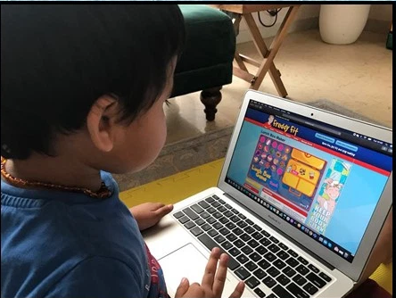

To strengthen knowledge of healthy habits, students differentiated between healthy and junk food and created an ideal lunch box for themselves with an online game.


Students shared their understanding of the vyanjan ‘ba’,’sa’,’na’ and ‘la’ through an online activity where they had to identify the beginning sound of the pictures.
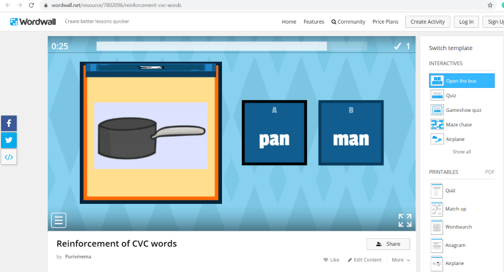
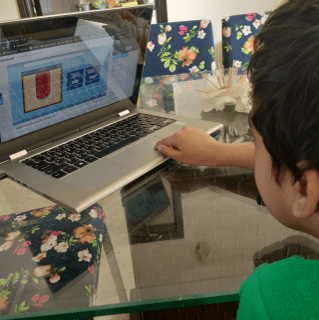
Students shared their understanding of CVC words with an online game where they had to identify the words by looking at pictures.
Kindergarten

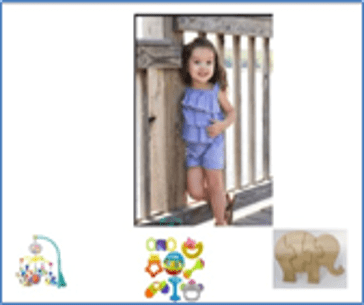
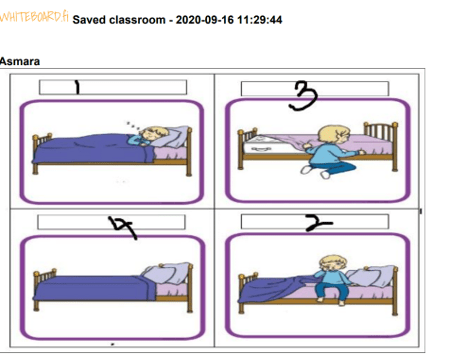
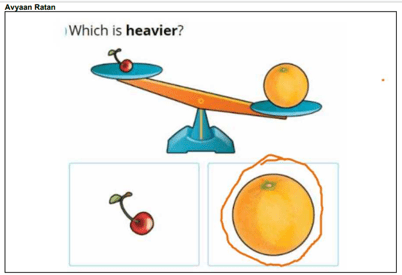

Students identified and sorted the toys according to the age groups by matching the picture with the correct toy using an online Whiteboard. They also used whiteboard to show the sequence of events of a story. The students wrote numbers to indicate the correct order to retell the story. Students also shared their understanding of measurement -heavy-light, tall-short on Whiteboard.fi by using its features to circle the correct option.
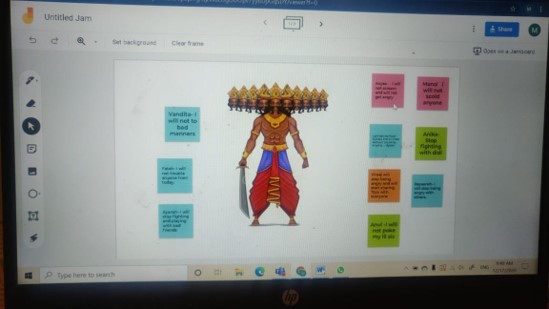
Students shared their take on Ramayana using a collaboration tool Jamboard.
Grade 1

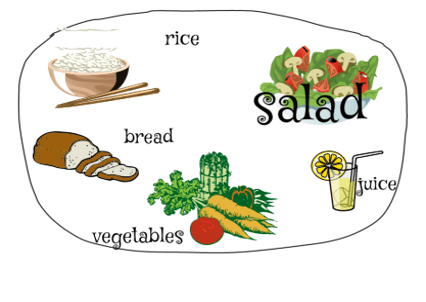
Health requires healthy food. Keeping this thought in mind students enhanced their thinking and creative skills by designing a healthy plate. They displayed their understanding using different elements of an online drawing application called sketchpad.io.
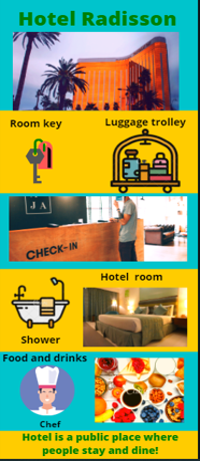

Infographics are visual representations of information and knowledge that give an easy-to-understand overview of data. Students used their research skills and exhibited creativity while designing infographics on public places using different elements of an online designing tool Canva.
Grade 2
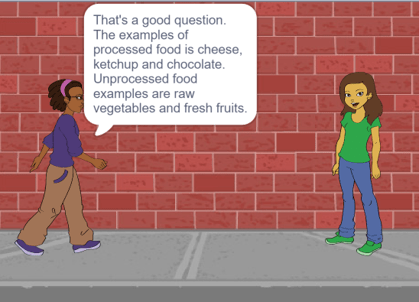
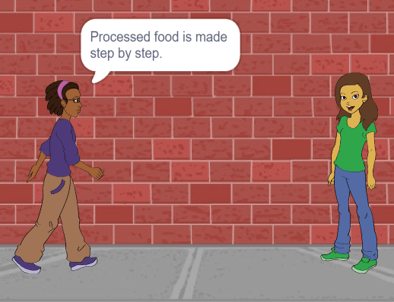
Coding is a basic literacy skill in the digital age. It is important for students to understand and hone their thinking, creativity and problem-solving skills. Scratch is a block-based program which encourages students to build their own stories and games. Grade 2 reflected upon their understanding of processed and unprocessed food by creating a conversation between characters using the different blocks of code. They worked on their computational thinking ability to complete the task in the best possible manner.
Grade 3


Writing is a skill which cannot be just taught in classrooms. For the unit of migration, students created a mind map to document the reasons for migration using MS Word. An effective tool for creating and maintaining the documents, it helped to create and format and insert images.
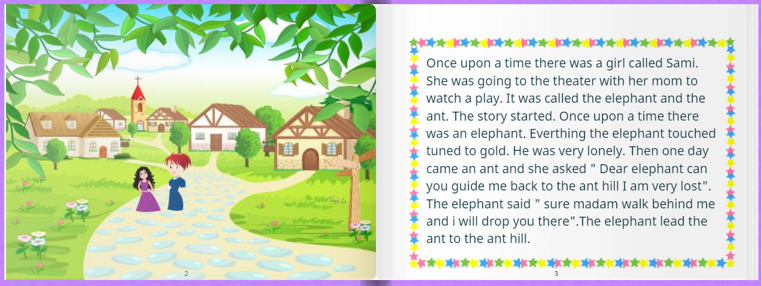
Students enhanced their communication and visualization skills by expressing their creativity using a digital storytelling application. They learned to construct a story using elements of StoryJumper. They illustrated the book using photos and handmade artwork, voice, background music with sound effects. StoryJumper is a great tool that helps students to improve their writing and express their creativity.
Grade 4
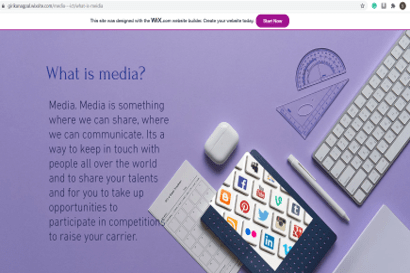
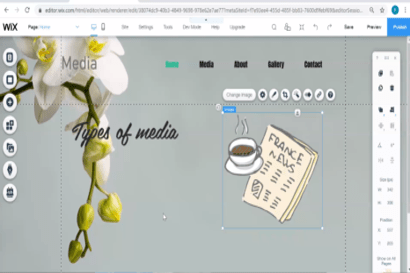
Fourth graders designed a website as a part of ICT integration with the unit on Media. Students enhanced their creative thinking and presentation skills while using WIX editor as a tool for expression. They learned to create an appealing website on Media and its types while exploring attractive colours, text, images and videos which grab the attention of a user.
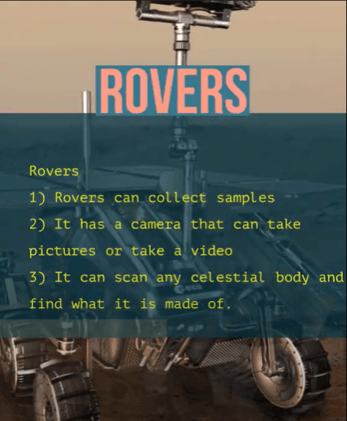
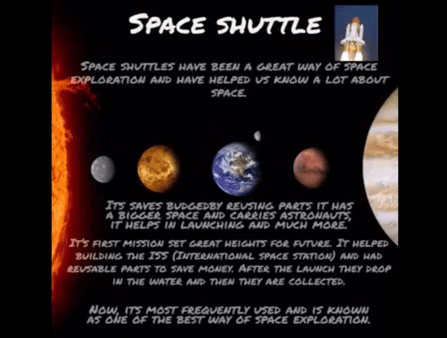
Digital posters using Adobe Spark post… Integration with unit on Universe allowed fourth graders to research and design a poster on the features of different modes of space exploration.
Grade 5

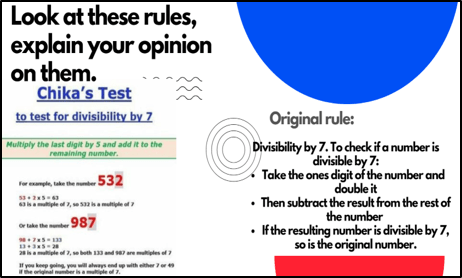

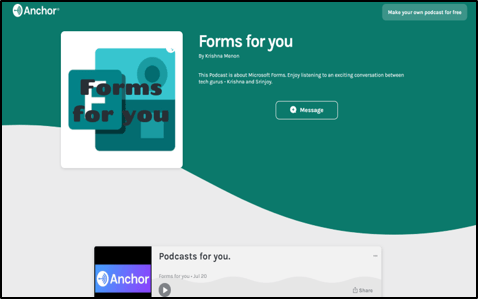
Tools of expression… Canva, Podcast, MS-Forms and Sway. Students created a quiz on social media using MS Forms, presented their understanding on math concepts using Canva. They used Sway to showcase their understanding. As a culmination, students created a podcast for teachers thereby developing their communication skills with anchor.fm.
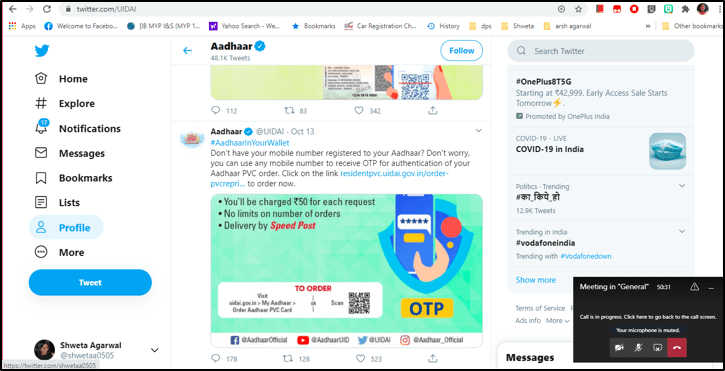
Integrating the unit on Government with technology, students used Twitter as a source of information on government policies. They learned how to tweet and its functions .
Digital Citizenship
Digital citizenship can be defined as the benchmark of appropriate and responsible behaviour with regard to use of technology. It helps in preparing students to act appropriately while using social media platform. The aim is to create awareness amongst students about internet security, digital footprint, online communication, cyber bullying and media literacy.


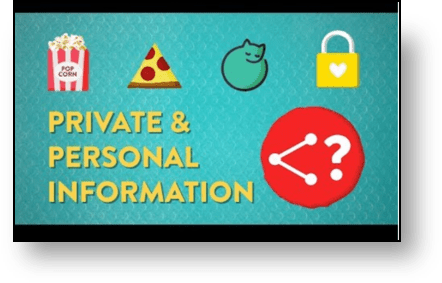

Grade 1 to 5
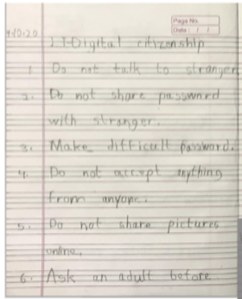
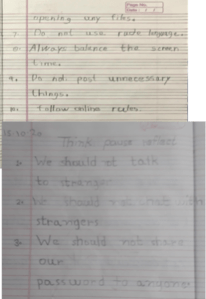
Students were apprised about personal and private information; what information is safe and secure to share online. They were made aware about the importance of password and password management. They learned how to be safe, responsible and respectful online.
Grade 1
Students learned the importance of security and privacy to surf the internet and what it means to be safe. They reflected upon how to behave in different scenarios.



Grade 2
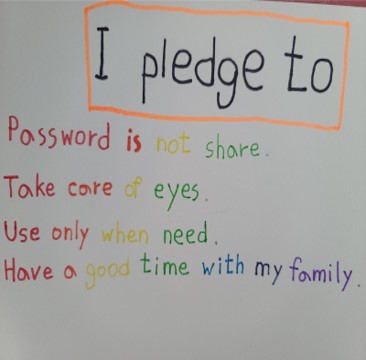
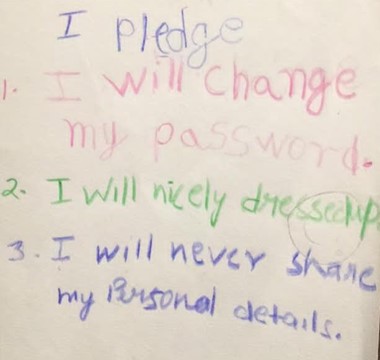


Second graders created a world cloud using online application Mentimeter and shared their understanding about a digital citizen
Students shared their understanding of optimizing balance and well being in the age of digitalization. They discussed various advantages and disadvantages of using technology in daily life.

Grade 3
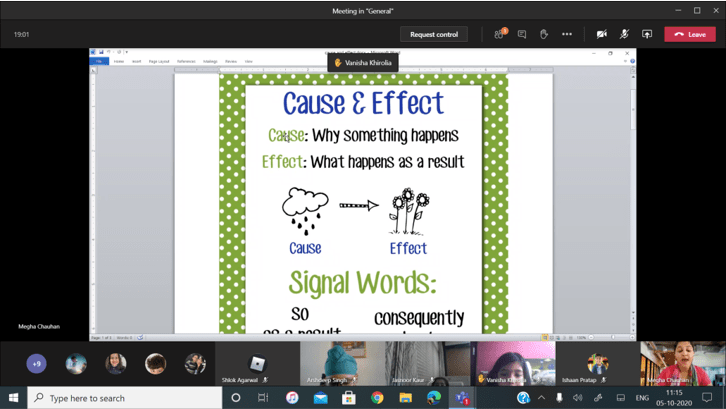
Insight into the use of language on a cyber platform to safeguard against cyber-bullying. Student discussion focussed around the ‘STOP’ strategy when faced with language that is hurtful
- S- Step away
- T- Tell a trusted adult
- O- Okay sites first
- P- Pause and think online
- P- Pause and think online
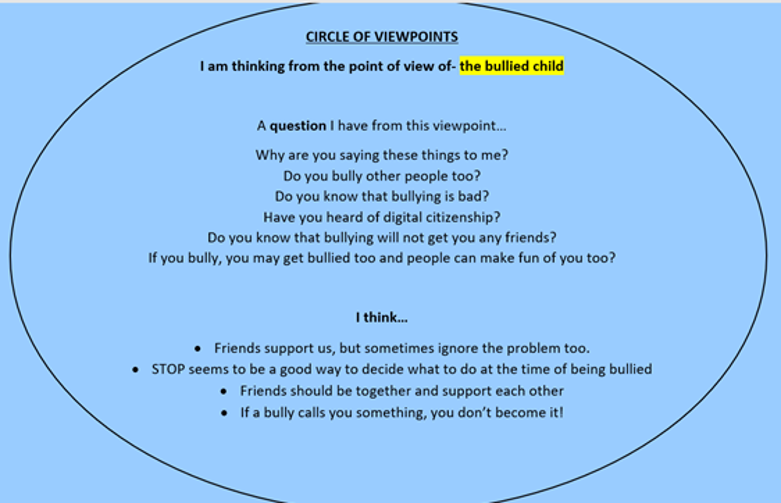
Students then used the ‘Circle of viewpoints’ VTR to analyze cyber-bullying from the perspective of a child who had been bullied or was a bully. They came up with insightful thoughts from both perspectives and tried to understand the emotions of both the bully and the bullied.
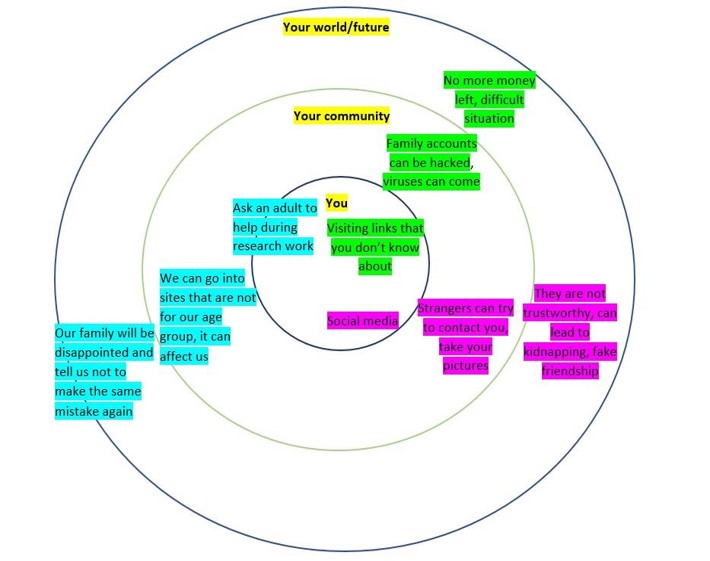
Grade 3 discussed the ‘Rings of Responsibility’ as digital citizens where every choice made online affects us, our community, and our world.
They analysed their daily online activities and concluded how it could impact their lives in future if not handled responsibly.
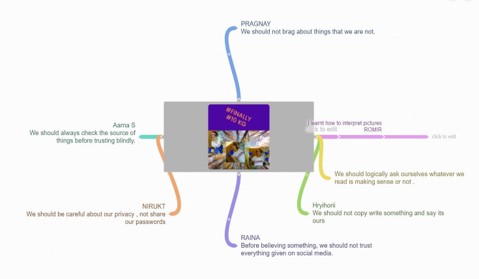
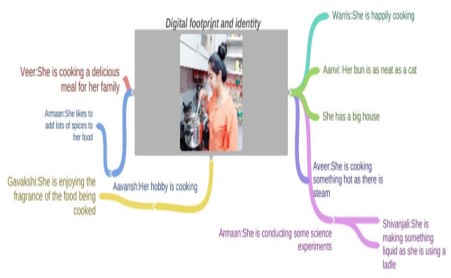
Students demonstrated their understanding of digital footprint and identity by analyzing a picture. They concluded they should not go by face value as people post things which may not be real. They thus needed to be careful with their online conduct and be cautious .
Grade 4
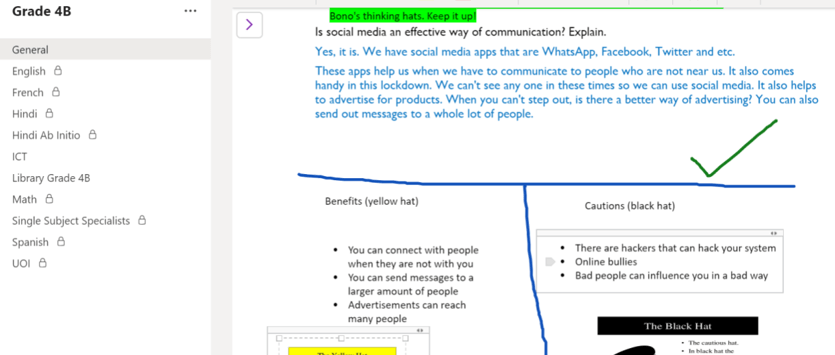
Social media has positive as well as negative impact on us. To understand the role of social media in cyberbullying, students engaged in a verbal discussion on how social media can lead to cyberbullying.
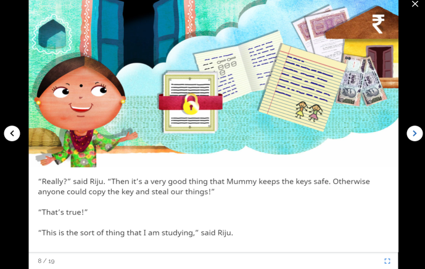
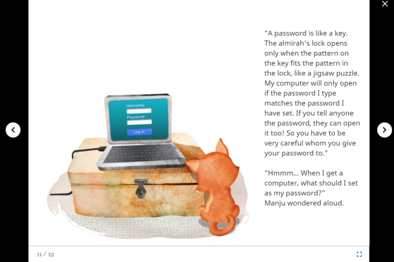
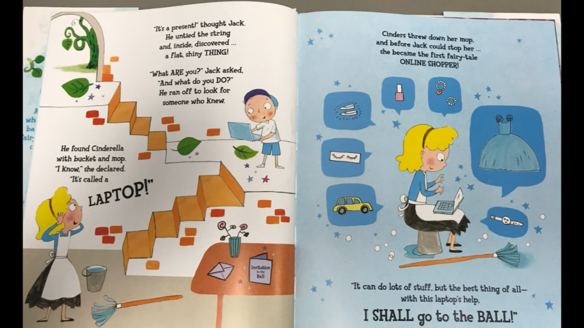
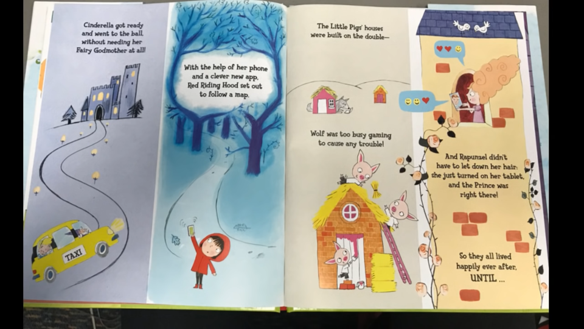
Fourth graders were apprised about the importance of passwords and the pitfalls of going online with some interesting stories on cyber safety.
Grade 5
Students created an action plan to express how they would become responsible digital citizens and generate awareness about the same.
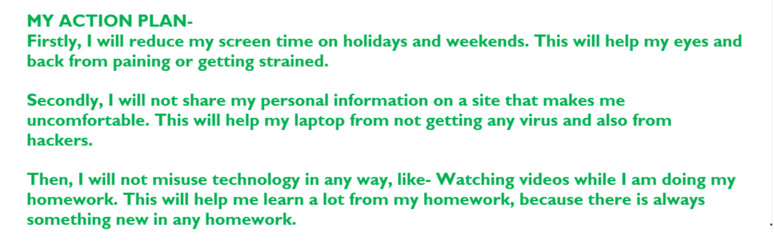

Students reflected on their understanding of being a responsible digital citizen within and outside the classroom.
Hour of Code
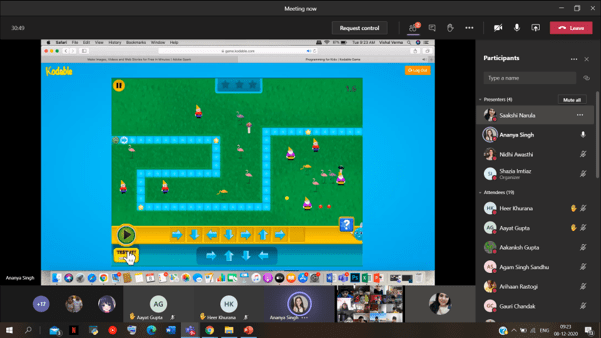
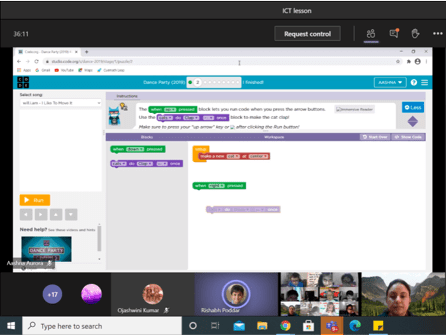
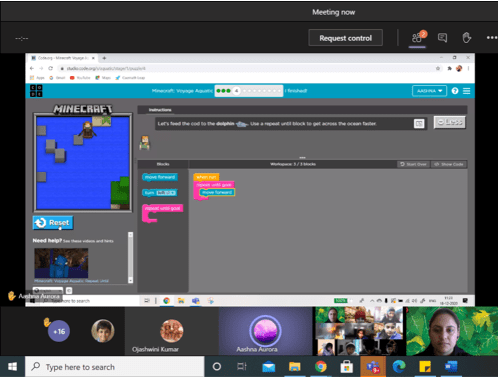
Students from Grade 1-5 enjoyed ‘Hour of Code’ week that was conducted between December 7-11,2020. Educators assigned activities wherein students had to drag and drop blocks of code to get the desired output. They learned programming concepts like loops, conditionals and basic debugging during their lessons. Students enhanced their computational thinking skills using the coding programme. The Hour of Code began as an hour long introduction to computer science, was designed to demystify coding and suggest that anyone can learn the basics to broaden their understanding of computer science. The important goal of this programme is to promote computer science as a fun activity for students who can begin coding from an early age in any classroom.


 Tech-Dawn