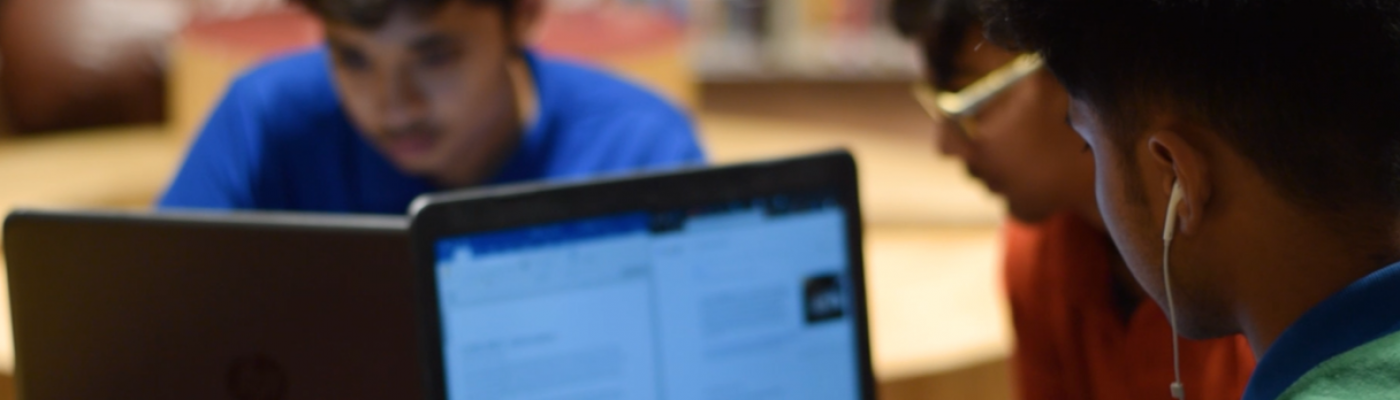
Technology plays a positive role in the development of both an onsite and offsite active learning environments. It provides students with ease of access to information, offers accelerated learning and fun opportunities to practice what they learn. Using tools offers students a deep insight into organization of information that is crisp and visually appealing. These skills offer them a strong foundation for the times to come.
Joey


“Coding is today’s language of creativity” – Maria Klawe. Students enhanced their logical thinking by dragging and dropping the directional blocks of code while coding on the code-a-pillar app.

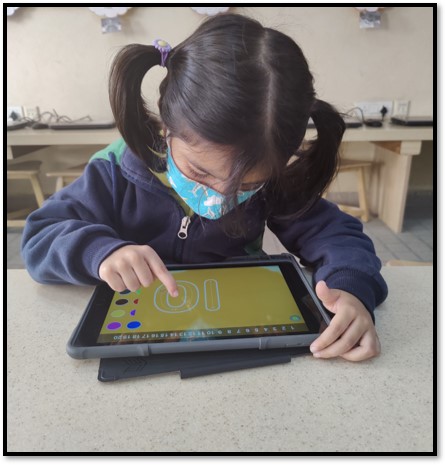

Students enhanced their problem-solving while playing online educational games that used math concepts of sorting shapes, counting, comparing, sequencing and tracing of numbers.
Kindergarten
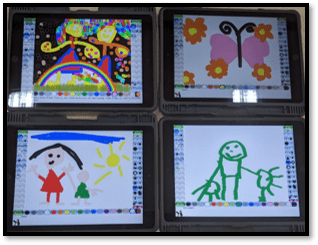

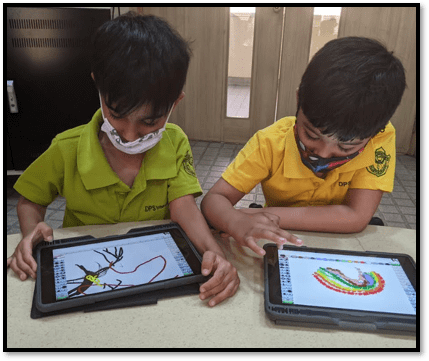
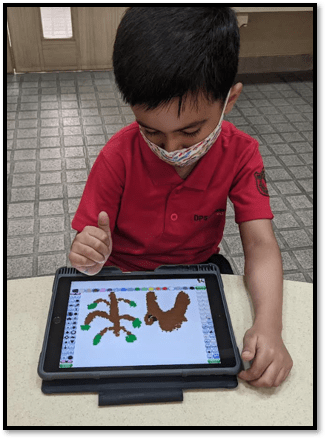
Students enhanced their creative skills through a graphic editor Tux paint app where they learned to paint using different colours. Students expressed their thoughts and created drawings on the topic of their choice.
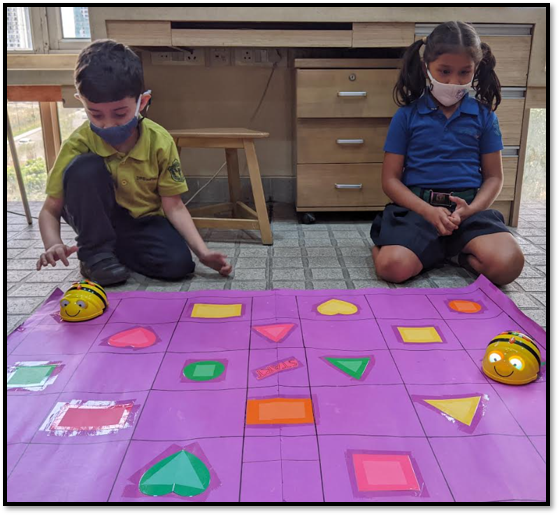
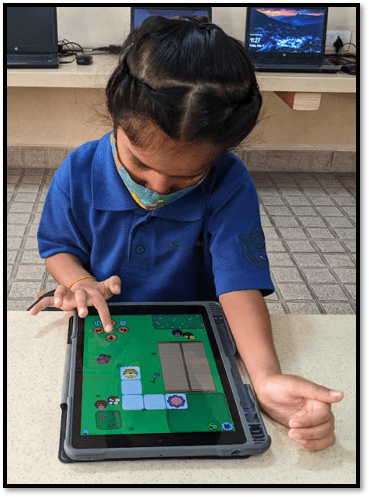

Students developed their computational thinking while working with a Bee-Bot, a programmable educational robot for learning control, directional language and programming. Students were excited to program the bot to move it to the desired location.
Grade 1
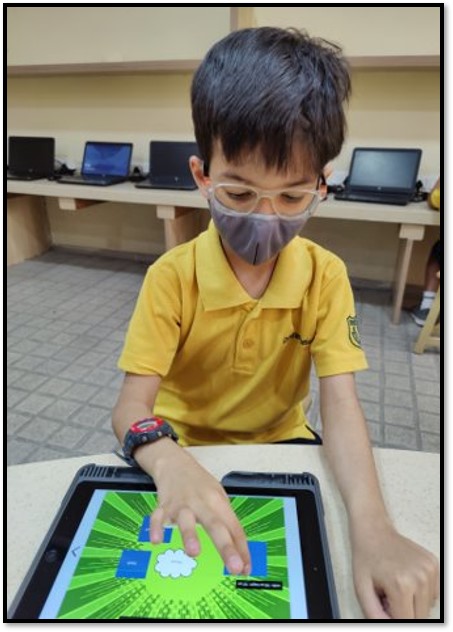
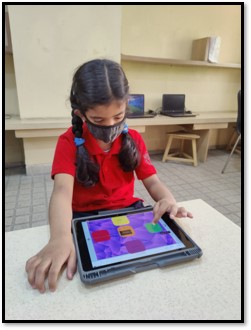
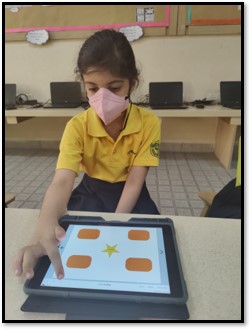
Students created a digital book on the Book Creator app. They created a book that displayed their understanding about the different properties of a material.
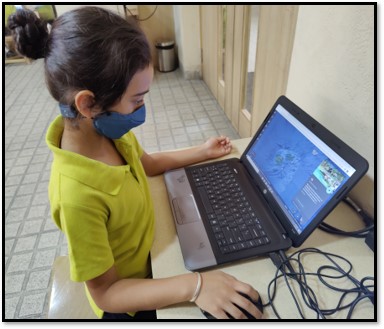
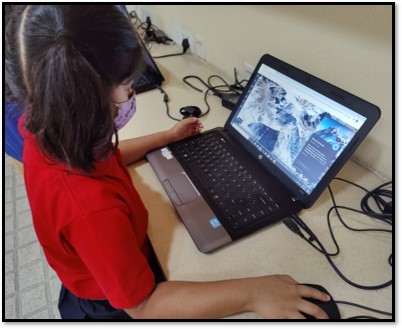
Students used Google Earth application and explored different landforms thereby enhancing their research skills.
Grade 2
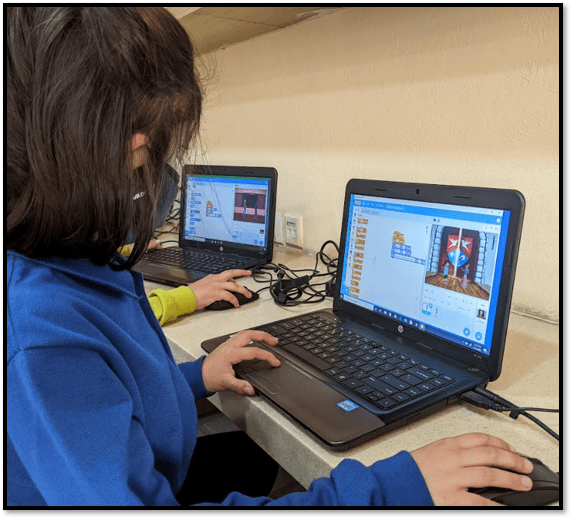


Students honed their logical thinking, creativity and problem-solving skills with coding as they
built stories and games using Scratch. Students reflected on processed and unprocessed food using different blocks of code.

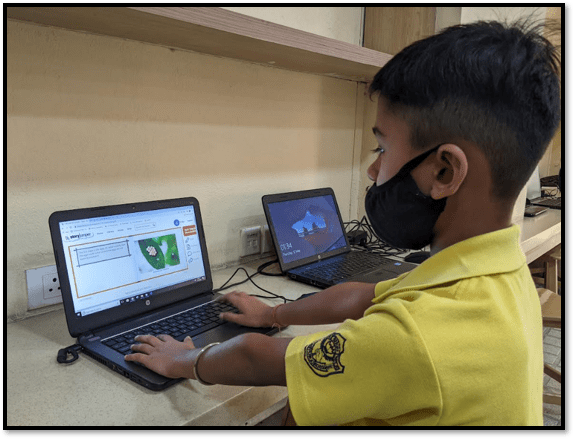
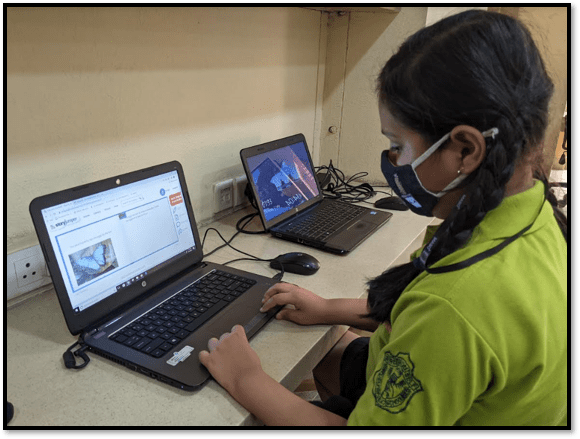
Students enhanced their creativity while working on an online app Storyjumper that enables students to create and share illustrated stories digitally. They created digital storybooks on the lifecycle of an insect or animal of their choice.
Grade 3

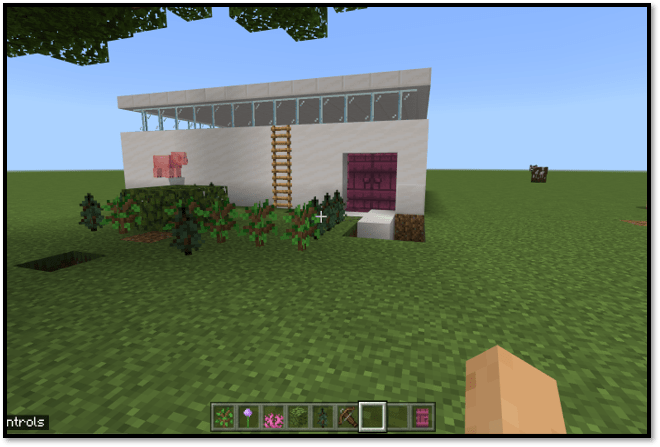

Students created a sustainable home structure and designed its interior using Minecraft. They used the non-player character (NPC), camera, and board to do so.
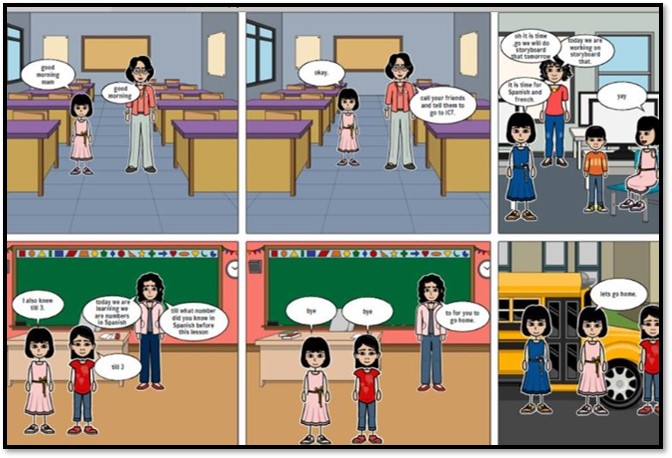
Storyboard That enabled students create storyboard on the topic of conflict management by adding different elements like scene, character, speech bubble, prop.
Grade 4
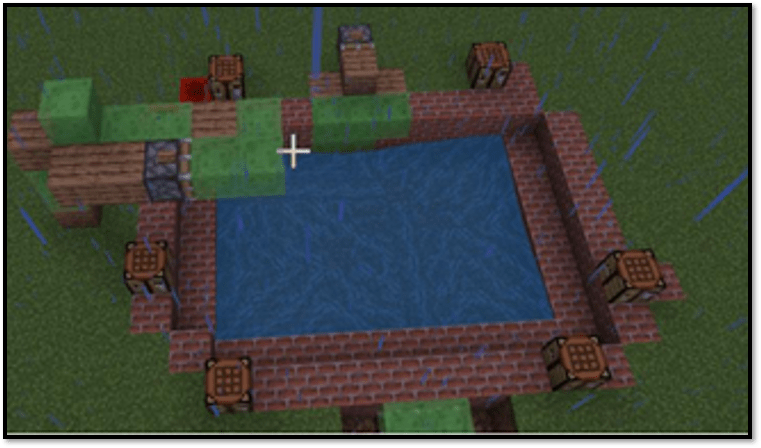
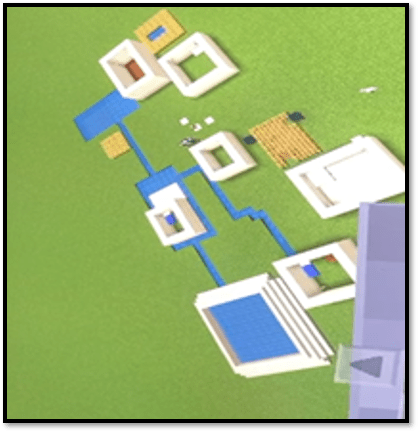
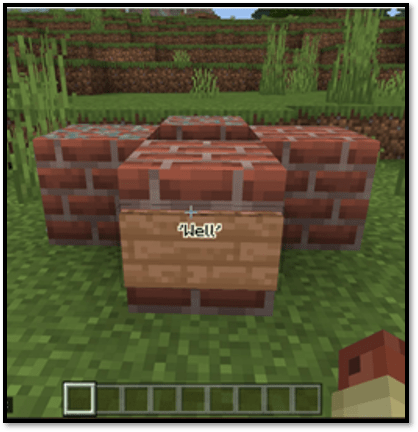
Students designed various structures for a civilization of their choice using various blocks in Minecraft. They used Non-player characters (NPC), sign-boards to describe their projects.
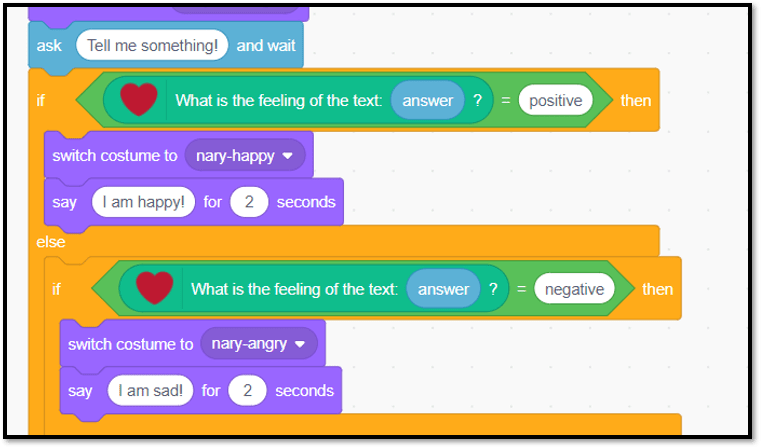

Students explored the app Cognimates, a platform for AI Education. They learned to train their own AI models and used them in the codelab to build games or program robots.
Grade 5
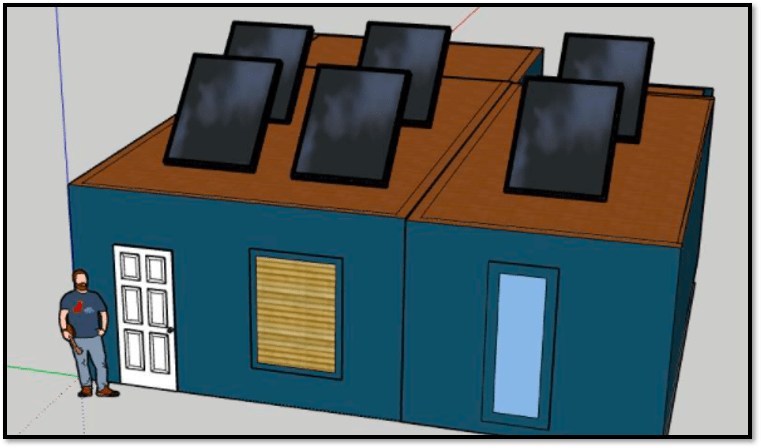
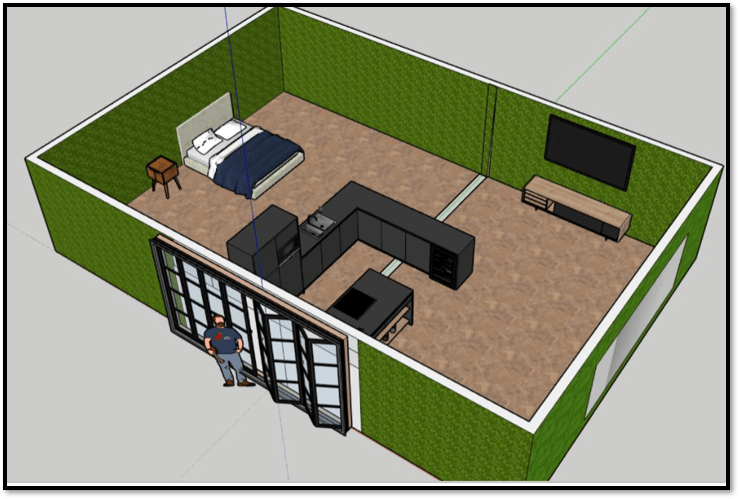

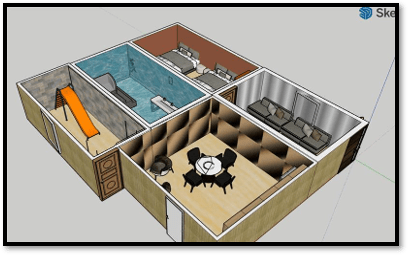
Sketchup, an online tool was used for enhancing designing skills which helped students make a prototype of 3D homes. Students augmented their creative skills while designing sustainable homes.

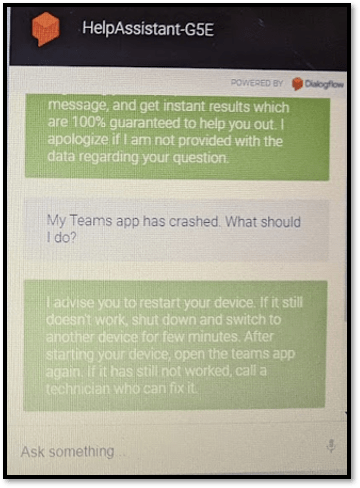

Students were introduced to Dialog flow, which enabled them to know how to make an online chatbot. Students enhanced their creative skills while doing so.
 Tech-Dawn